KRONE operation terminal Gamma
130
Pos: 26.39 /BA/Inf o-Center/Großpackenpr esse/Hauptmenüs/ Alarmmeldungen/A larmeldung allgemein @ 19\m od_1238492730946_78.d oc @ 219796
8.15.1 Alarm Message
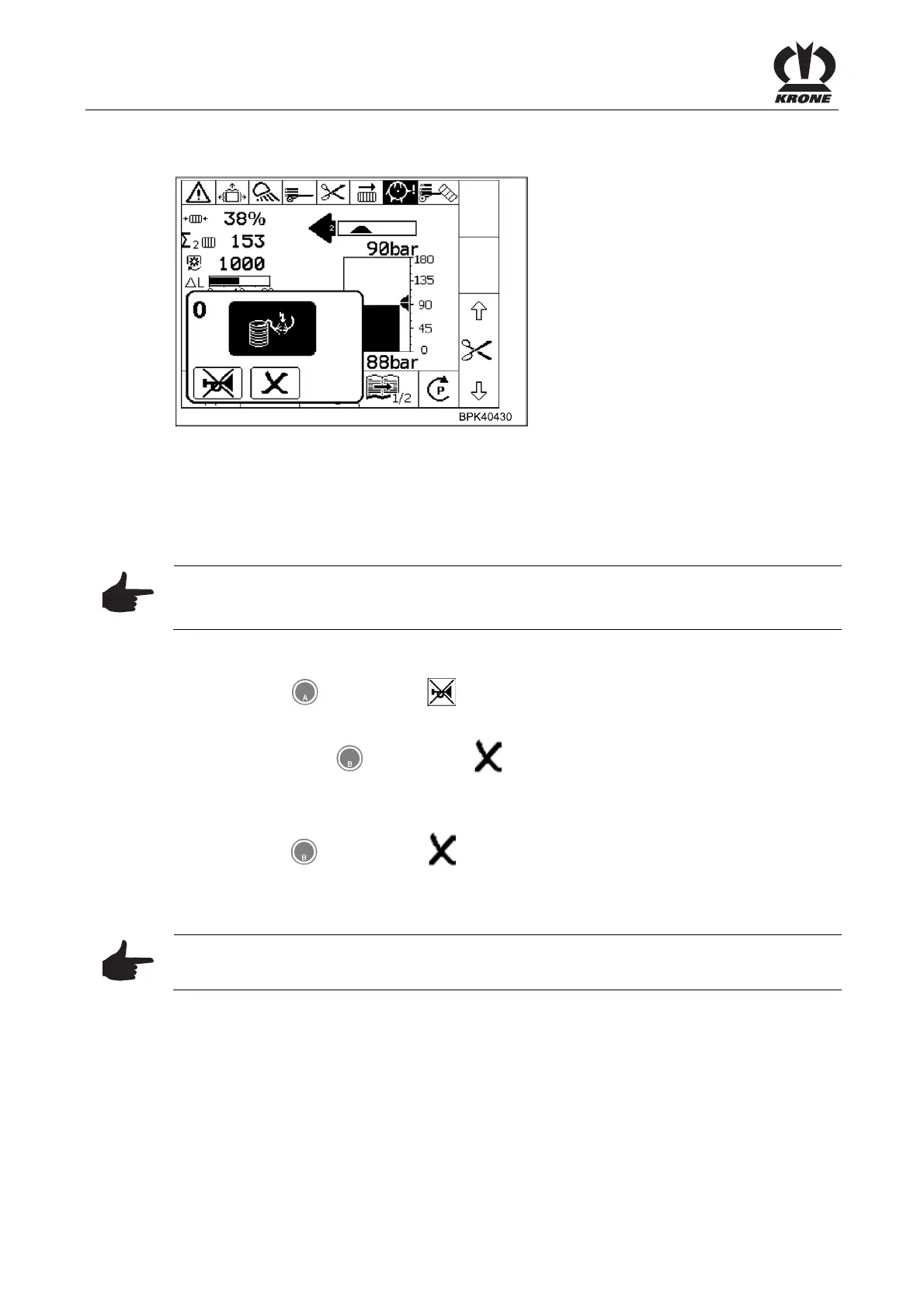
Figure 81
Alarm Message
If a malfunction occurs in the machine an alarm message appears in the display and an audio
signal is heard at the same time (rapid-interval horn sound). Description, possible cause and
remedy are shown in Chapter "alarm messages".
Note
All functions in the menu that is covered over are still active. The softkeys that are covered by
the alarm message are disabled.
Stop audio signal:
• Press the
key for softkey .
To reset alarm:
• Briefly press the
key for softkey . The alarm is reset and the audio signal stops.
If the malfunction occurs again, the alarm message will appear again.
To delete an alarm:
• Press the
key for softkey and hold it for 5 seconds. The audio signal stops
immediately and the alarm will be deleted.
If the malfunction occurs again, no alarm message will appear. The alarm message does not
appear when the malfunction occurs until after the control unit is turned off and back on.
Pos: 26.40 /BA/Inf o-Center/Großpacken presse/Hauptmenüs/ Alarmmeldungen/ Hinweis Das Löschen des Alar ms sollte nur im Notfall verwendet werden. @ 19\mod_1238 493729009_78.doc @ 219844
Note
Alarms should only be deleted in emergency situations.
Pos: 26.41 /BA/-----Seitenumbruch------ @ 0\mod_1196175311226_ 0.doc @ 4165









 To Next Page