KRONE operation terminal Gamma
82
Pos: 26.4.9 /BA/I nfo-Center/Großpackenpr esse/Übersicht/ Einschalten Bedien einheit BiG Pack @ 18\mod_123 7291566706_78.doc @ 209715
8.4 Operational readiness
Switching on
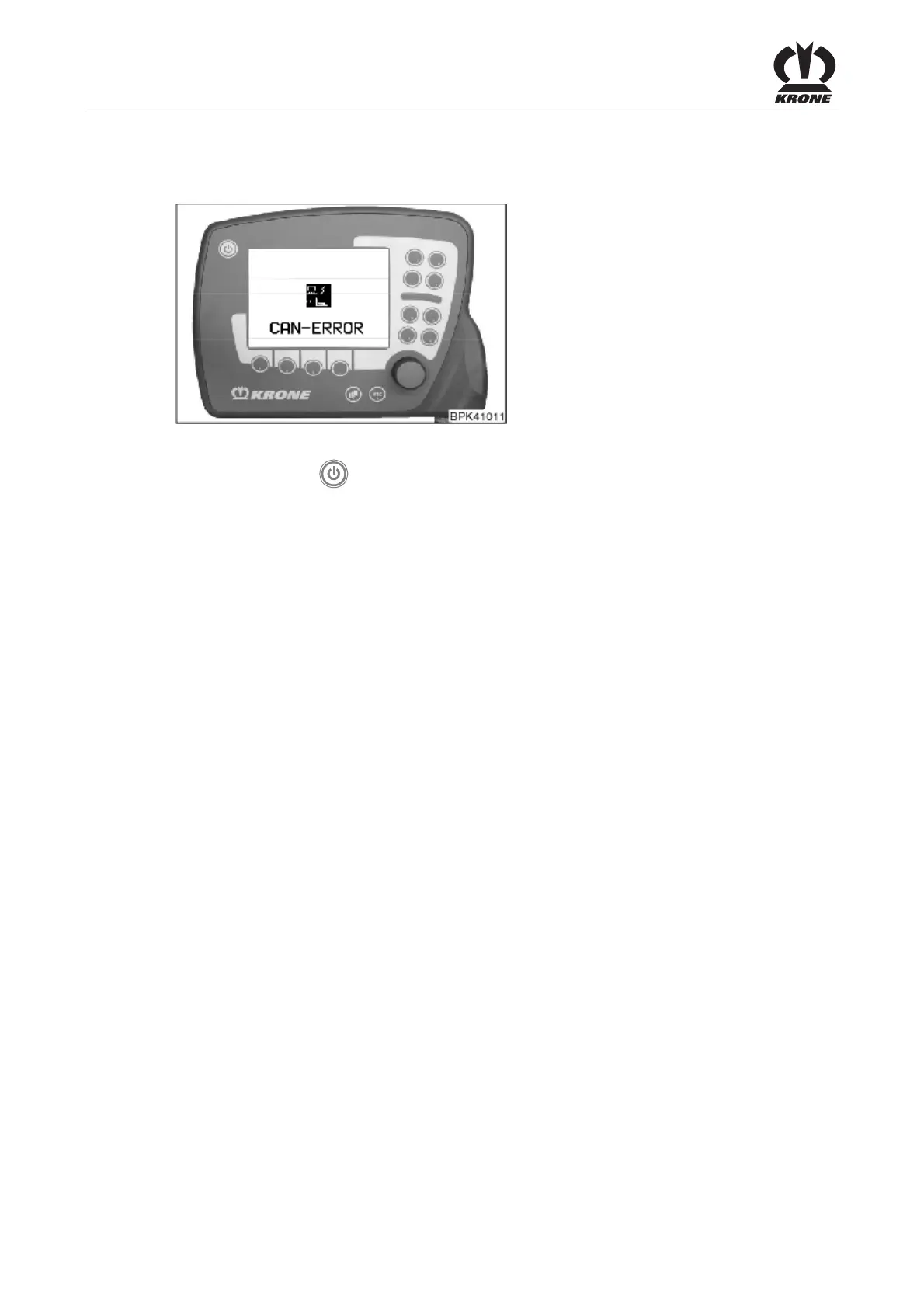
Fig. 41
• Press the key
After you have switched the unit on, the connection to the job computer is established. If it is not
possible to set up a connection, the message shown above appears in the display.
The CAN connections and job computer must be checked.
If the connection is established, the basic screen “Manual Mode” appears after a brief time (see
chapter "Basic screen manual mode 1/2").
Pos: 26.5 /BA/--- --Seitenumbruch-- ---- @ 0\mod_1196175311226_0. doc @ 4165









 To Next Page