KRONE ISOBUS-Terminal CCI 100
145
Pos: 28.28.5 /BA/I nfo-Center/CC-I SOBUS-Terminal/CCI- BiG Pack/Grundbild Handbetr ieb/Beschreibun g der Grafiken (II) f ür Funktonstasten (F1 bis F6) @ 43\mod_1275032396468_78. doc @ 389261
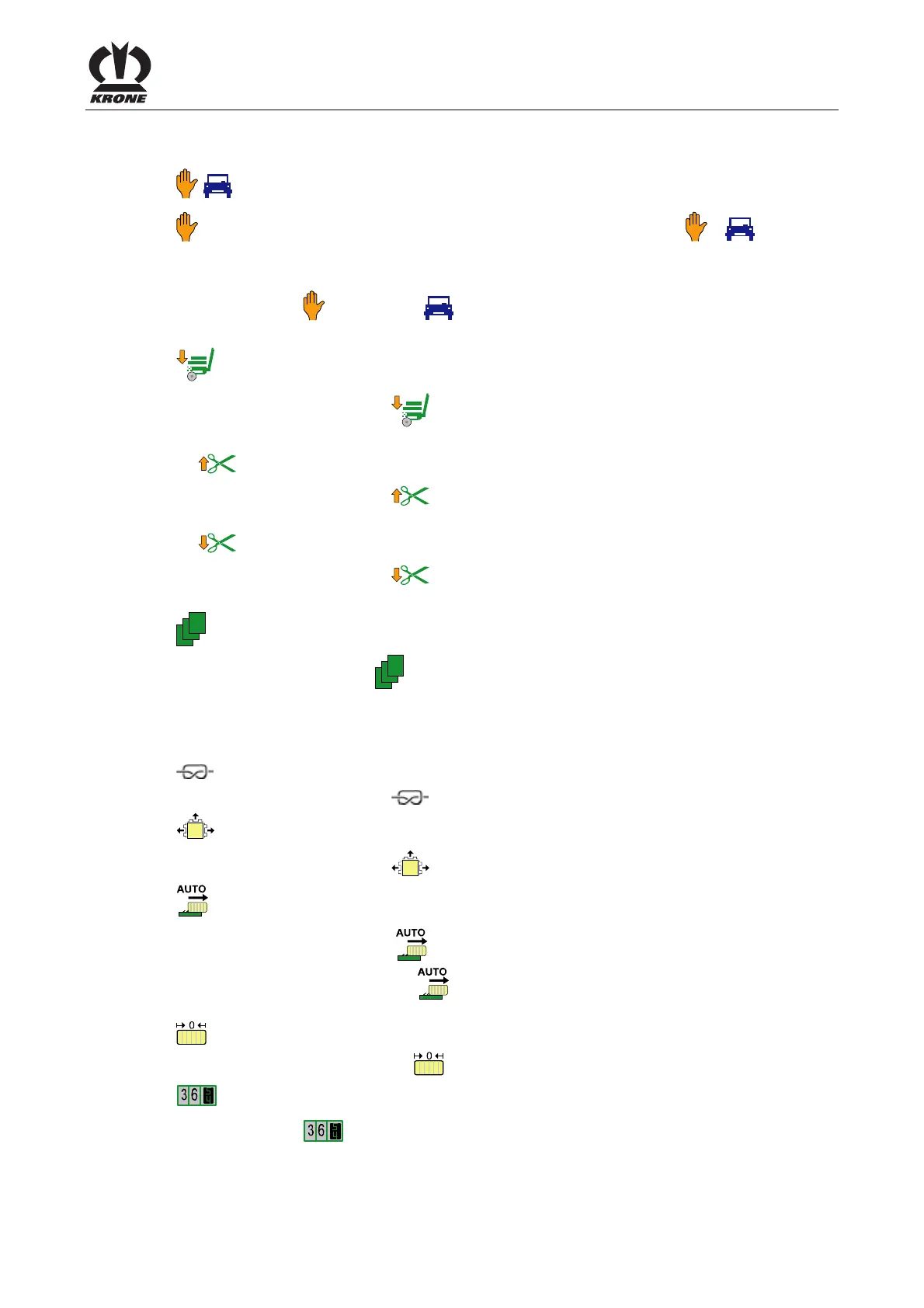
Description of the symbols (II) for the function keys (F1 to F6)
/ Manual / automatic mode
Switching between manual/automatic mode (the activated operation
/ is
displayed).
Switching to automatic mode:
Press function key
. (The symbol will be indicated on the display (automatic mode)).
Lowering the bale chute
• Press function key
•
Lifting the blade bar
• Press function key
•
Lowering the blade bar
• Press function key
Menu level of the machine
By pressing the function key
the menu level of the machine will be called.
Pos: 28.28.6 /BA/I nfo-Center/CC-I SOBUS-Terminal/CCI- BiG Pack/Grundbild Handbetr ieb/Beschreibun g der Grafiken (II) f ür Funktonstasten (F7 bis F12) @ 43\mod_1275033915265_78. doc @ 389286
Description of the symbols (II) for the function keys (F7 to F12)
Triggering the knotter
• Press function key
Opening bale channel flaps
• Press function key
Bale ejector automatics
• Press function key
(bale channel flaps will be opened)
• Press the function key
a second time (the symbol is shown in reverse colors
10 bale ejections are performed)
setting the current bale length back to zero
• Keep the function key
pressed for approx. 2 seconds
Setting the customer counter
Press function key
. The menu 2-1 "Customer counter" is displayed (for settings see menu
2-1 "Customer counter").
Pos: 28.28.7 /BA/-----Seitenumbruch------ @ 0\mod_1196175311226_0.doc @ 4165









 To Next Page