KRONE operation terminal Gamma
98
Pos: 26.28 /BA/Inf o-Center/Ladewagen/M enüebene Überblick Haup tmenüs @ 0\mod_12006573257 71_78.doc @ 46536
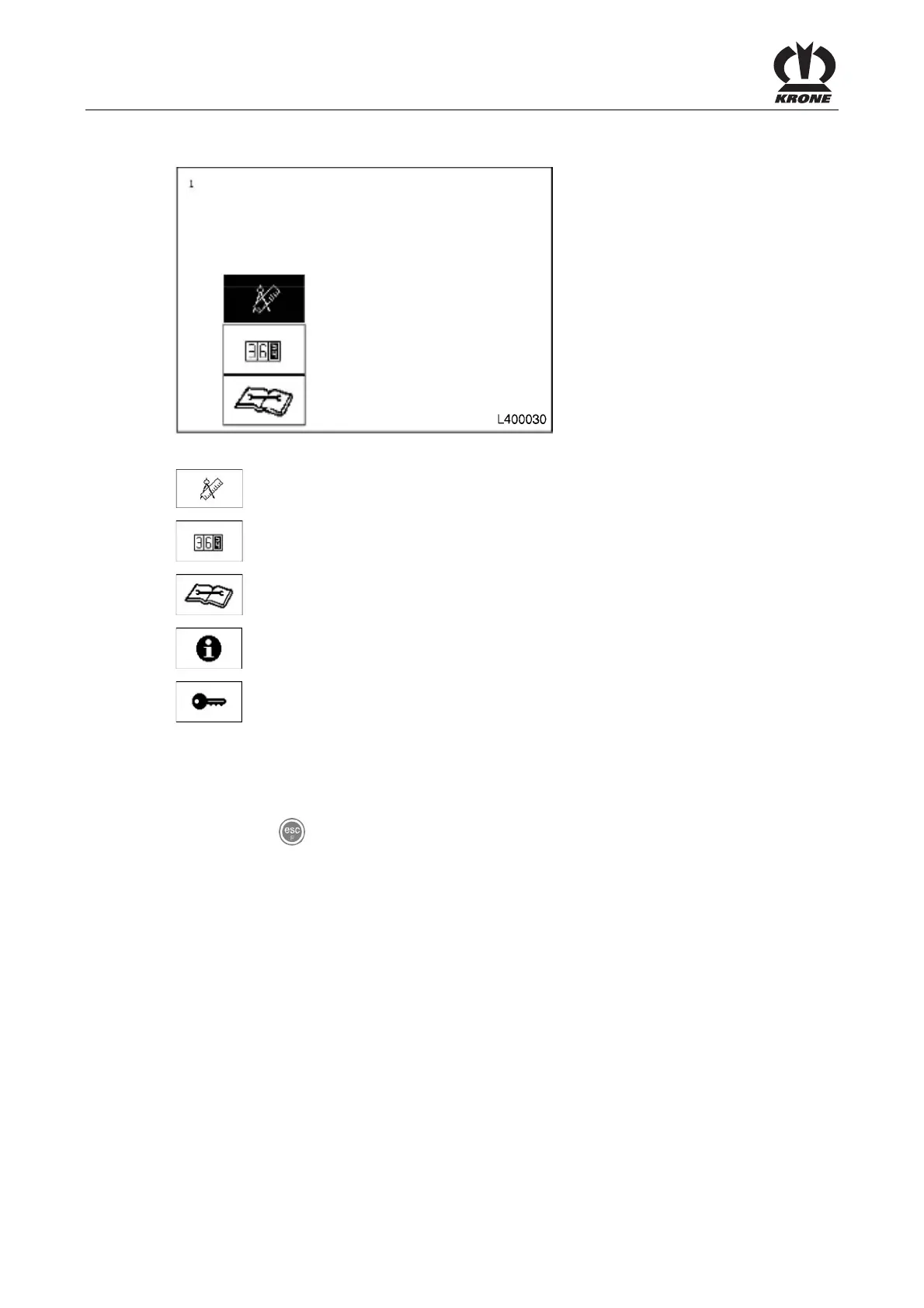
The menu level is divided into five main menus:
Fig. 53
= Main menu 1 "Settings"
= Main menu 2 "Counters"
= Main menu 4 "Service"
= Main menu 5 "Information"
= Main menu 6 "Technician"
You can use the rotary potentiometer to select the main menus. The selected icon is shown in
reverse colours.
• Pressing the rotary potentiometer brings up the menu level of the main menu that is
selected.
• Use the
key to close the menu currently displayed.
Pos: 26.29 /BA/-----Seitenumbruch------ @ 0\mod_1196175311226_ 0.doc @ 4165









 To Next Page