Chapter 7 Effects
Page 114 Rev. 1.30.03.07.r1
Effect Sub-Display
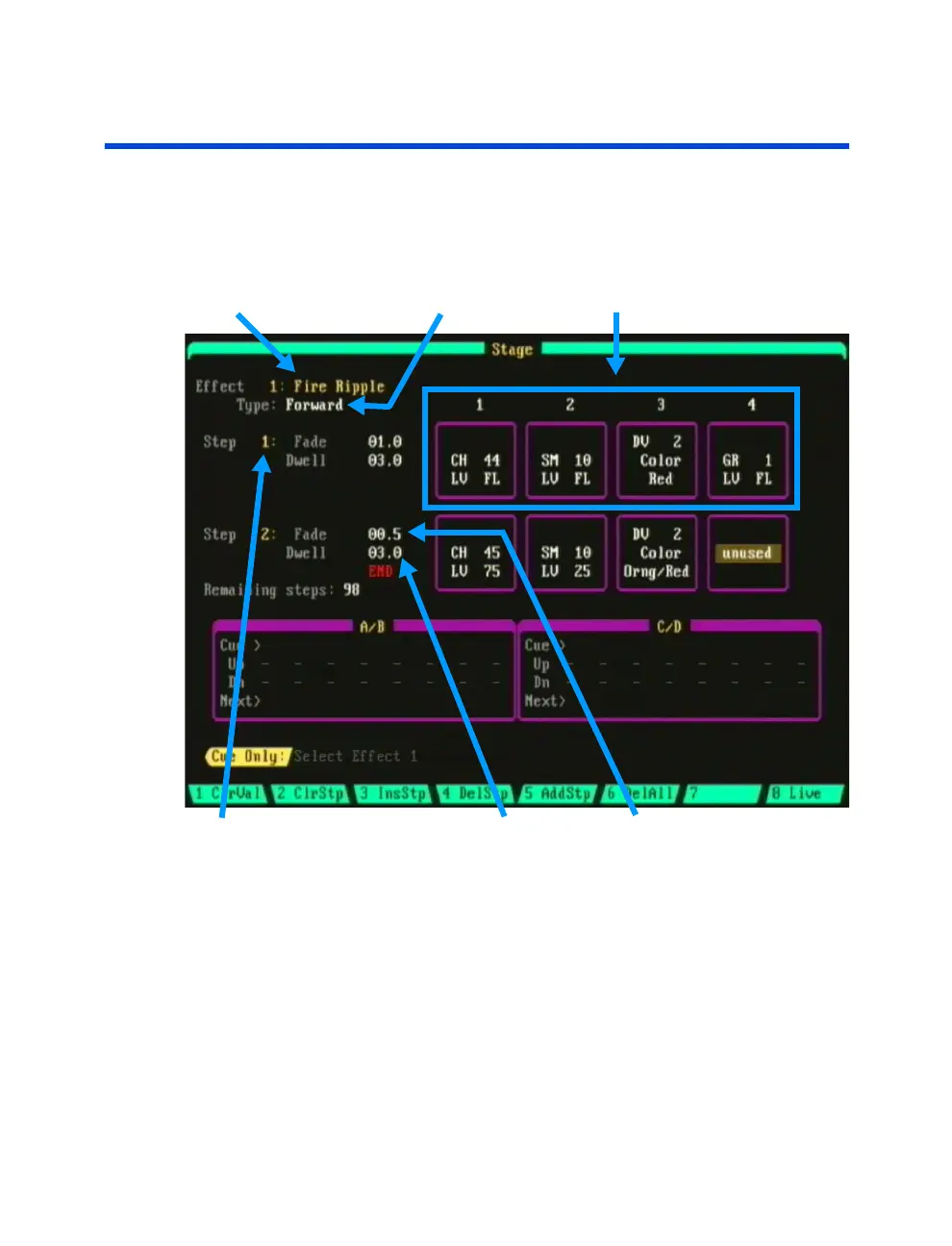
The Effect sub-display is used to create new effects or edit existing effects.
The display lists the name and pattern type of the effect as well as the
elements and fade/dwell times for each effect step.
Effect Name Pattern Type Effect Elements
Step Number Dwell Time Fade Time
Figure 7.0 Effect Sub-Display
Navigating the Effect Sub-Display
Use the up/down and left/right arrow keys next to keypad to navigate the
the different areas of the display. Examples are given in procedures
throughout this chapter.



 To Next Page