Chapter 10 Automated Devices
Page 150 Rev. 1.30.03.07.r1
Table 10.0 Device Menu Items
Initial Device Assignment
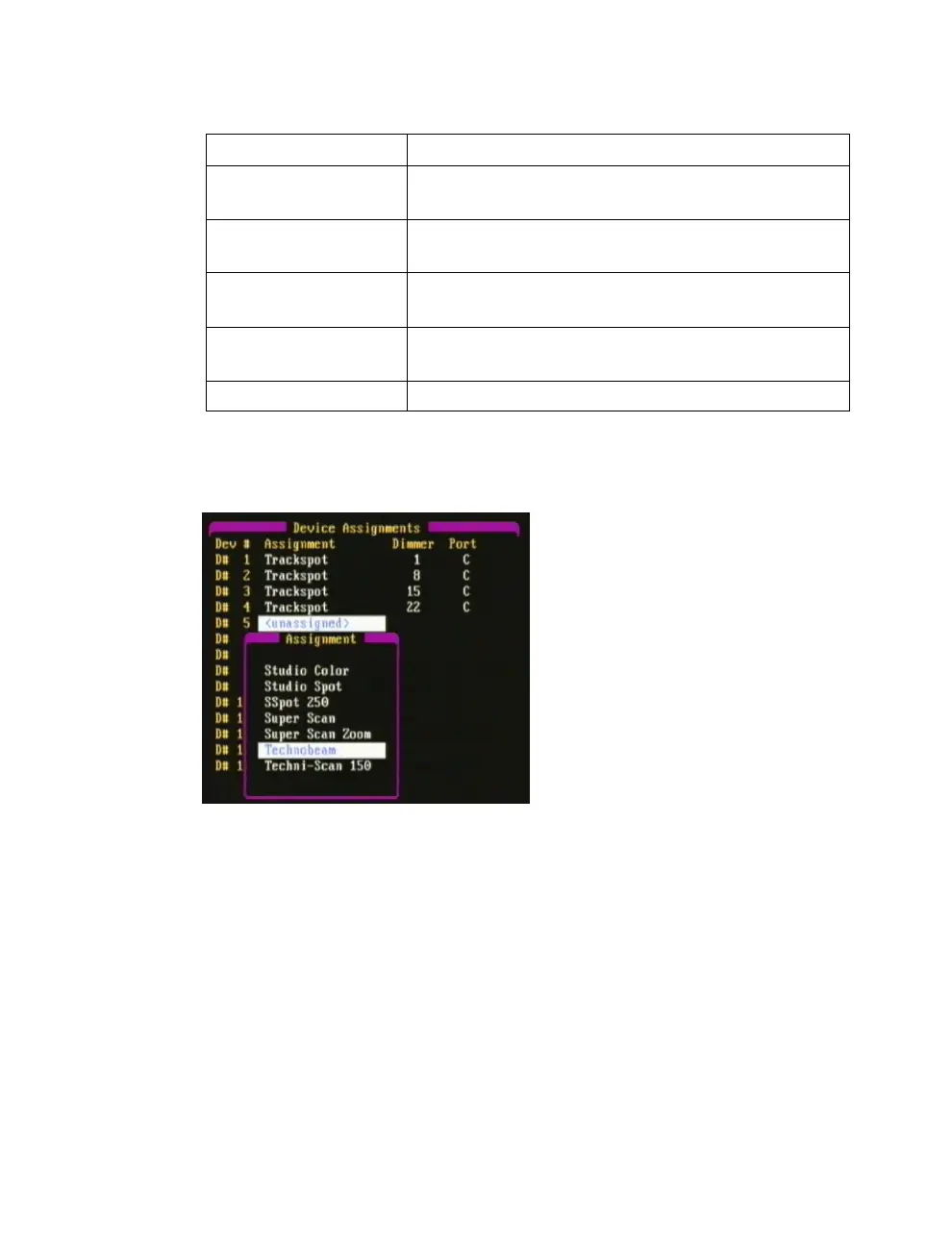
Figure 10.2 Device Library popup menu
Selecting "Edit Assignment" from the Device menu (Figure 10.1) will open
up the Device Library popup menu (Figure 10.2) so you can select your
device. Please see the procedure on the following page for an example.
For a list of the devices which are factory pre-loaded into the console, see
Appendix D Resident Devices
.
When making the initial device assignments, the console will search for the
first available dimmer address not in use by a conventional channel. After
the initial assignment is done, you can then assign the device to a specific
dimmer address (see
Custom Device Address Assignment
further below).
Device Menu Item Description
1. Edit Assignment Use to assign the device, starting
address and DMX port.
2. Clear Assignment Use to remove the device assignment
highlighted.
3. Edit Definition Use to edit a device definition in
the device library.
4. Add Definition Use to initiate the routine to add a new
device to the device library.
5. Delete Definition Use to deletea device from the library.



 To Next Page