Chapter 12 System Settings
Page 184 Rev. 1.30.03.07.r1
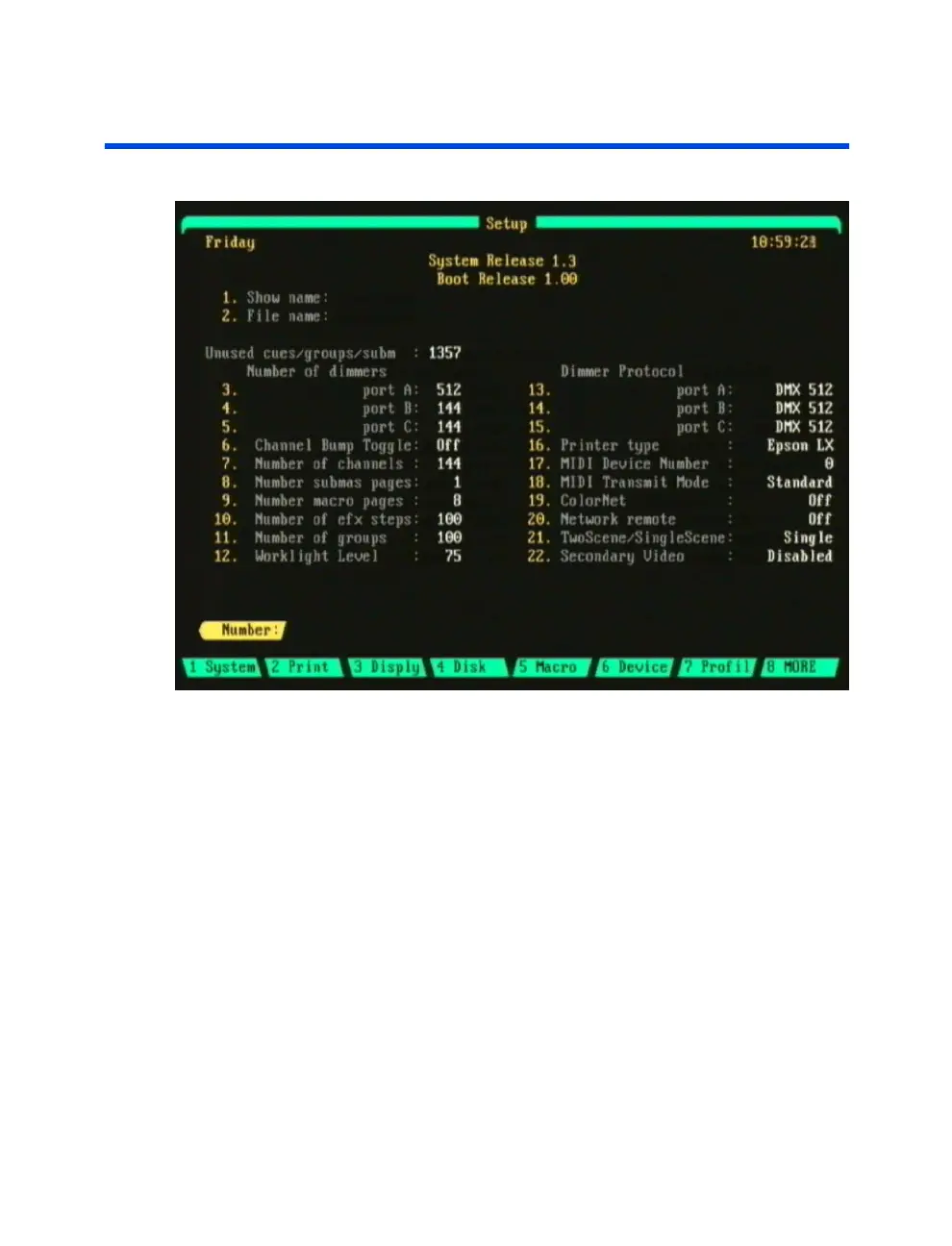
Navigating the Setup Display
Figure 12.0 Sample Setup Display
(Actual screen may vary depending on model)
To navigate within the Setup display, use the keypad to enter a menu item
number then press [ENTER]. The selected menu item parameter is
changed by either entering an applicable alphanumerical value or by using
the up/down arrow keys to toggle a selection. The sections throughout this
chapter demonstrate these techniques.
For descriptions of the Setup display’s soft-keys, please see the
Soft-Key
Functions
in the Setup Display
section further in this chapter.



 To Next Page