Chapter 5 Cues
Page 78 Rev. 1.30.03.07.r1
Playing Back Cues
Playback Faders
Playback Faders
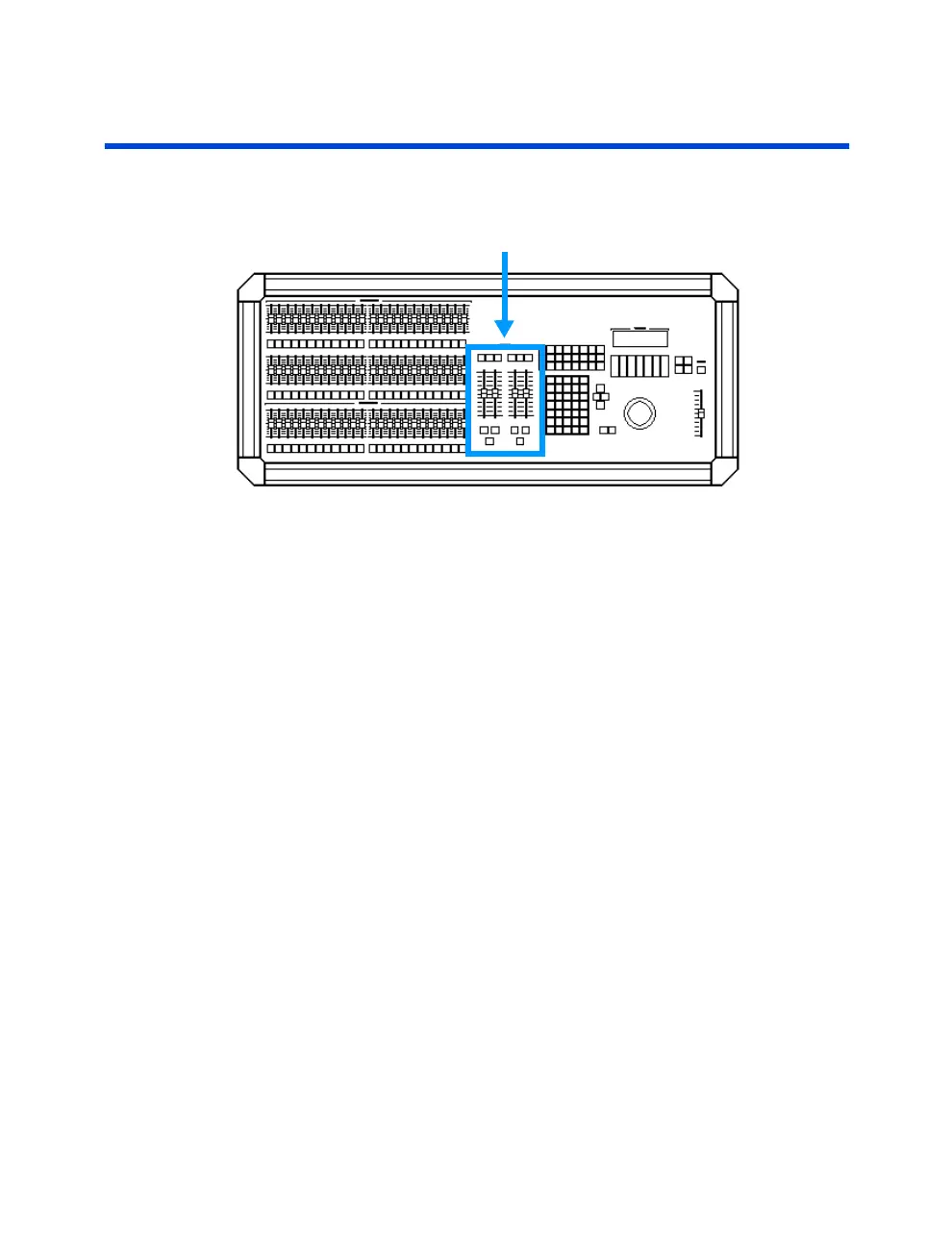
Figure 5.2 Playback Faders section
The two playback fader pairs, A/B and C/D, allow you to play back recorded
cues. The left fader, A and C, of each fader pair controls upfades, the right
fader, B and D, of each fader pair controls downfades. A playback fader pair
is referred to simply as a playback fader in this user guide unless otherwise
noted.
A cue is loaded by pressing the [LOAD] key above the playback fader and
then selecting the cue number. If [GO] is pressed with no cue number
selected, the first cue in the cue list will execute.
Different cues may be played back on either playback fader simultaneously.
For example, you may play a 20 minute daylight window cue in one
playback fader and play a number of cues in the other playback fader. Or
playback conventional lighting cues in one fader and playback automated
device cues in the other.
A manual cue is played back by physically moving the faders, a timed cue is
played back from the timing attributes programmed into it. Please see the
sections titled
Playing Back
Manual Cues
and
Playing Back Timed Cues
further in this chapter for more information and procedural examples.



 To Next Page