Chapter 10 Automated Devices
Page 156 Rev. 1.30.03.07.r1
The Device Display
The primary display used when programming automated devices is the
Device display. The Device display is a "live" display, meaning that any
changes made to device traits here will be visible on stage.
The other displays in which you can view and adjust trait levels of devices
are the Preview displays, Effect display and Tracksheet display.
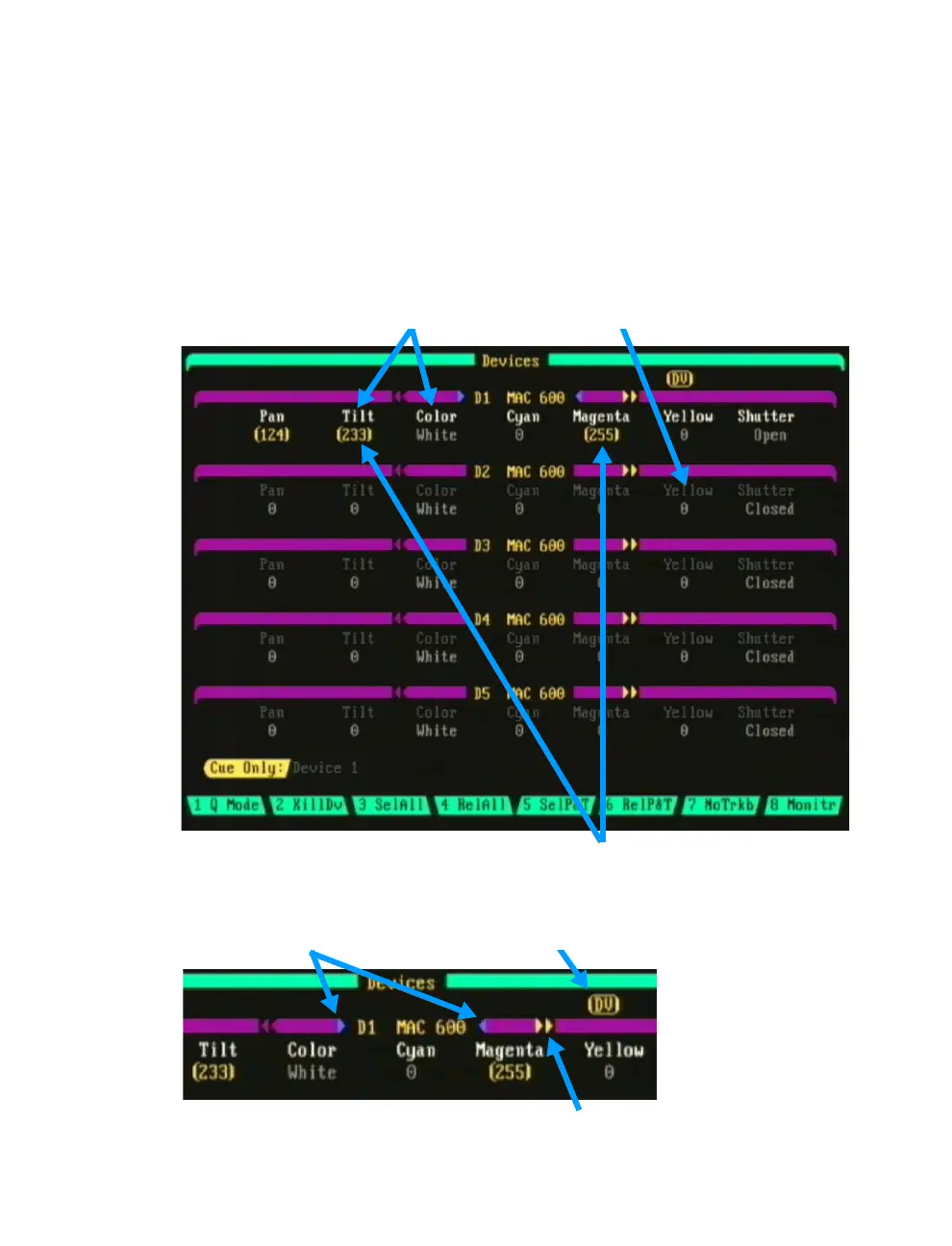
Traits selected for record (white) Traits not selected (gray)
Figure 10.5 Device Display
Traits under control of Trackball
or Encoder Wheels (boxed amber)
Active Device (Blue Arrows) "DV" icon
Figure 10.6
Additional traits to view (Amber Arrows)



 To Next Page