User Guide Chapter 10 Automated Devices
Rev. 1.30.03.07.r1 Page 165
Blind Recording and Editing of Devices
Sometimes it is necessary to record or edit your devices while not affecting
the current look on stage. This can be accomplished by using the Cue,
Group and Submaster Preview displays or the Tracksheet display.
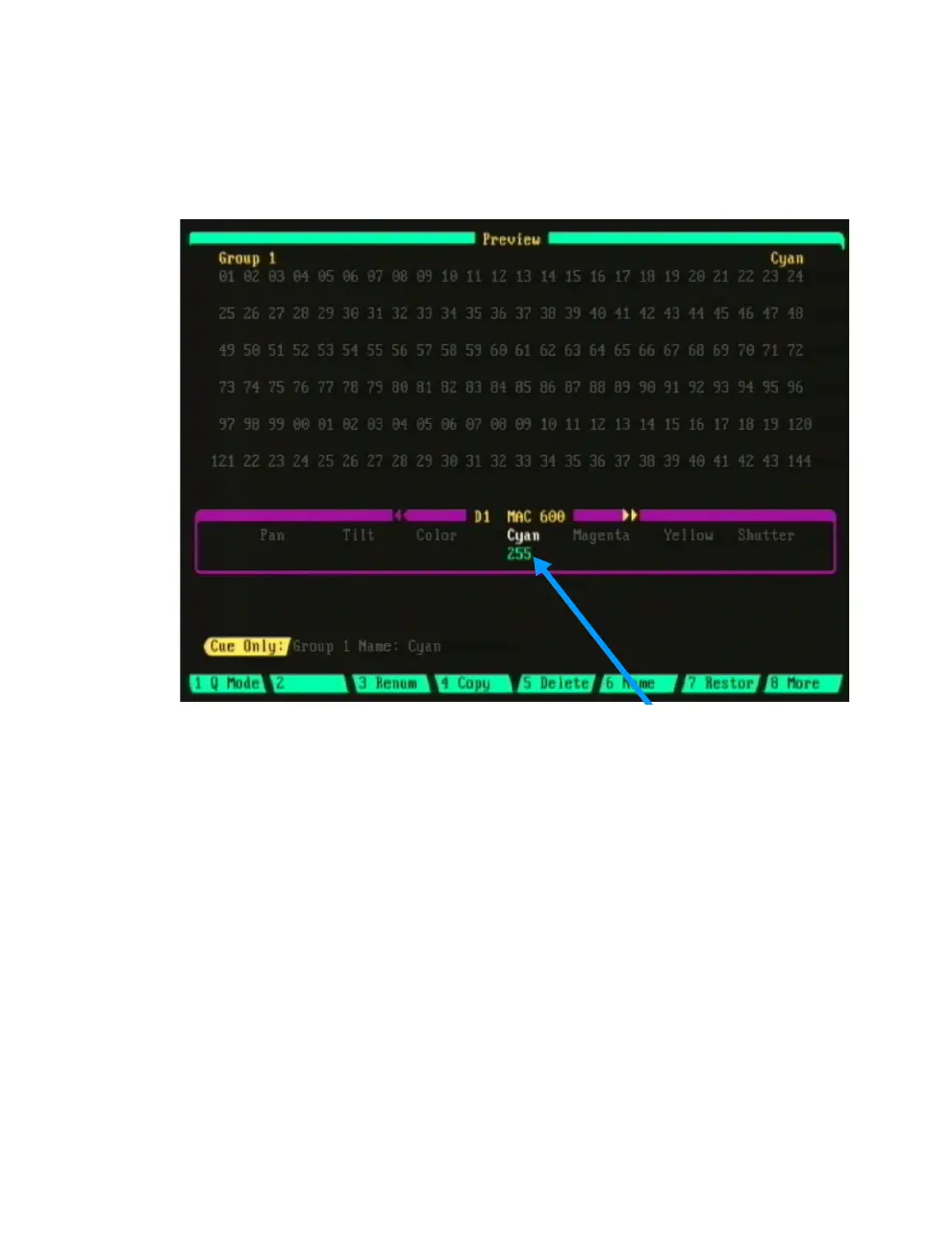
Figure 10.8
Group Preview Display showing Device Trait recorded
As the Cue, Group and Submaster Preview displays are similar in
appearance and operation, the following descriptions of the Group Preview
display also apply to the Cue and Submaster Preview displays.
In Figure 10.8 above, Group 1 has been recorded as a Cyan color group for
devices 1 - 4. To view the other devices in the group use the up/down
arrow keys. To blind edit this group press [DEVICE] [1] [THRU] [4]
[ENTER]. This will open up the LCD and enable the encoder wheels
allowing you to perform your edit. Although you cannot see more than one
device at a time in the Group Preview display, any edits you make while
adjusting the traits with the encoder wheels will affect the other devices in
the group as long as they have also been selected.
The trackball can also be used to select and adjust individual traits of a
single device by placing the cursor over the trait and pressing the
[CHANGE] key next to the trackball.



 To Next Page