Chapter 11 Memory Functions
Page 178 Rev. 1.30.03.07.r1
Soft Clear
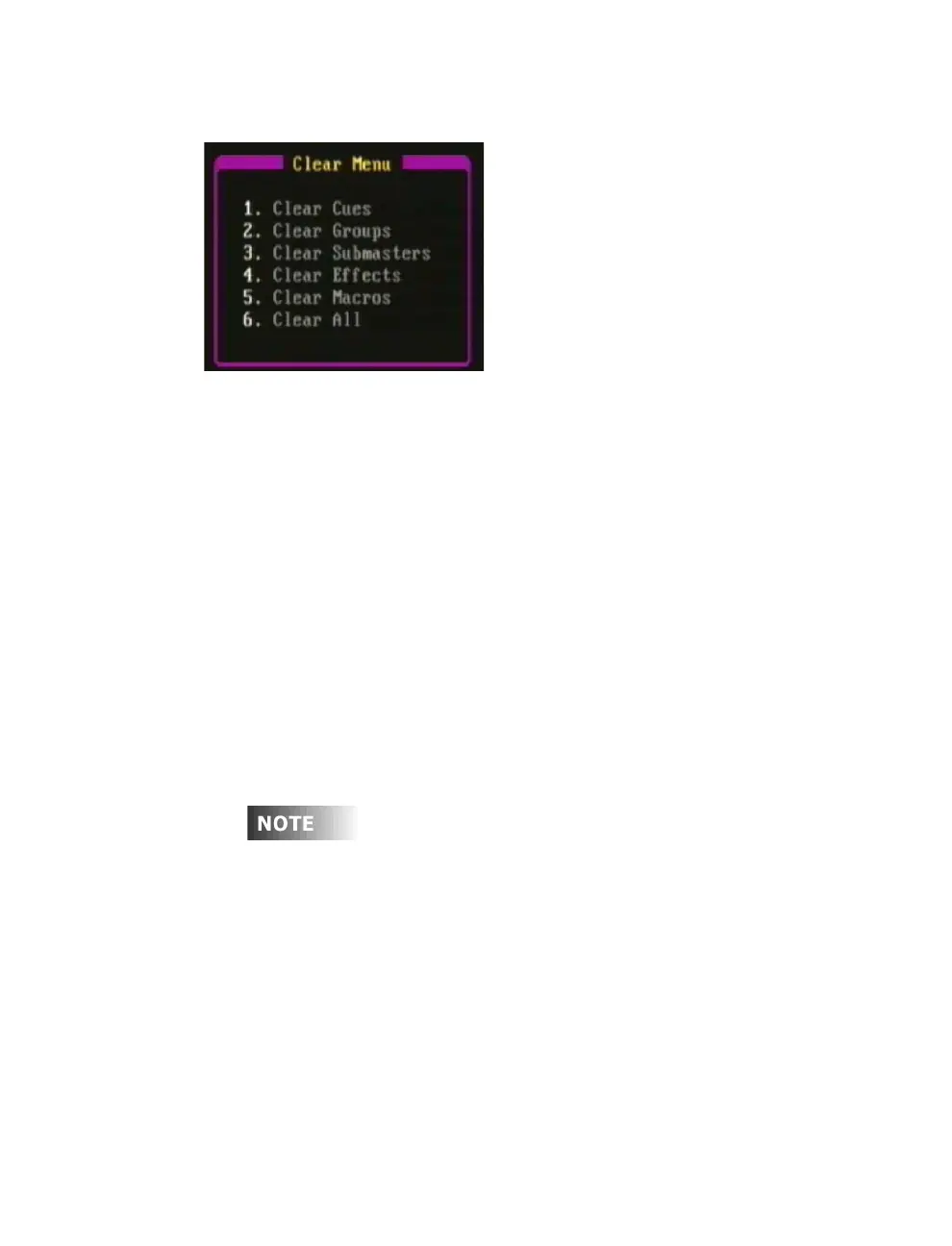
Figure 11.0 Clear sub-menu
A "soft clear" erases just the contents of some or all of the show memory, it
does not reset the board to it’s default settings as a hard clear does as
described in the preceding section. From the clear menu of the Setup
display you can individually clear cues, groups, submasters, effects and
macros or clear all of the above (see Figure 11.0 above).
Procedure: Notes:
1. Press [SETUP]
2. Press (More) Changes soft-key level
3. Press (Clear) Clear sub-menu appears
4. Enter [#] to select area of Menu items 1 - 6
memory to be cleared
5. Press [ENTER] Memory cleared
6. You will be asked to confirm, press [1]
Assignments of automated devices are cleared from the Device
Assignment sub-display of the Setup display. See
Chapter 10
Automated Devices
for more information.



 To Next Page