Chapter 13 Printing
Page 200 Rev. 1.30.03.07.r1
Print Sub-Display
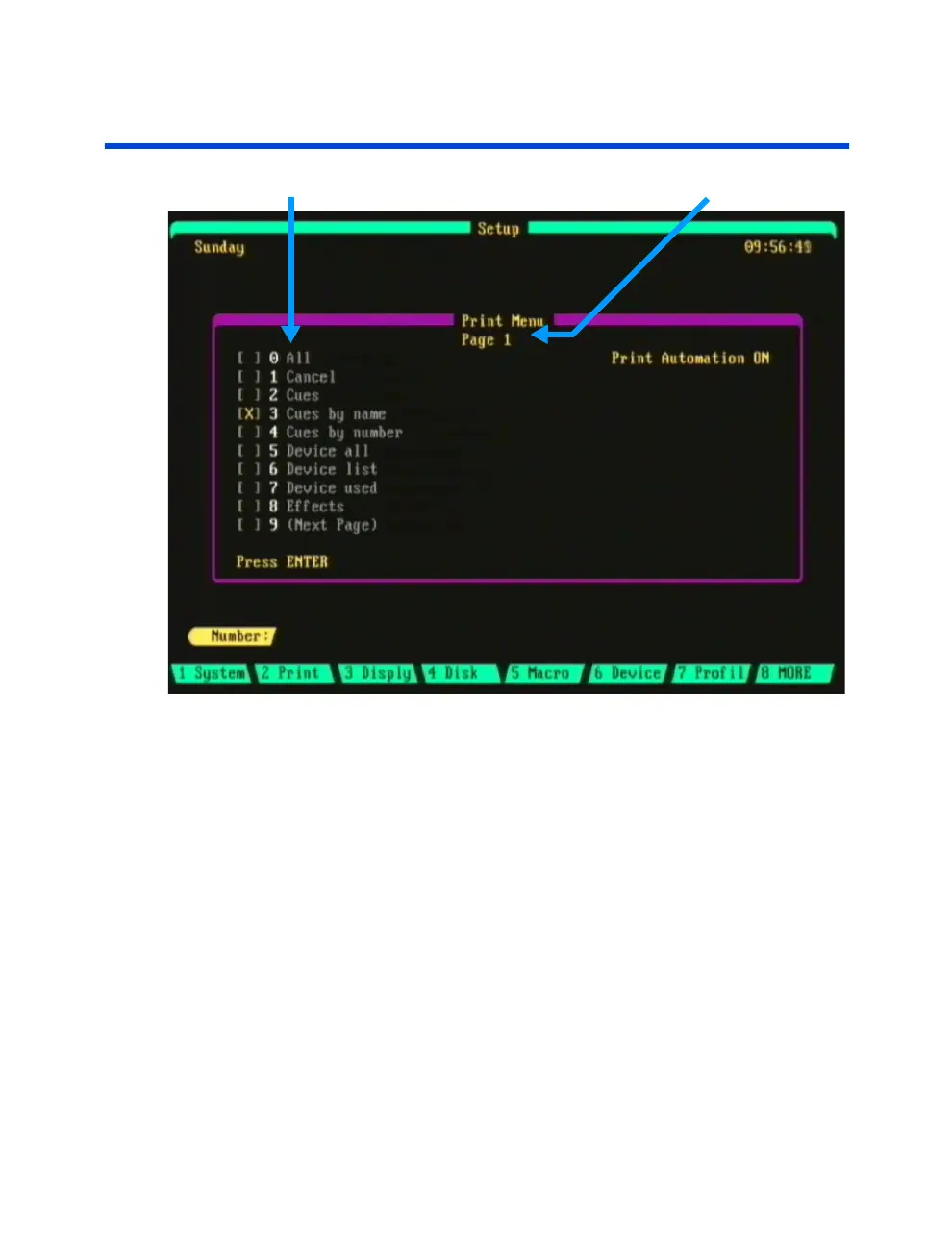
Print Menu Items Print Menu Page Number
Figure 13.0 Print Menu, Page 1
Navigating the Print Menu
To access the print menu press [SETUP] (Print).
There are three pages of the print menu; to change pages press [9]. This
will bring you to the next page.
To select the type of printout desired, enter the menu item number then
press [ENTER].
When a menu item is selected for print, the letter "X" will appear in the
square brackets next to the menu item number. For example: [X] 2. Cues.
While a menu item is printing the letter "P" will appear in the square
brackets next to the menu item number. For example: [P] 2. Cues. A
"Printing Report" message will also show at the top of the display screen.



 To Next Page