User Guide Chapter 4 Submasters
Rev. 1.30.03.07.r1 Page 49
Preview Mode and Submasters
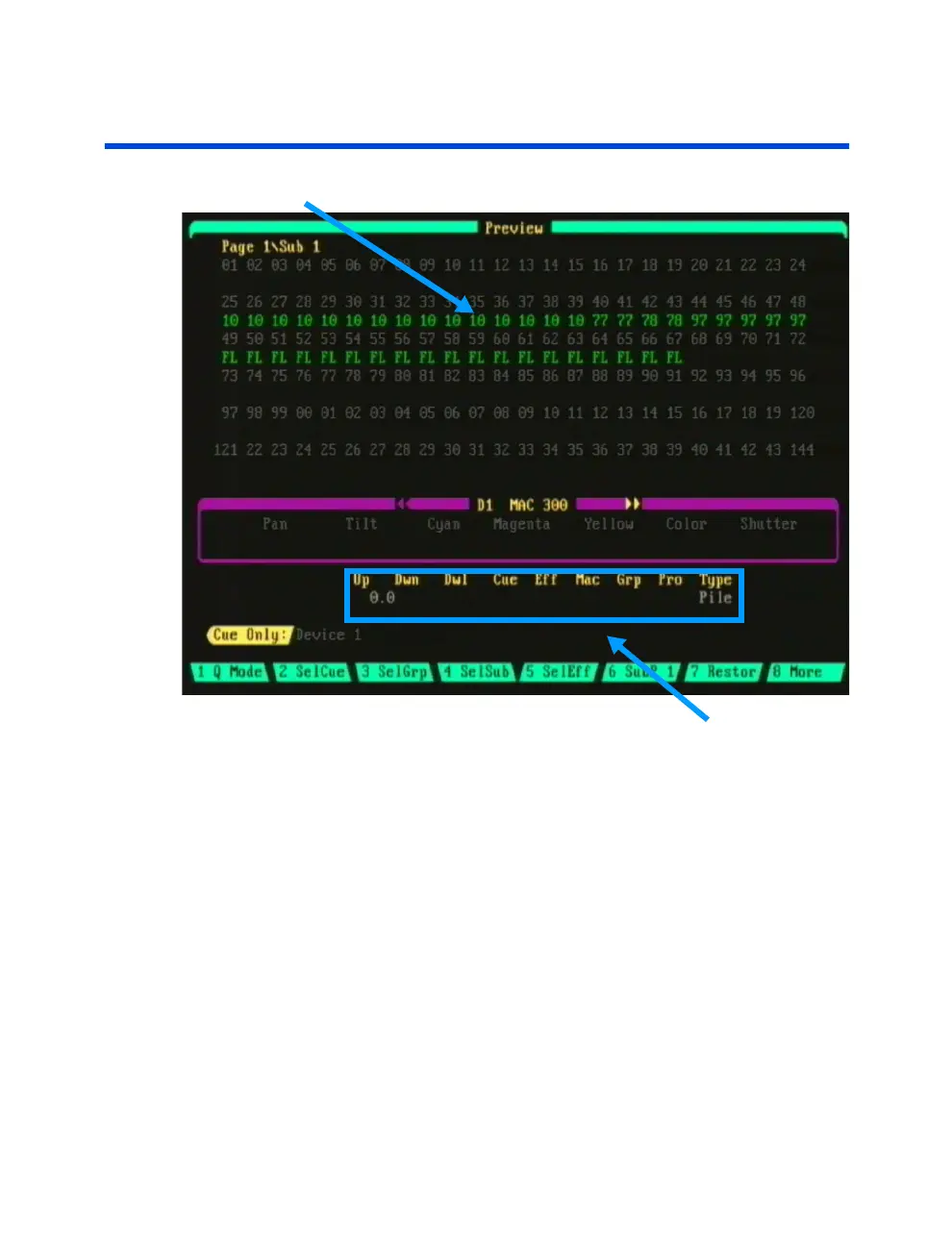
Sub Levels (green color)
Figure 4.3 Submaster Preview Display
Attributes Line
Navigating the Submaster Preview Display
To select a specific sub for viewing and editing press the (SelSub) soft-key
while in the Preview display. Follow these steps to select a submaster from
the Preview display:
Procedure: Notes:
1. Press [PREVIEW]
2. Press (SelSub) [#] Selects sub
3. Press [ENTER]
You can also use the left/right arrow keys to view and page through all the
different subs.
Submaster Colors in Display: Submaster levels are displayed in green
while in the Preview and Stage displays.



 To Next Page