Chapter 3 Setting Channel Levels
Page 30 Rev. 1.30.03.07.r1
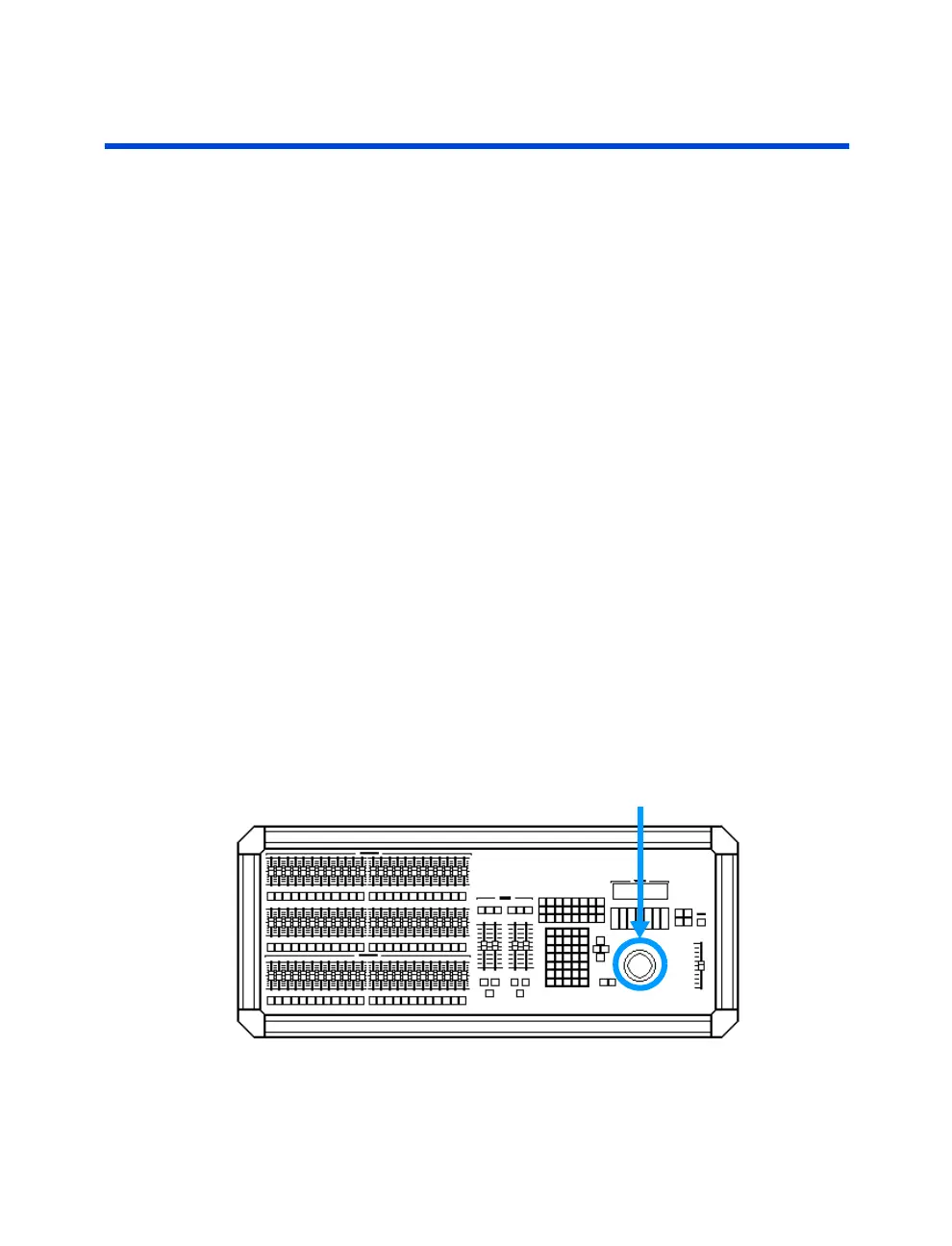
How to set levels with the Trackball
The keypad and trackball can be used together to select and set channel
levels. In this method, the channels are selected with the keypad (as
described in the preceding section) and the levels are set with the trackball.
Follow these example steps to set levels using the keypad and the trackball:
Procedure: Notes:
1. Press [STAGE] Opens Stage display
2. Press [1]
3. Press [ENTER]
4. Adjust trackball to set channel level
Channel levels can also be selected and set by only using the trackball. To
use just the trackball, first locate the cursor by moving the trackball. If you
have been selecting channels with the keypad or performing edits to levels,
you may find it necessary to push the [CLEAR] button a few times in order
to regain control of the cursor with the trackball.
Procedure: Notes:
1. Press [STAGE] Opens Stage display
2. Select a channel with trackball Place the cursor directly
beneath
the channel number
3. Press and hold the [CHANGE] key Release [CHANGE] key when
while adjusting levels with trackball done
Trackball
Figure 3.2 Trackball



 To Next Page