User Guide Appendix A Installation
Rev. 1.30.03.07.r1 Page 225
Secondary Video Option
The control console supports a second video display to enhance the
information provided to the console operator. By being able to view more
information, the operator can have not only additional information but with
the fast display change features more control of vital show functions.
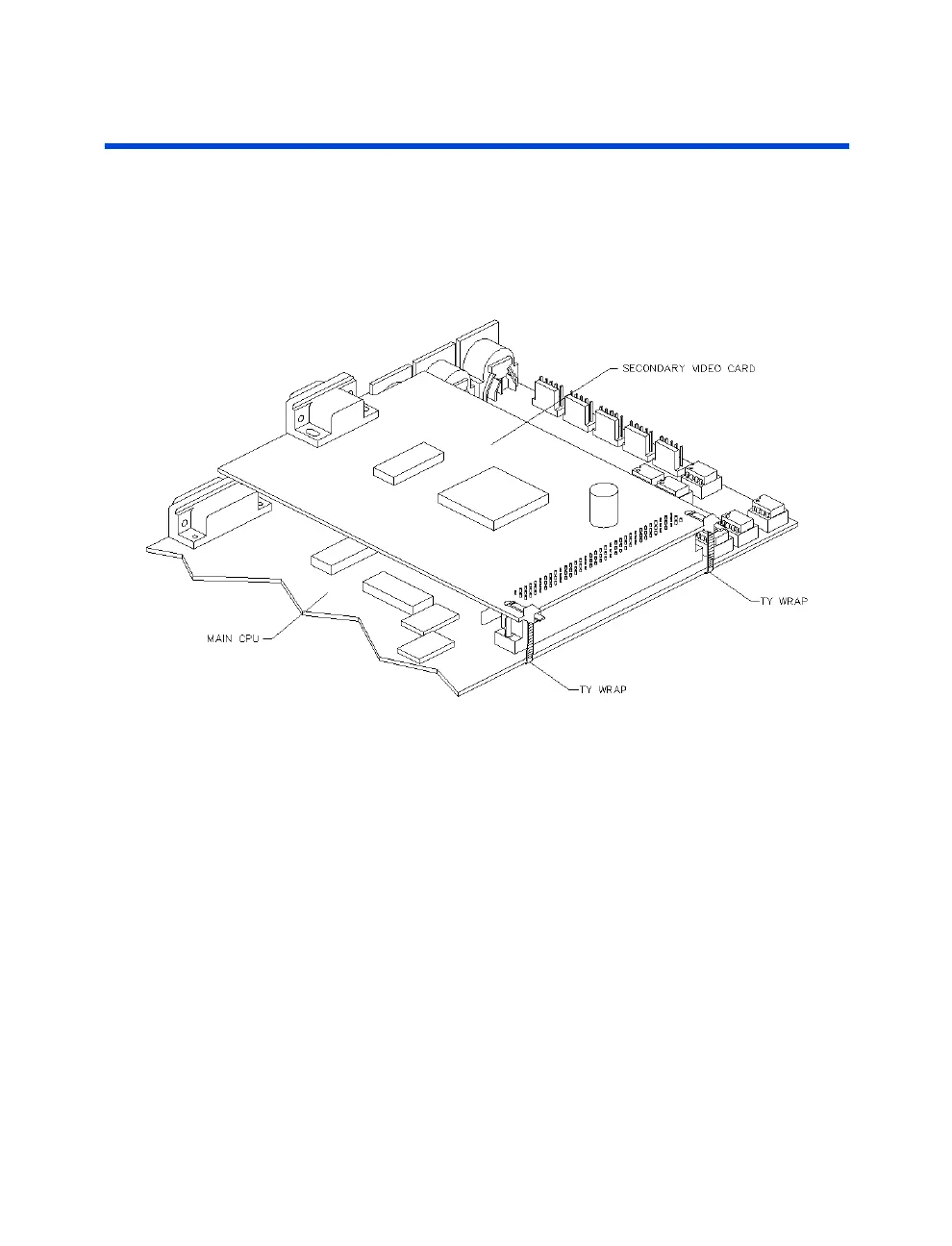
Figure A.5 Video Card Installation
Installation
• Check package contents: (2) Zip style cable ties and (1) Video Card
• Disconnect AC power.
WARNING!
The console contains high voltage (120 or 240 V)
which can cause injury or death. Be sure to unplug the console
from its AC power source before performing any maintenance
inside the console. Due to risk of electrical shock all
maintenance and repair inside console must be performed by
qualified service personnel.
1. Disconnect ALL control cable connections
2. On a padded surface invert the console, laying it face down



 To Next Page