User Guide Chapter 4 Submasters
Rev. 1.30.03.07.r1 Page 41
Chapter 4 Submasters
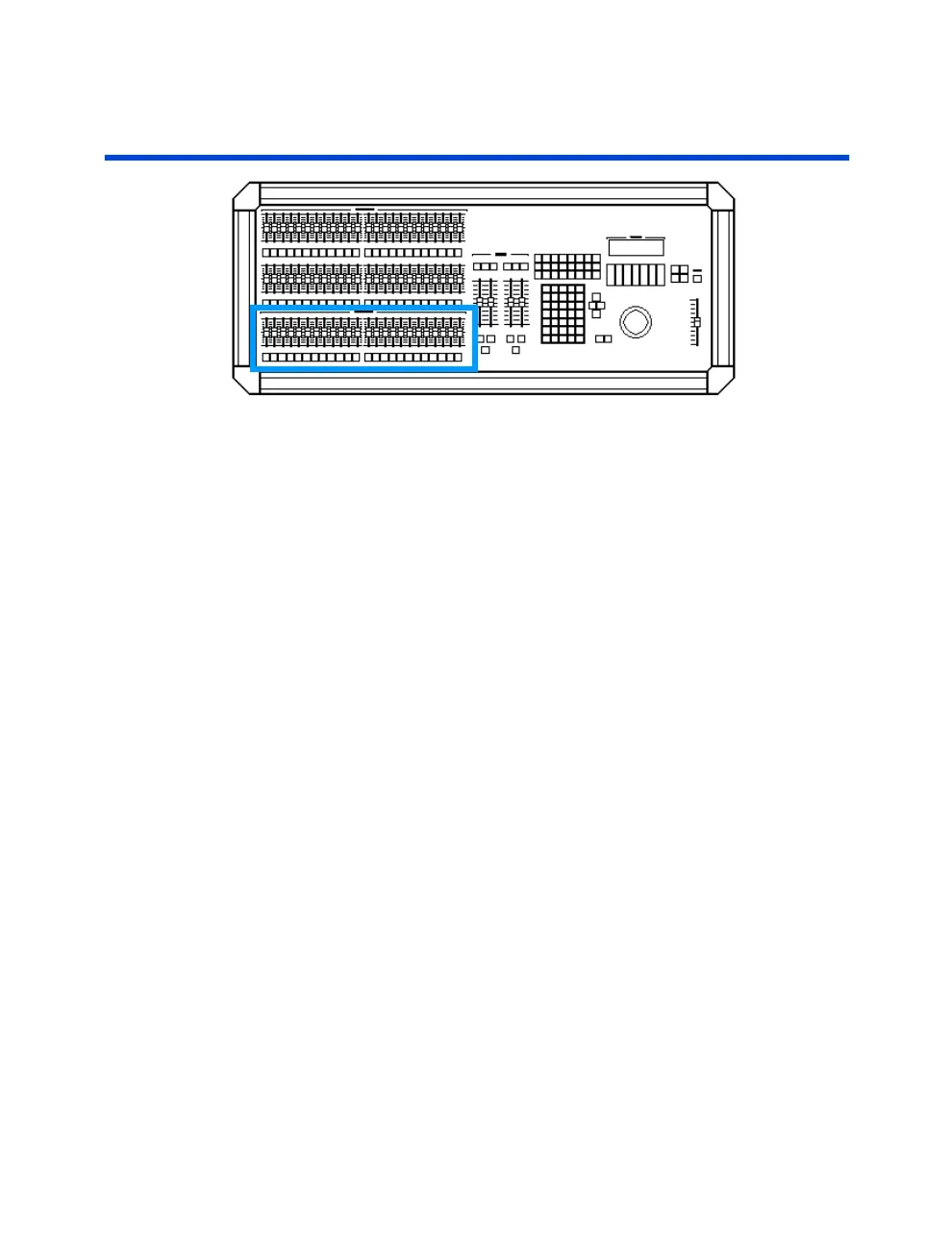
Submasters are pre-recorded groups of channels at levels. Submasters can
traditionally be used as building blocks when creating cues, shortcuts to
groups of channels when running live, or somewhat non-traditionally be
used to recall effects and as a tool when programming moving lights. There
are 24 submaster faders on the control console and 8 virtual pages of
submaster memory for a total of 192 possible submasters. Below each
submaster fader is a submaster bump button which allows you to bump the
submaster to its full recorded level or to begin its programmed fade. This
chapter contains the following sections:
• Recording Submasters
• Changing Submaster Pages
• Submaster Playback
• Submaster Fader Playback
• Submaster Bump Button Playback
• Timed Submasters
• Submaster Types
• Pile-On Submasters
• Inhibitive Submasters
• Changing Submaster Types
• Assigning Effects to Submasters
• Assigning Groups to Submasters
• Assigning Macros to Submasters
• Preview Mode and Submasters
• Recording / Editing
• Naming / Copying / Renumbering / Clearing



 To Next Page