User Guide Chapter 11 Memory Functions
Rev. 1.30.03.07.r1 Page 179
Diskette Functions
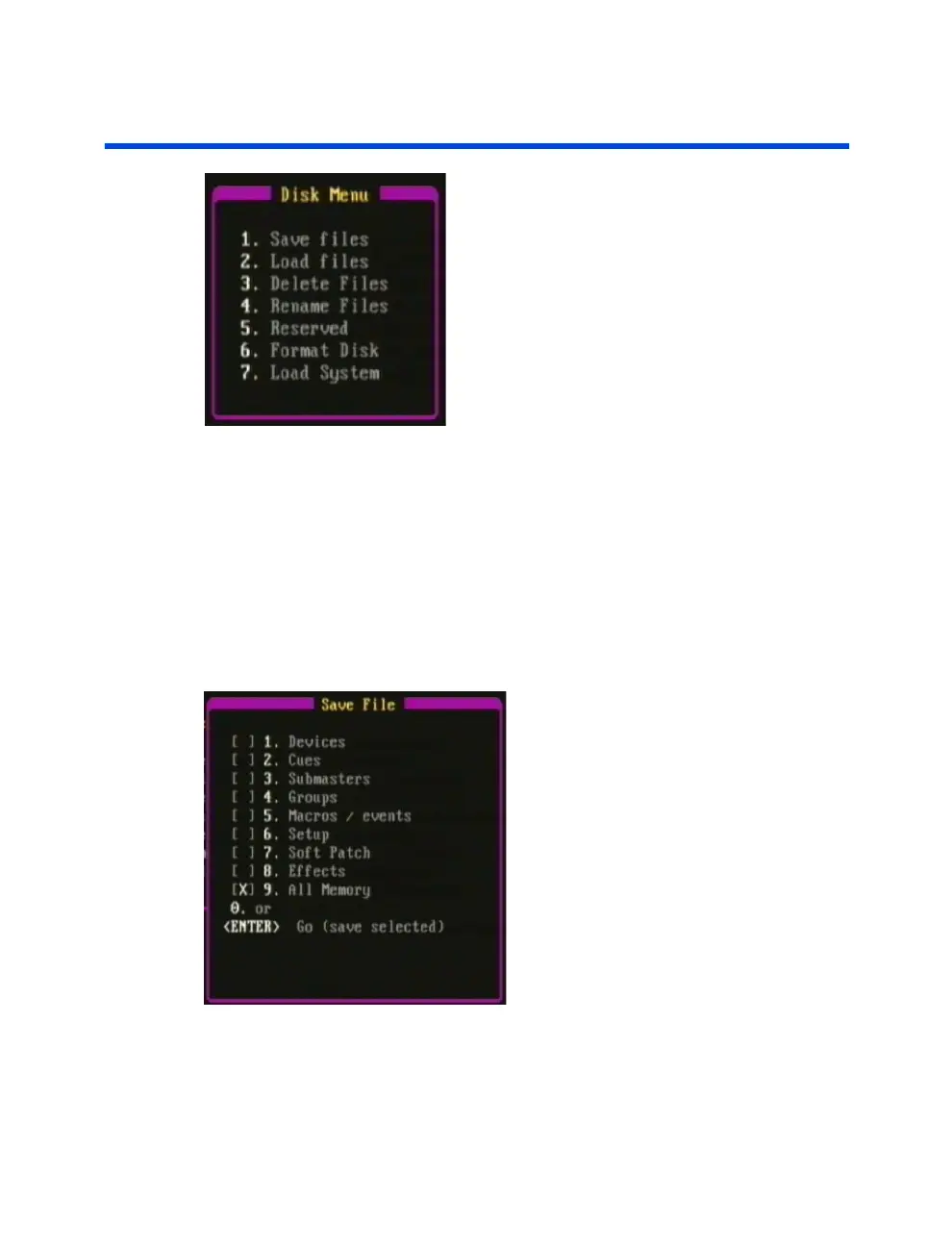
Figure 11.1 Disk sub-menu
The Disk sub-menu allows you save, load, delete and rename files using a
floppy disk. It also allows you to format a floppy disk and load console
system software. The console uses only 3.5" double-sided HD (High
Density) 1.44MB disks formatted for IBM compatible PCs. The floppy disk
drive is located on the front edge or back panel of the console (depending
on the model).
It is always a good idea to keep your show stored on floppy disk as a
backup to what is stored in the console.
Figure 11.2 Save File sub-menu



 To Next Page