User Guide Chapter 3 Setting Channel Levels
Rev. 1.30.03.07.r1 Page 29
How to Set Levels with the Keypad
Channel levels can be entered through the command line by just using the
keypad. When a number is entered into the command line, the console
automatically assumes by default that channels are being addressed (there
is no “channel” key). It is not necessary to push the [ENTER] key after the
level is entered for a channel.
For example, to set channel 2 to a level of 80%: Press [2] [AT] [80]
(“Channel 2 at 80%” appears in the command line)
You need to enter a zero when you specify a level that is a multiple of
one. For example, to set channel 2 to a level of 05% you would enter
[2] [AT] [05]. If you wanted to set channel 2 to 50%, you would
enter [2] [AT] [50] or [2] [AT] [5] [ENTER] (by entering just [5],
the console assumes you mean 50%).
Follow the example below to set channel 1 to a level of 75%:
Procedure: Notes:
1. Press [STAGE] Opens Stage display
2. Press [1]
3. Press [AT] [75] Channel 1 level set
to 75%
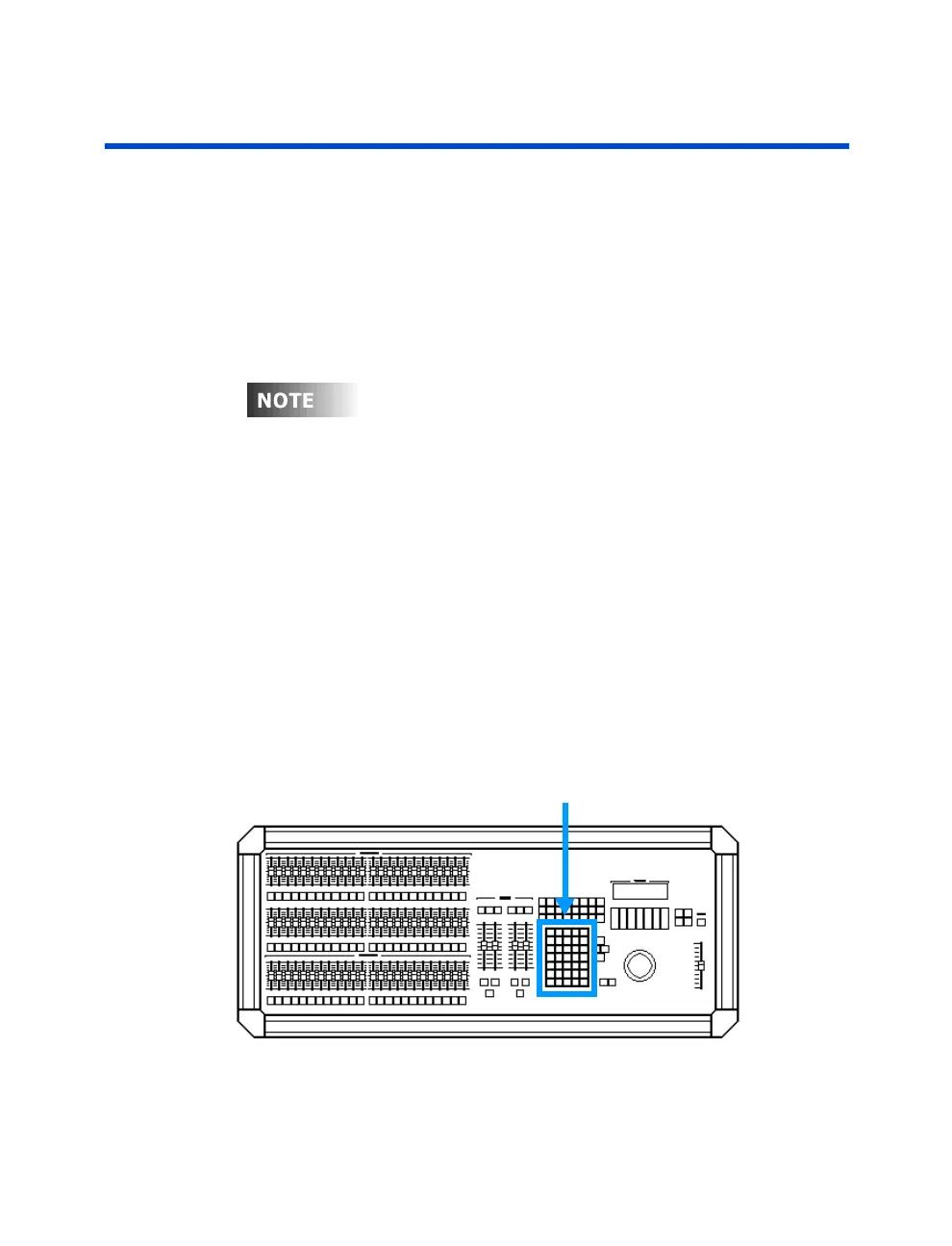
Data Keypad
Figure 3.1 Data Keypad



 To Next Page