Chapter 3 Setting Channel Levels
Page 36 Rev. 1.30.03.07.r1
Console Operating Modes
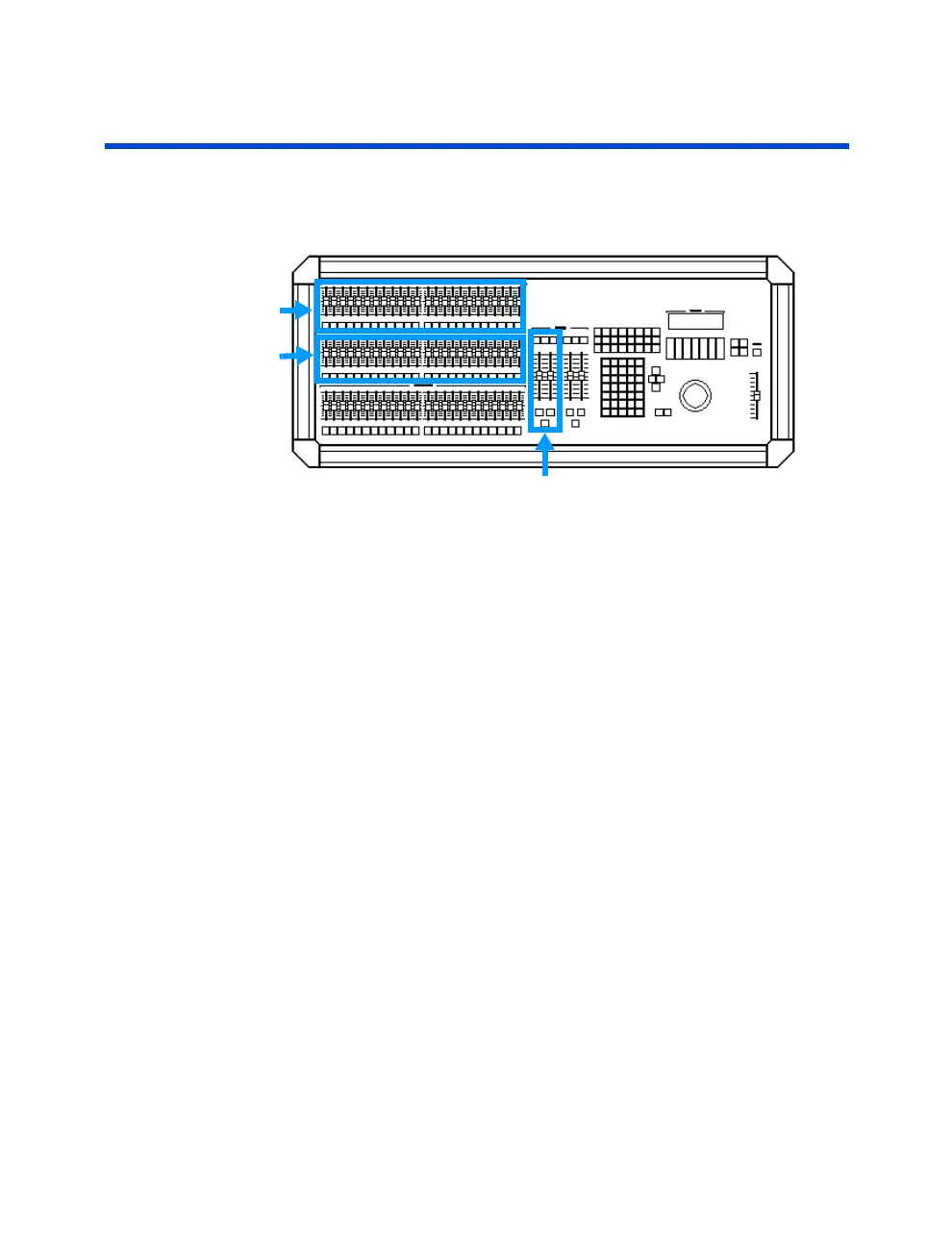
Two Scene Mode (All models except Innovator 600)
Scene A
Scene B
Figure 3.4 Two Scene Mode
A/B Crossfader
Two Scene mode is the simplest way to operate the console. It is also a
good way to become comfortable with some of the features if you are a
new user.
When in Two Scene mode, Scene A and Scene B control the
same
channel
numbers. For example, when using the 24/48 console, Scene A controls
channels 1 - 24 and Scene B also controls channels 1 - 24 (when the A/B
crossfader is at its top position, scene A is active; when it is at its bottom
position, scene B is active). Scenes A and B can then be crossfaded by
using the A/B crossfader. See example procedure on next page.
To set the operating mode to Two-Scene, follow below:
Procedure: Notes:
1. Press [SETUP] [21] [ENTER]
2. Use the up/down arrow keys Note that the system default is
to select "Two Scene" "Single Scene".



 To Next Page