Chapter 9 Patching
Page 142 Rev. 1.30.03.07.r1
Dimmer Check
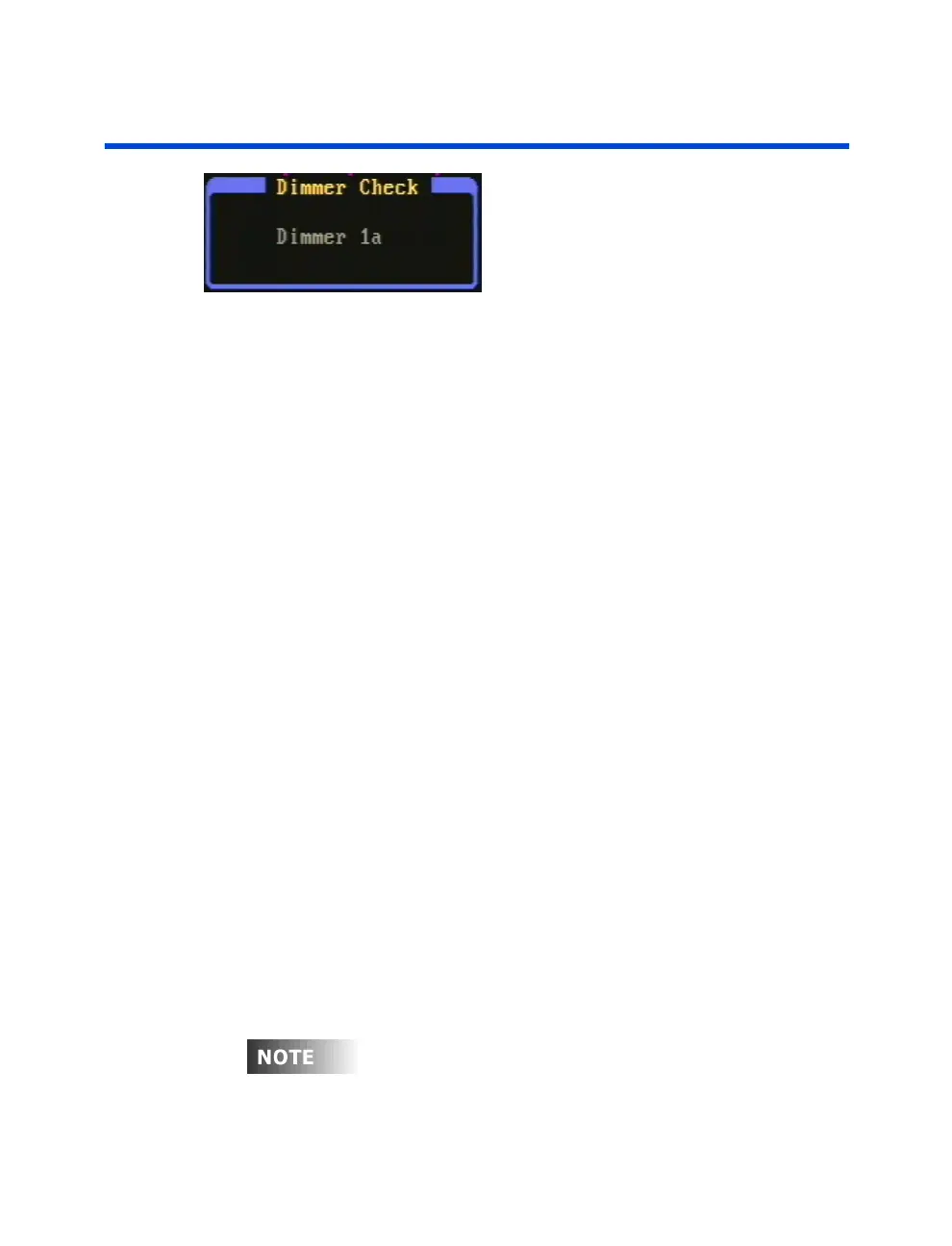
Figure 9.2 Dimmer Check PopUp
The Dimmer Check utility lets you test the output of individual dimmers.
This is useful for verifying lamps, or investigating to see which fixtures are
connected to which dimmers. Follow these steps to check dimmers at full:
Procedure: Notes:
1. Press [PATCH]
2. Press [S1] to select the port Port A is used in this example
3. Press (DimChk)
4. Enter [1] on Keypad Command line reads:
"Check Dimmer 1"
5. Press [ENTER] Dimmer Check popup appears
showing Dimmer 1a.
6. Use the up/down arrow keys Press [CLEAR] to stop
to consecutively check other dimmers Dimmer Check
Follow these steps to check dimmers at a given level:
Procedure: Notes:
1. Press [PATCH]
2. Press [S1] to select the port Port A is used in this example
3. Press (DimChk) [1]
4. Press (DimLvl) [75] Command line reads:
"Check Dimmer 1 at 75"
5. Press [ENTER] Dimmer Check popup appears
showing Dimmer 1a.
6. Use the up/down arrow keys Press [CLEAR] to stop
to consecutively check other dimmers Dimmer Check
You can also check dimmers from the Dimmer Output Sub-Display,
please see
Chapter 3 Setting Channel Levels
.



 To Next Page