User Guide Chapter 9 Patching
Rev. 1.30.03.07.r1 Page 141
Patching Automated Devices
Automated Devices are patched from the Device Assignments sub-display
of the Setup display. See
Chapter 10 Automated Devices
for additional
information.
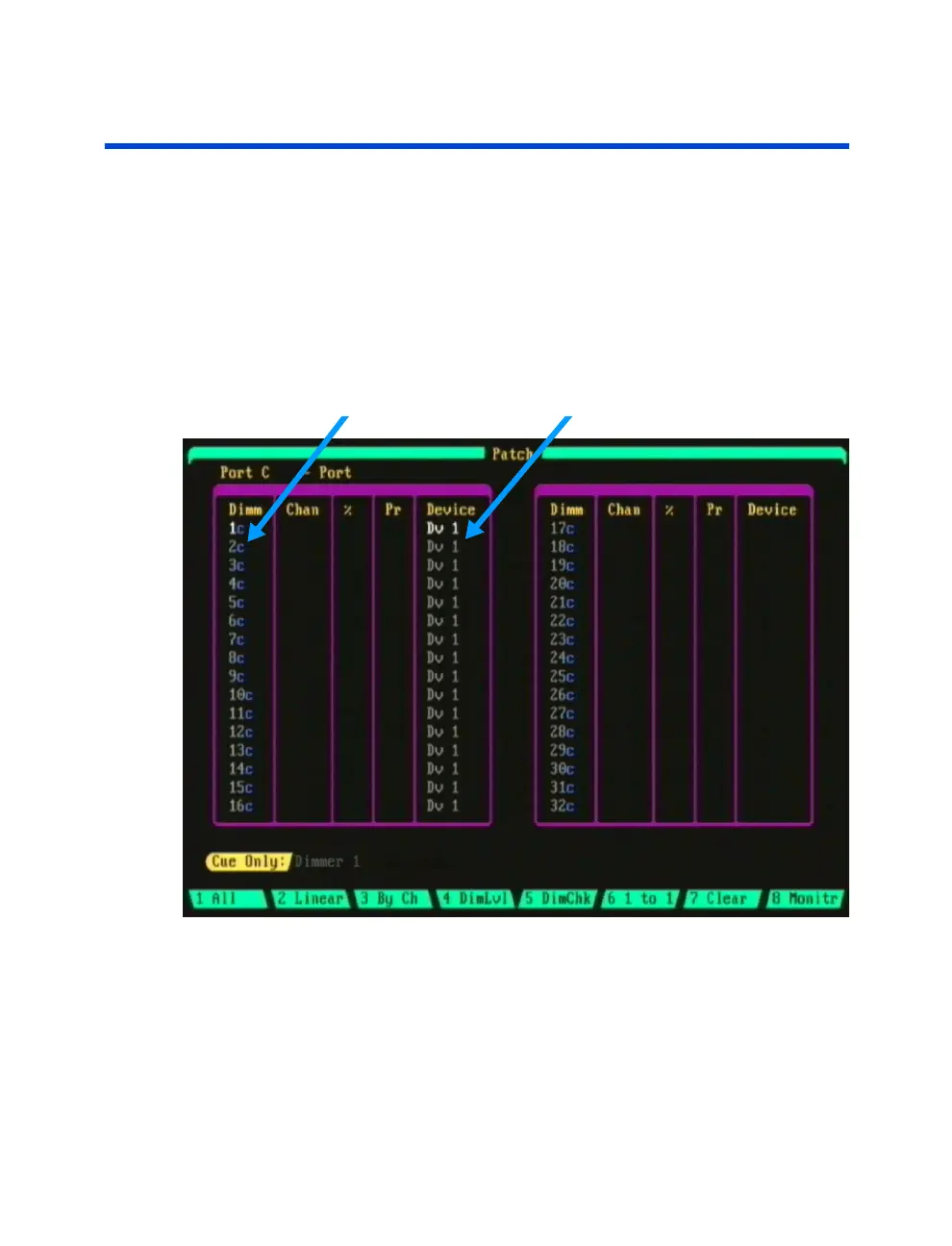
In the Patch display, the location of automated device patching is shown by
device numbers in the device column. For example, the screen shot in
Figure 9.1 below shows the 16 device traits of Device 1 (Dv 1) patched to
dimmer addresses 1-16 on Port C.
Dimmer Addresses Device Traits
Figure 9.1 Patch Display showing Devices



 To Next Page