User Guide Chapter 4 Submasters
Rev. 1.30.03.07.r1 Page 47
Changing Submaster Types
The preceding example showed you how to create an inhibitive submaster,
to change the submaster back to a pile-on type follow below:
Procedure: Notes:
1. Press [PREVIEW]
2. Press (SelSub) [13] Enter the number of the sub
to be inhibitive
3. Press (More) 2 times Changes soft-key level
4. Press (PileOn) "Pile" appears below "Type" in
fade attributes line
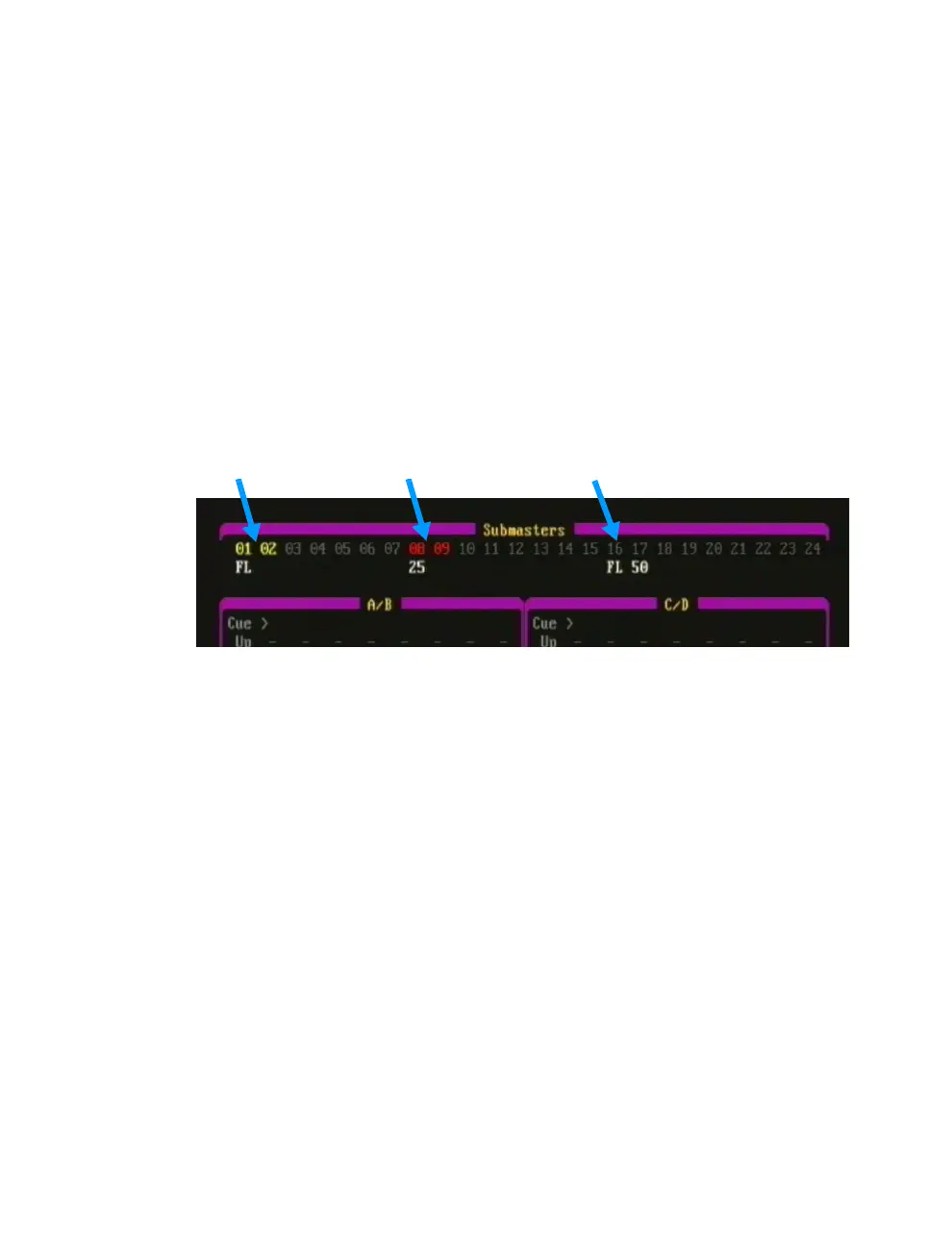
Effect Subs (yellow) Inhibitive Subs (red) Pile-On Subs (gray)
Figure 4.2 Submaster Colors in Playback Display



 To Next Page