Diagnostic information 2-7
5026
This may also appear on the home screen:
6 Status message bar • Show the current printer status such as Ready or Busy.
• Show printer conditions such as Fuser missing or Cartridge Low.
• Show intervention messages and the instructions on how to clear them.
7 Status/Supplies • Display a warning or error message whenever the printer requires
intervention to continue processing.
• Access the messages screen for more information on the message, and
how to clear it.
8 Tips Open a context.sensitive Help information on the touch screen.
Touch To
Search Held Jobs Search current held jobs.
Features
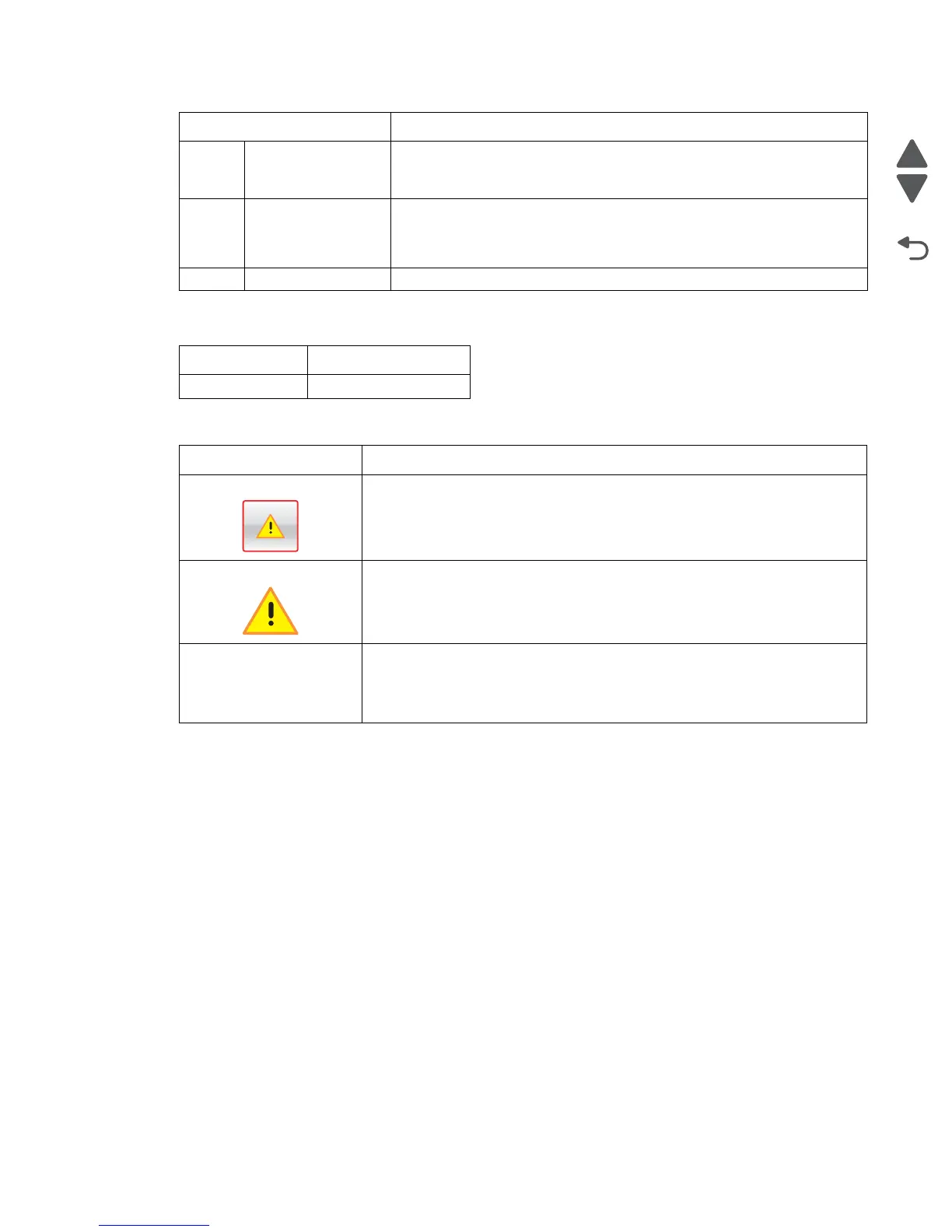
Feature Description
Attendance message alert If an attendance message affects a function, then this icon appears and the red
indicator light blinks.
Warning If an error condition occurs, then this icon appears.
Printer IP address
Sample:
123.123.123.123.123
The IP address of your network printer is located at the top left corner of the
home screen and appears as four sets of numbers separated by periods. You
can use the IP address when accessing the Embedded Web Server so you can
view and remotely configure printer settings even when you are not physically
near the printer.
Touch To



 To Next Page