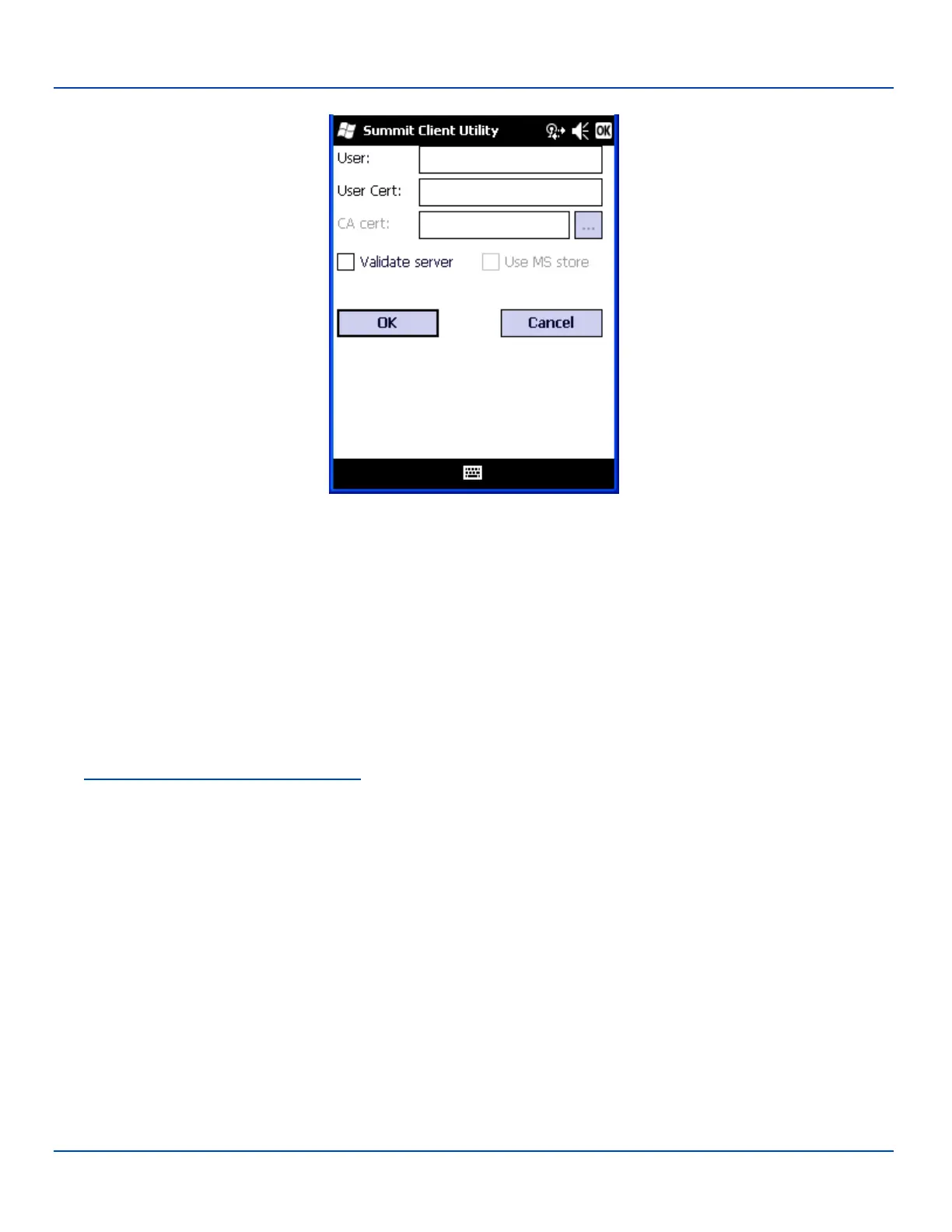
EAP-TLS
EAP-TLS Credentials
Enter the Domain\Username (if the Domain is required), otherwise enter the Username.
Leave the certificate file name entries blank for now.
Click OK then click Commit. Ensure the correct Active Profile is selected on the Main tab.
Once successfully authenticated, import the user certificate into the Windows certificate store.
Return to the Credentials screen.
Use the Browse button to locate the User Cert from the certificate store. Highlight the desired certificate and press the Select
button. The name of the certificate is displayed in the User Cert box.
Some versions of the SCU require a User Cert password. If this entry field is present, enter the password for the user
certificate in the User Cert pwd box.
See Windows Certificate Store vs. Certs Path for more information on certificate storage.
Check the Validate server checkbox.
E-EQ-MX7WMRG-A [ 287 ] MX7 Tecton™ for Windows Mobile Reference Guide



 To Next Page