EAP-TLS
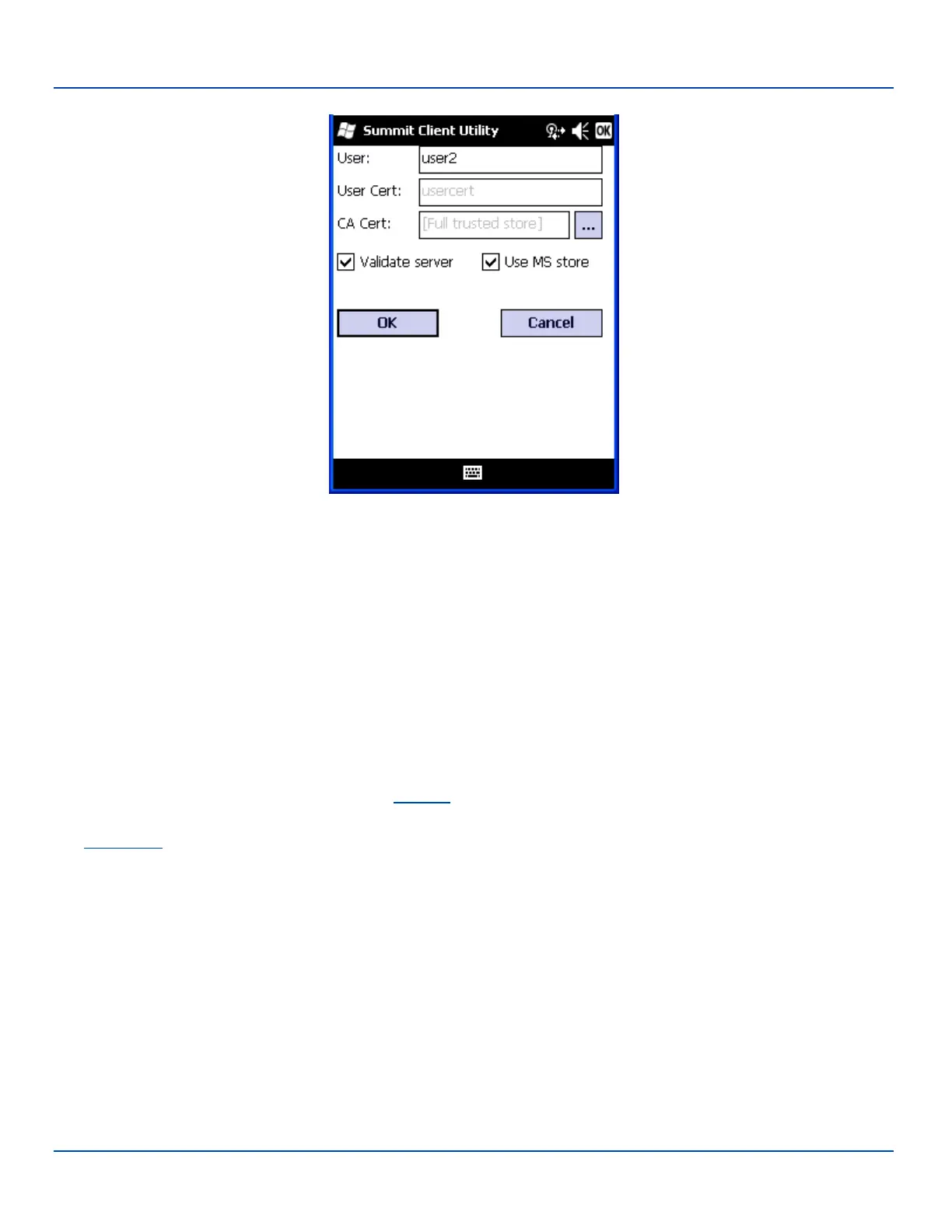
EAP-TLS Credentials
If using the Windows certificate store:
l Check the Use MS store checkbox. The default is to use the Full Trusted Store.
l To select an individual certificate, click on the Browse button.
l Uncheck the Use full trusted store checkbox.
l Select the desired certificate and click Select. You are returned to the Credentials screen.
If using the Certs Path option:
l Leave the Use MS store box unchecked.
l Enter the certificate filename in the CA Cert textbox.
Click OK then click Commit.
The MX7 Tecton should be authenticating the server certificate and using EAP-TLS for the user authentication.
Ensure the correct Active Profile is selected on the Main tab and perform a Suspend/Resume. The SCU Main tab shows the
device is associated after the radio connects to the network.
See Certificates for information on generating a Root CA certificate or a User certificate.
Note: The date must be properly set on the device to authenticate a certificate.
E-EQ-MX7WMRG-A [ 288 ] MX7 Tecton™ for Windows Mobile Reference Guide



 To Next Page