MASSO
MASSO Documentation
Creating your own Wi-Fi network
If a Wi-Fi network is not available, MASSO can be used to create a Wi-Fi network and a PC can be
connected direclty to MASSO via this Wi-Fi network. This feature is called My MASSO Network.
Tick the Make "My MASSO Network", enter a network name (SSID) that you would like to call this network
and enter the security key. Click the Enable button.
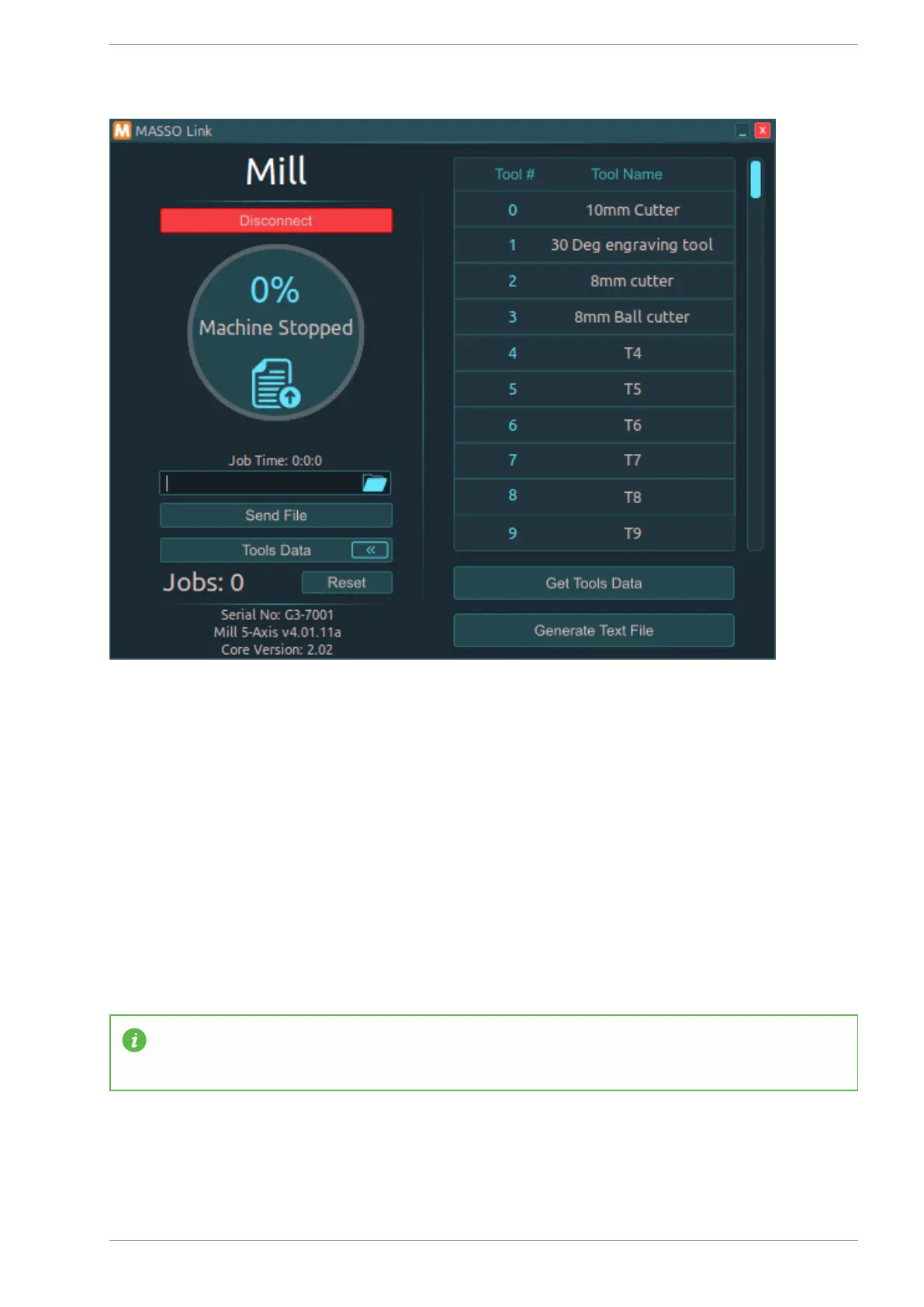
At this stage, the Wi-Fi network will show up on your PC in the Wi-Fi networks list and you can connect to
this network and use the MASSO Link software.
INFORMATION: The security key must be between 8 to 32 characters long.
Transferring gcode files to MASSO
v5.18 - 08 Apr,2021
www.masso.com.au Page 106 of 477



 To Next Page