MASSO
MASSO Documentation
INFORMATION: Please note that a USB Flash drive needs to be connected to MASSO to store these files.
Once connected, gcode files with .txt, .nc, .cnc, .tap, .eia extensions can be dragged and dropped
on to the MASSO Link software window.
A folder name can be give and all the files sent to MASSO will be saved on the USB pen drive in this
folder, else keeping this blank will save the files on the root folder of the USB pen drive.
Click Send File to send the file to MASSO.
Installing the Wi-Fi module
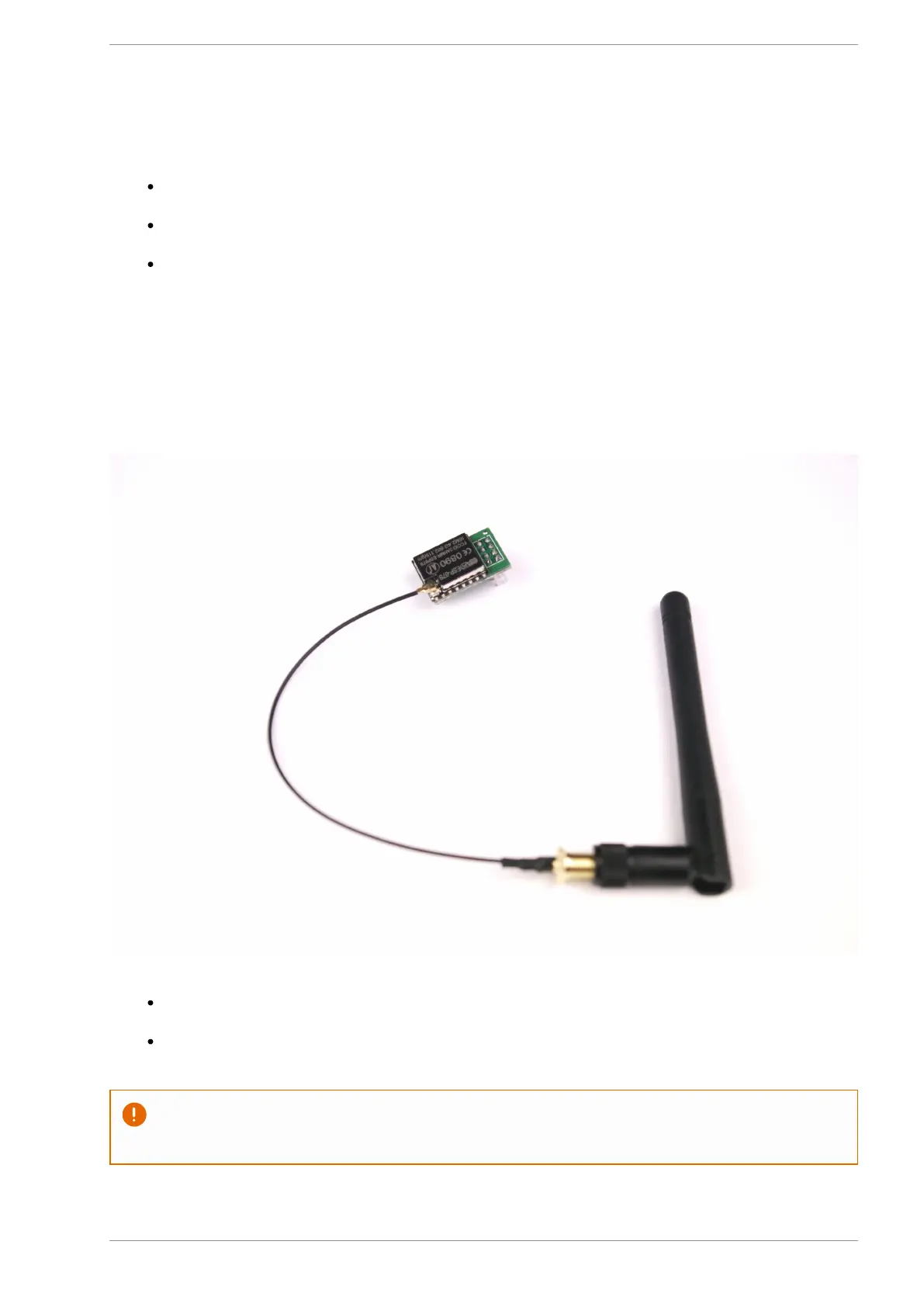
The WiFi module is required to be plugged into MASSO's Wi-Fi connector before being able to use the WiFi
functionality. The antenna cable and antenna must also be installed.
Switch off the MASSO and remove the main label cover and slide out the label panel towards the left
side.
After installing the WiFi module the label panel can be installed back and MASSO powered up.
CAUTION: Make sure to install the WiFi module in the correct direction as shown in the below
photo.
v5.18 - 08 Apr,2021
www.masso.com.au Page 107 of 477



 To Next Page