MASSO
MASSO Documentation
General
When connecting, disconnecting or making wiring changes to MASSO turn off the power at the
mains. This will ensure that if you should you accidentally touch a connection point while working on
your system it will not immediately damage your system.
Check your wiring after making wiring changes to ensure you have correctly wired your system
before turning back on.
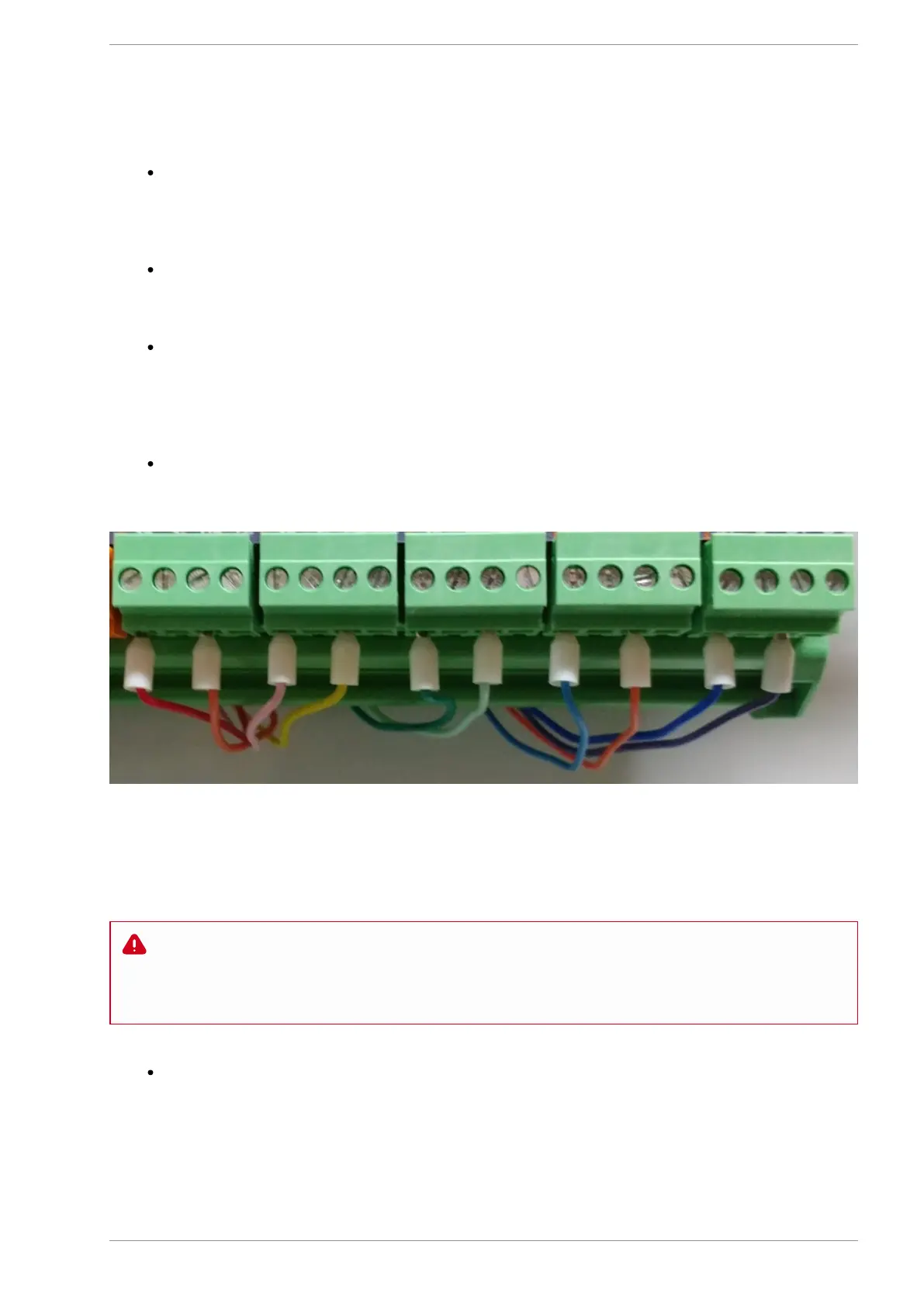
Carry out wiring in a tradesman like manner keeping the wires neat where they connect to the screw
terminals as a stray wire not captured can accidentally touch the terminal next to it and cause
damage. While the use of Bootlace Ferrules are not required they can help keep your wires tidy and
eliminate this problem
Use coloured wires and keep records of how you have wired your MASSO and external devices. This
will assist greatly with troubleshooting should you have an issue at a later date.
Sample colour coded wiring with Bootlace Ferrules
EStop
WARNING: E-Stop wiring must be done as per your country or region's safety regulation. MASSO
will put the machine in feed hold and stop spindle on E-Stop press but all drives and actuators
MUST be disabled directly by E-Stop signal from the E-Stop button. MASSO's E-Stop input is only
designed to alert the user that the an E-Stop has been pressed.
An EStop output is provided on MASSO which will allow you to connect a TTL Relay module to
disable your drives, spindle and other external equipment. The output is labeled ES on MASSO.
v5.18 - 08 Apr,2021
www.masso.com.au Page 150 of 477



 To Next Page