MASSO
MASSO Documentation
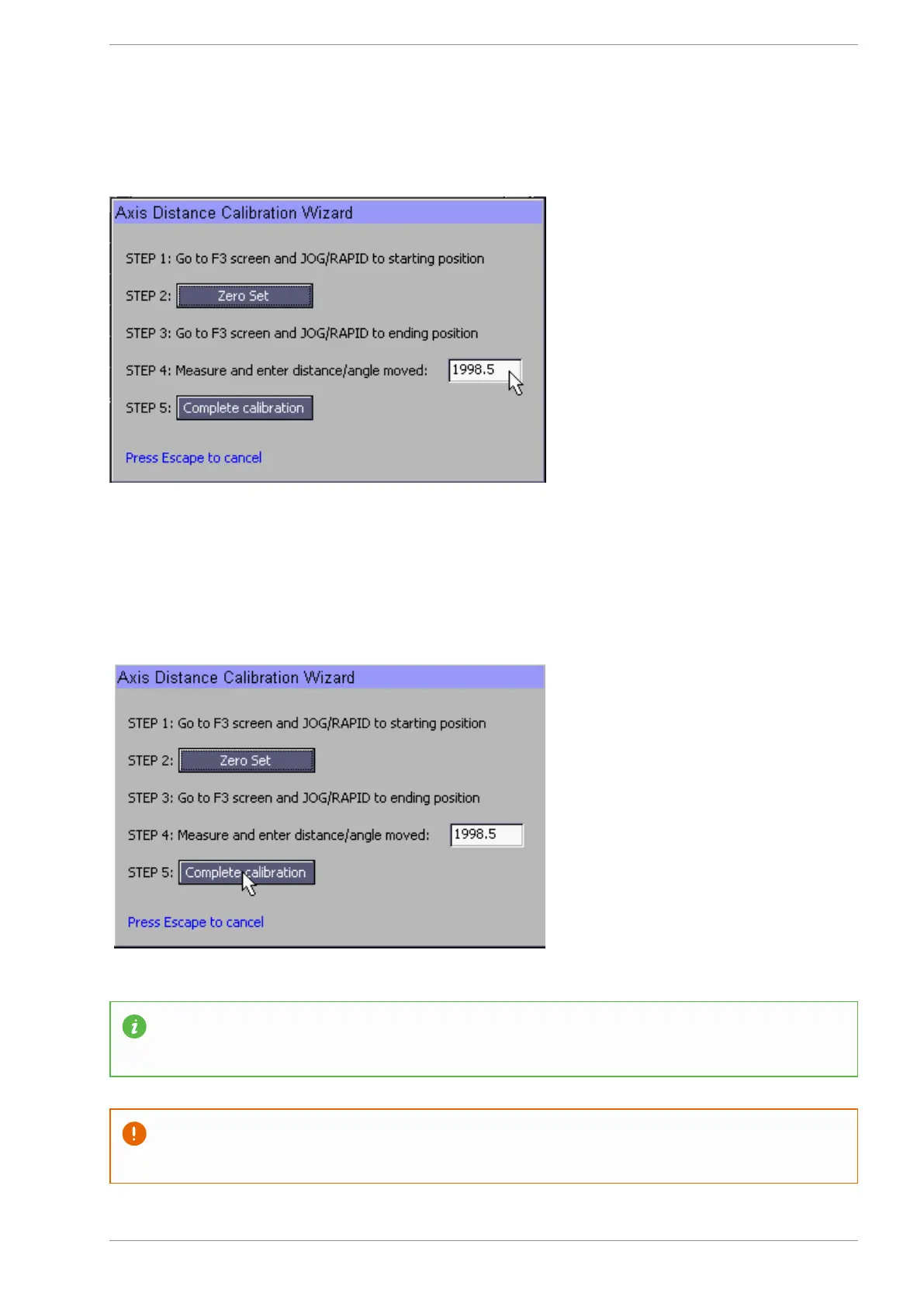
Enter the measured distance the axis moved into box on the calibration wizard.
Step 5 Complete Calibration
Press the "Complete Calibration" button on the calibration wizard and the new distance per revolution value
will be written into Axis settings page.
Press the Save on the Axis settings page to complete the axis calibration.
While a ruler will give good results with the X & Y axis the use of a dial indicator is recommended
for axis such as the Z axis where the amount of axis movement is small.
Do not use the calibration wizard on a rotary axis. The most accurate setting for a rotary axis is
obtained through calculation.
v5.18 - 08 Apr,2021
www.masso.com.au Page 331 of 477



 To Next Page