4.9 License settings
In this menu item (under System setup), licenses for functions and application programs
are activated.
- Function and application licenses can be added, activated, and deleted.
(e.g. [Alibi memory license], [OPC server license], [Dosing license], etc.).
- [Application license], see Chapter 4.9.1.
- [Demo mode], see Chapter 4.9.2.
- [Default], reset to factory settings, see Chapter 4.9.3
Note:
Licenses cannot be changed if CAL switch 2 is closed or [W&M mode] is selected and the
parameter [Settings locked] is activated for at least one weighing point.
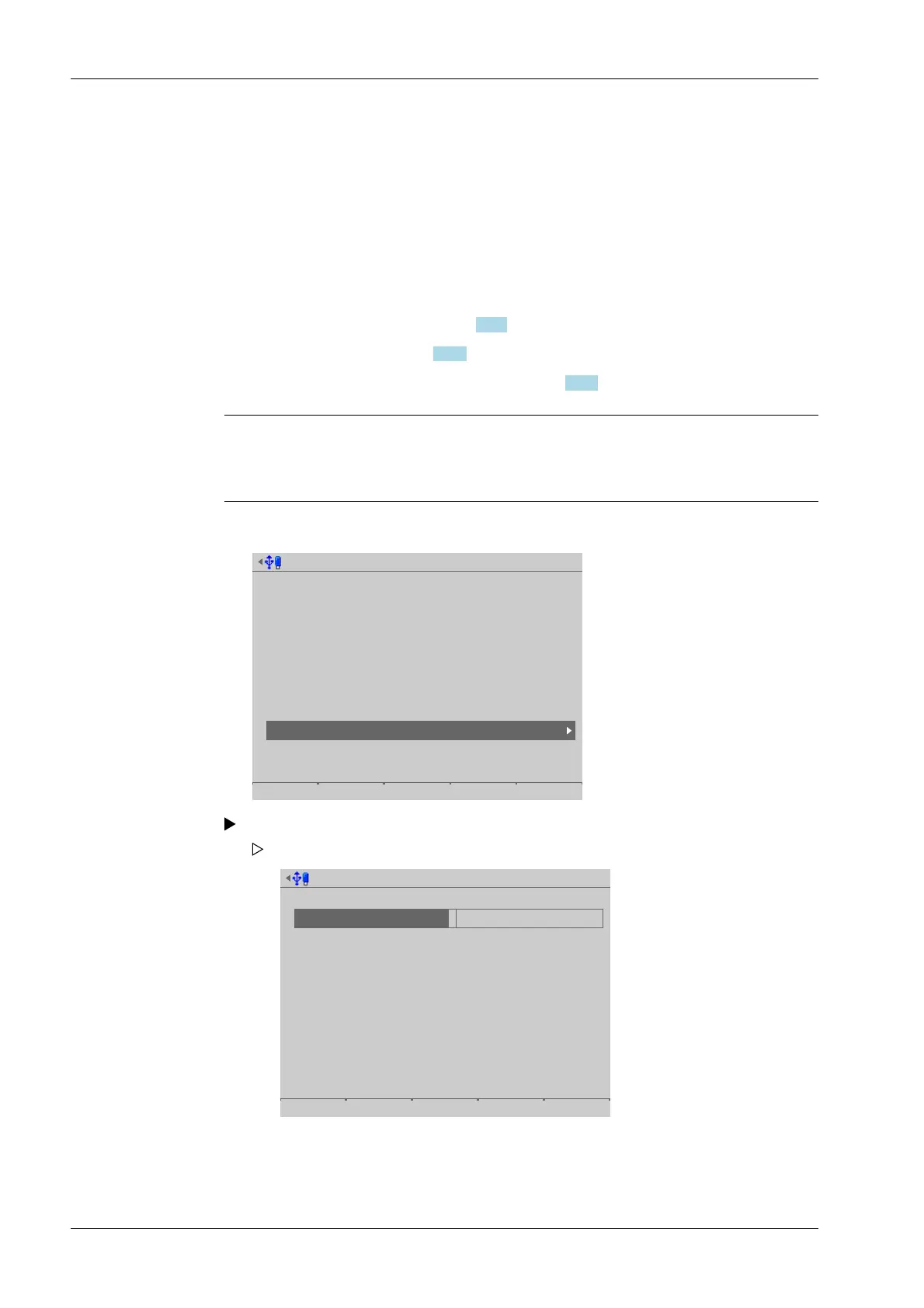
Accessible via MENU – [Operating] - [System setup] - [License settings].
System setup @admin
Connected devices
Date & Time
Operating parameters
Network parameters
Network share connections
Fieldbus parameters
Weighing points
Display settings
License settings
User management
Alibi memory
3. Press the [Save] soft key to save the settings.
Select and conrm [License settings].
Board number
Alibi license
OPC server license
Dosing license
Application license
141825064
Default Demo mode Save
The license settings menu opens.
Process Controller Maxxis 5 PR 5900 4 System setup
Minebea Intec EN-226



 To Next Page