[Update time]
Timeframe in which a new weight value is displayed.
Setting range: 0.1…2.0 s.
[Default] soft key
Settings are reset to factory settings.
4.8 Display settings
In this menu item (under System setup), the display parameters are congured for the
luminance of the lighting conditions.
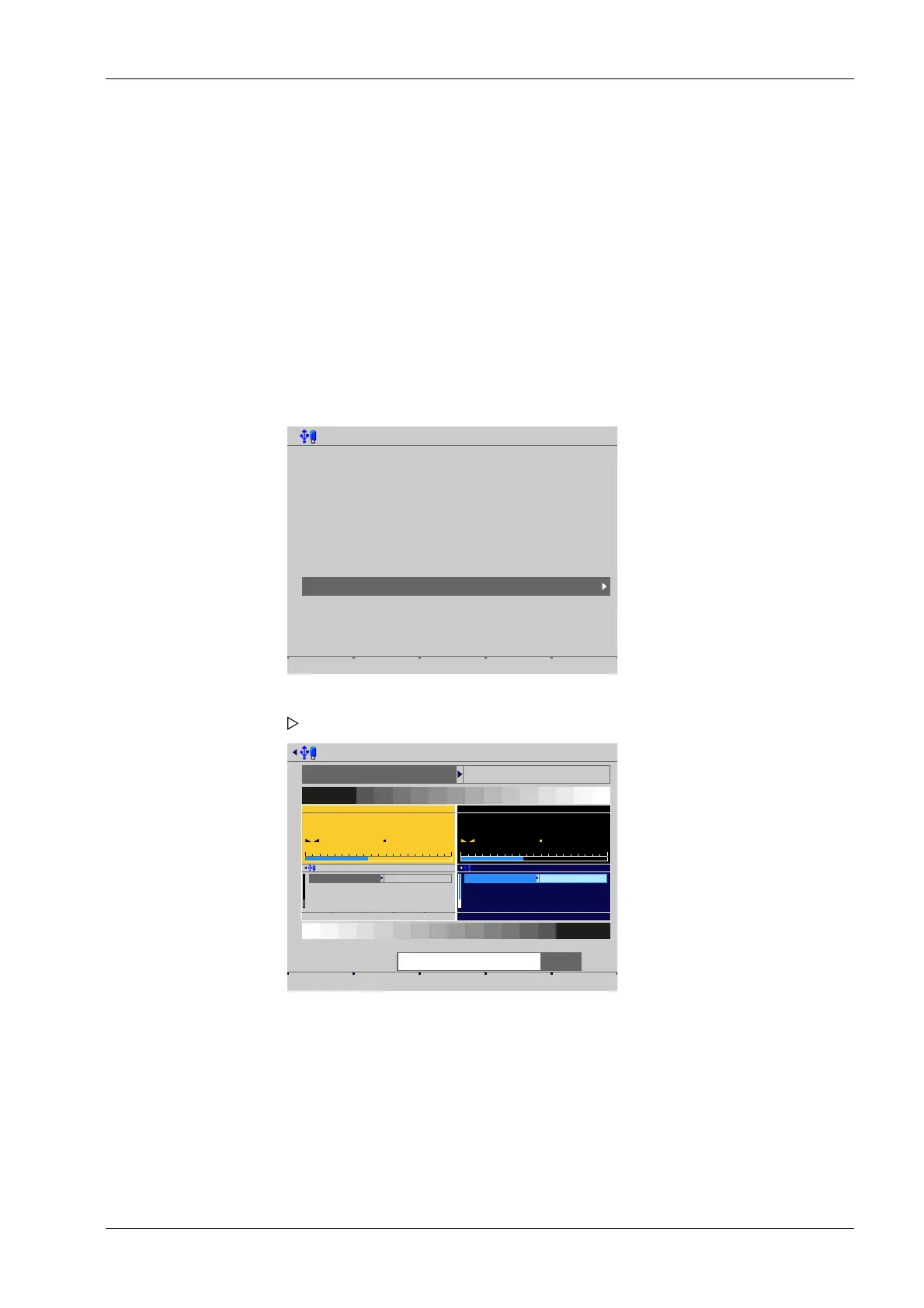
Accessible via MENU - [Operating]- [System setup]- [Display settings] .
System setup @admin
Connected devices
Date & Time
Operating parameters
Network parameters
Network share connections
Fieldbus parameters
Weighing points
Display settings
License settings
User management
Alibi memory
Display settings @admin
Color set daylight
Default ☼ – ☼ + Save
0234
kg
WP-A
R1 Max 10kg d= 0.005kg
+
0kg 10kg
Softkey @admin
Main Font
Main Lines
Bargraph Font
Bargraph Size
Normal
1
Small
16
WOT Menu all-smal
0234
kg
WP-A
R1 Max 10kg d= 0.005kg
+
0kg 10kg
Softkey @admin
Main Font
Main Lines
Bargraph Font
Bargraph Size
Normal
1
Small
16
WOT Menu all-smal
Can you read this?
Can you read this?
☼ Luminance = 80%
[Color set]
Selection: [daylight], night shade
[Luminance]
Select: using [5 -] and [5 +] in 5 % steps
[Default] soft key
Settings are reset to factory settings.
3. Press the [Save] soft key to save the settings.
1. Select and conrm [Display settings].
A selection window opens.
2. Select and conrm the individual parameters.
4 System setup Process Controller Maxxis 5 PR 5900
EN-225 Minebea Intec



 To Next Page