[Battery status]
[Battery charging]
Alarm at
- Temperatures > 60°C: The standby battery is too hot and charging will not take
place. If this does not go away, the ambient temperature must be checked, see
PR 5900 installation manual under [Technical data] - [Environmental inuences]
- [Ambient conditions].
- Overloading
- < min. voltage
[Status battery capacity]
Display of charge strength (mA)
[CAL switch A/B]
Only appears if the corresponding option is installed. Otherwise, "n/a" (not
applicable) is displayed.
Status display
[CAL switch 1/2]
Status display
5.3 Show alarm information
In this menu item (under System information), information on the existing system
messages is displayed.
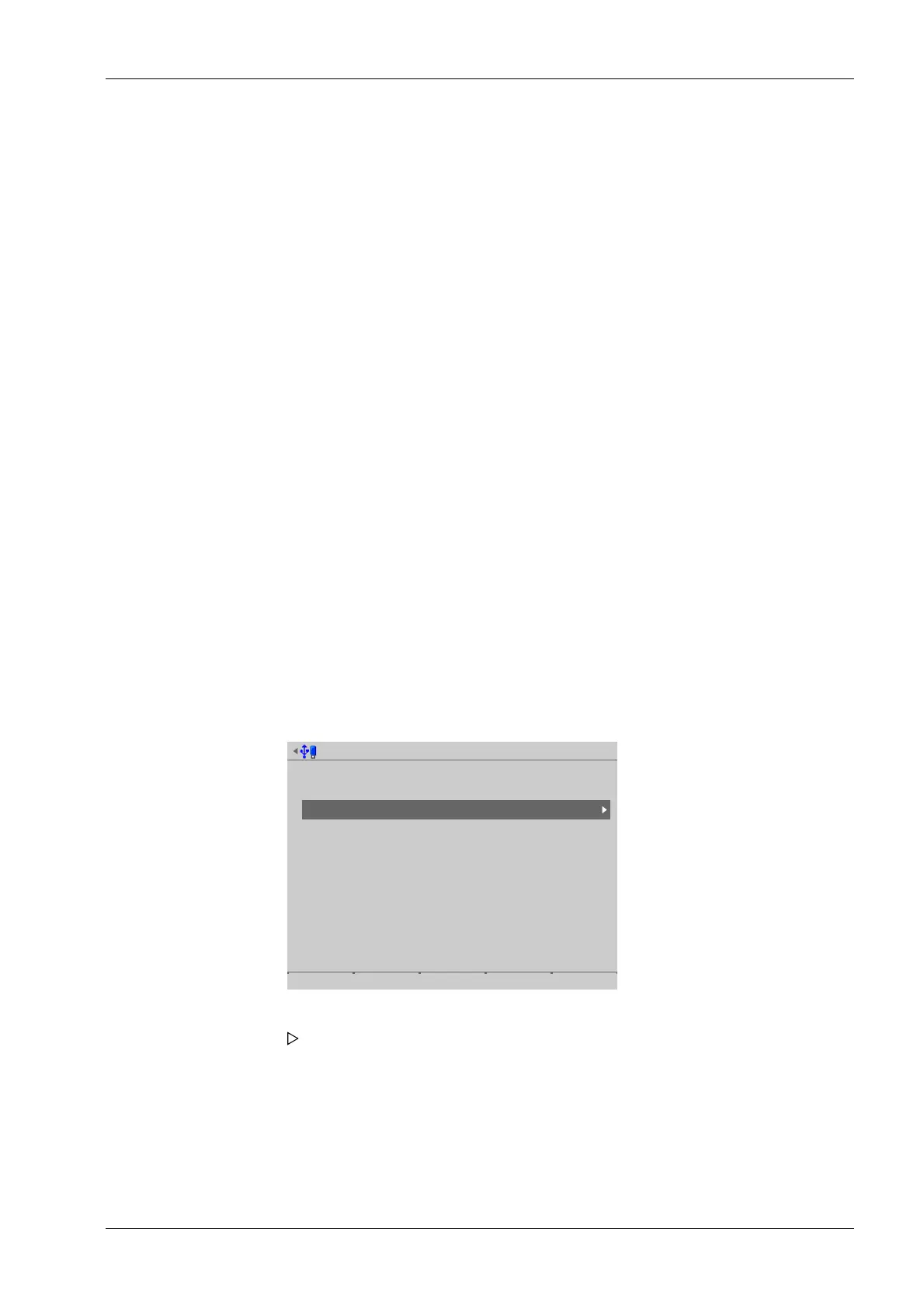
Accessible via MENU - [Operating] - [System information]- [Show alarm information] .
System information @admin
Show version
Show status
Show alarm information
Show HW options
Show ModBus-TCP IO module
Browse alibi memory
Show calibration check numbers
Show Pendeo data
Show event log
Print configuration settings
2. Press EXIT to return to the previous window.
1. Select and conrm [Show alarm information].
The existing system messages are displayed.
5 System information Process Controller Maxxis 5 PR 5900
EN-247 Minebea Intec



 To Next Page