Event log: Setup @admin
07.08.2013 08:20:57
07.08.2013 08:15:15
06.08.2013 14:05:56
06.08.2013 14:04:05
06.08.2013 14:03:38
06.08.2013 14:03:32
06.08.2013 14:03:25
06.08.2013 14:02:31
06.08.2013 14:00:06
06.08.2013 13:47:39
06.08.2013 13:47:10
user=Admin logged in
user=Admin logged out
parameters for wp=D save, user=Admin
span set with load wp=D, user=Admin
deadload with load wp=D, user=Admin
step set wp=D, user=Admin
max set wp=D, user=Admin
new calibration for wp=D started by u:…
search for Pendeo cells, 4 cells found, …
search for Pendeo cells, 4 cells found, …
serial line parameter changed
Previous Show text Next
Event log: Setup @admin
07.08.2013 08:20:57
07.08.2013 08:15:15
06.08.2013 14:05:56
06.08.2013 14:04:05
06.08.2013 14:03:38
06.08.2013 14:03:32
06.08.2013 14:03:25
06.08.2013 14:02:31
06.08.2013 14:00:06
06.08.2013 13:47:39
06.08.2013 13:47:10
user=Admin logged in
user=Admin logged out
parameters for wp=D save, user=Admin
span set with load wp=D, user=Admin
deadload with load wp=D, user=Admin
step set wp=D, user=Admin
max set wp=D, user=Admin
new calibration for wp=D started by u:…
search for Pendeo cells, 4 cells found, …
search for Pendeo cells, 4 cells found, …
serial line parameter changed
Previous Show text Next
new calibration for wp=D started by user=Admin
5.10 Print conguration settings
In this menu item (under System information), the conguration settings can be printed.
Requirements:
- Print parameters have been entered; see Chapter 4.1.4
- Printer is connected; see Chapter 4.1.4.
Note:
If no printer has been connected, the message "No printer congured" appears.
Accessible via MENU - [Operating] - [System information] - [Print conguration settings]
.
3. If desired, press the [Previous]/[Next] soft key to scroll through the individual lines of
the log.
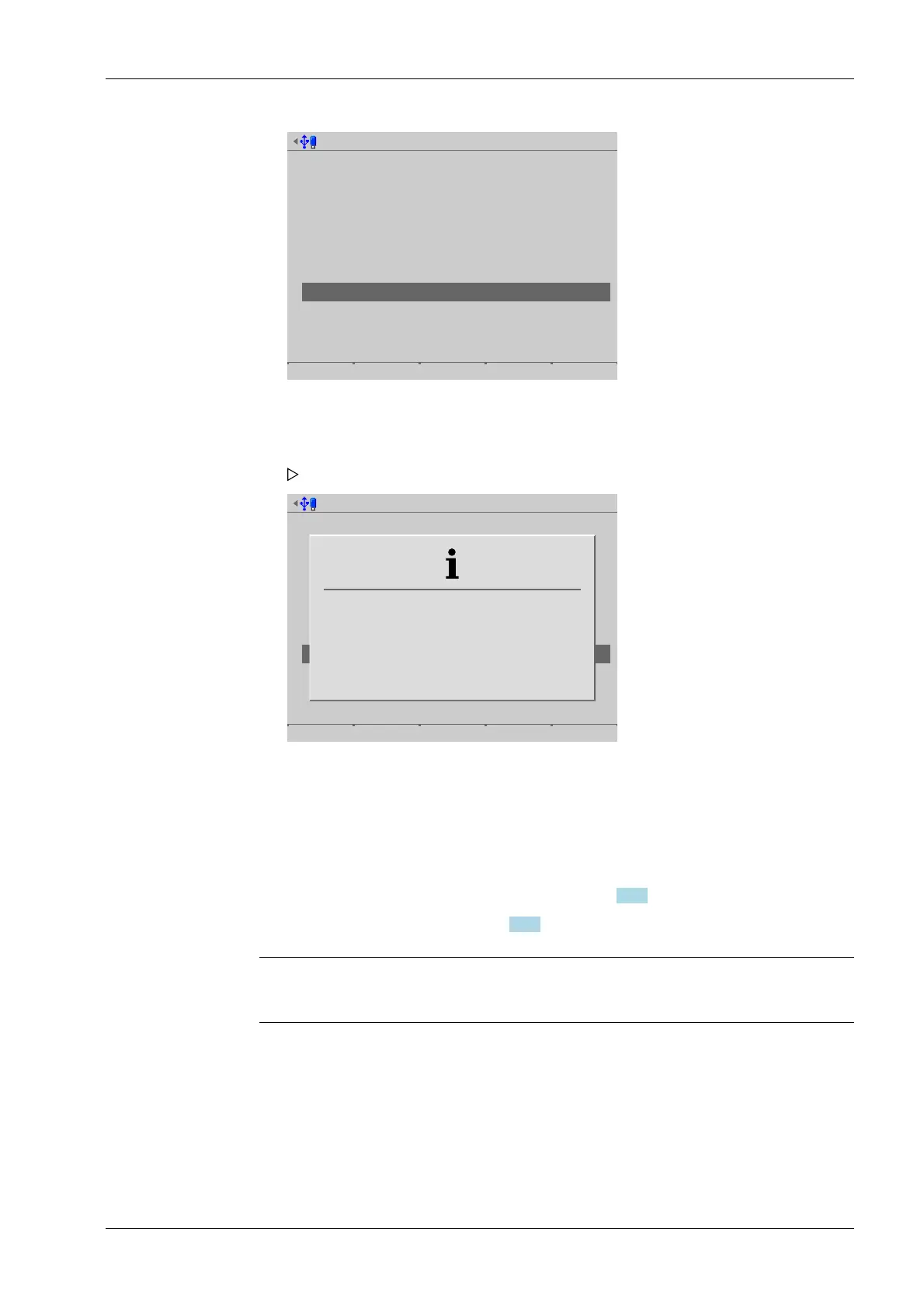
4. If desired, press the [Show text] soft key to display the entire text.
An information window is displayed.
5. Press EXIT to return to the previous window.
5 System information Process Controller Maxxis 5 PR 5900
EN-261 Minebea Intec



 To Next Page