4.5.3 Remove
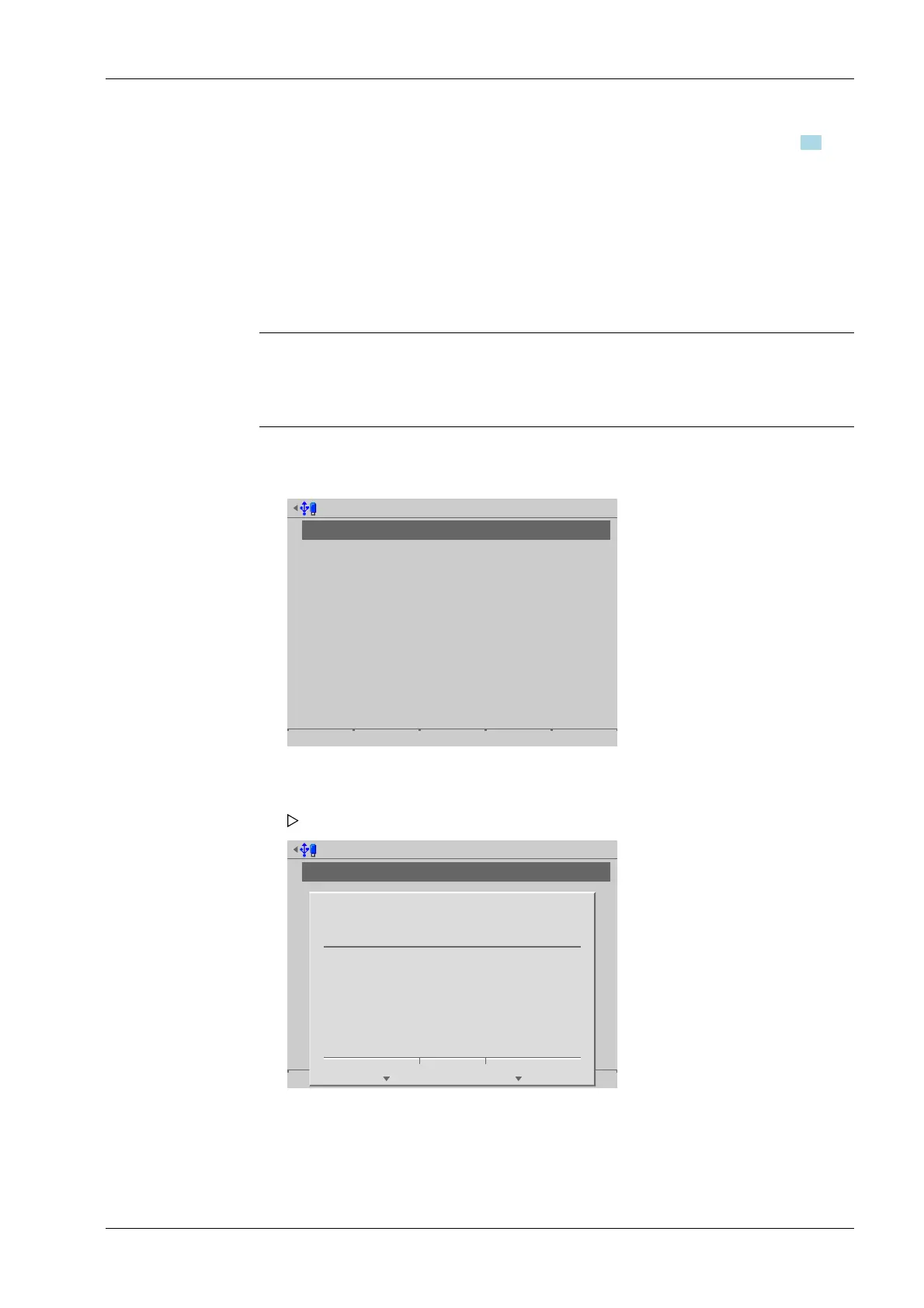
In this menu item (under Network share connections), the parameters for congured
shared directories (network share connections) are removed/deleted.
Note:
Only the settings in the device are deleted.
No network share les are deleted.
Accessible via MENU – [Operating] - [System setup] - [Network share connections] -
[Remove].
Configure network share connections @admin
Report
Add Change Remove
Configure network share connections @admin
Report
Add Change Remove
?
Delete network share connection report?
Yes No
3. Select the individual parameters, conrm and modify if required, see Chapter 4.5.
4. Press the [Test] soft key to test the connection.
5. Change the conguration again if necessary.
6. Press the [Save] soft key to save the settings.
1. Select the desired connection.
2. Press the [Remove] soft key
A prompt window opens.
3. Press the corresponding soft key.
4 System setup Process Controller Maxxis 5 PR 5900
EN-87 Minebea Intec



 To Next Page