If an error message appears, the conguration must be changed.
4.5.2 Change
In this menu item (under Network share connections), the parameters for congured
shared directories (network share connections) are modied.
Accessible via MENU - [Operating]- [System setup]- [Network share conditions]-
[Change] .
Configure network share connections @admin
Report
Add Change Remove
Edit network share connection @admin
A
B
C
Connection name
Server
Share name on server
Folder path
Domain
User name
Password
Report
XXX.company.com
Office
Prod_data/Share_PR5900/R...
COMPANY
forename.surname
*********************************...
Test Save
5. Press the [Save] soft key to save the settings.
Configure network share connections @admin
Report
Add Change Remove
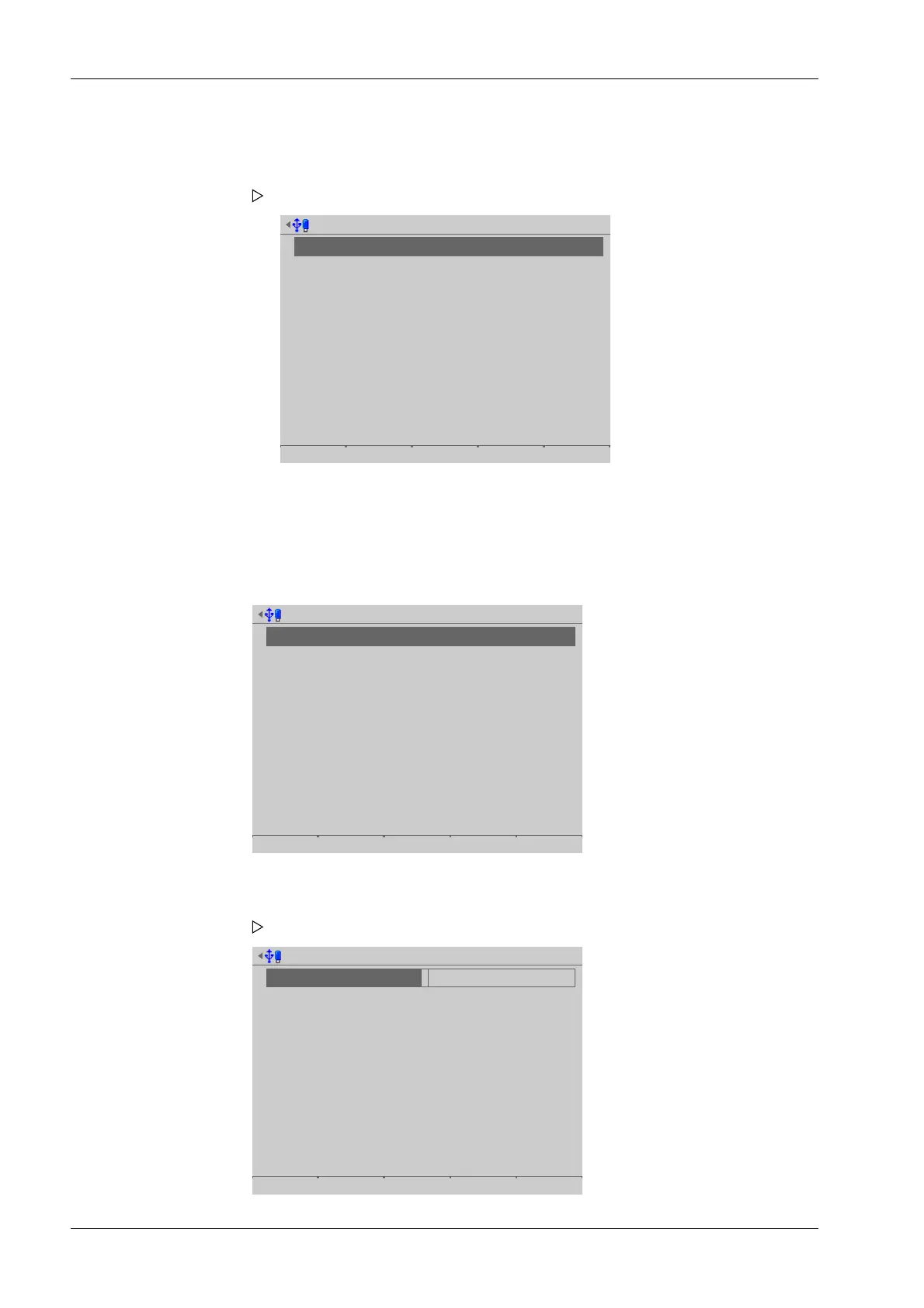
The newly congured connection (here: Report) is displayed.
1. Select the desired connection.
2. Press the [Change] soft key.
A selection window opens.
Process Controller Maxxis 5 PR 5900 4 System setup
Minebea Intec EN-86



 To Next Page