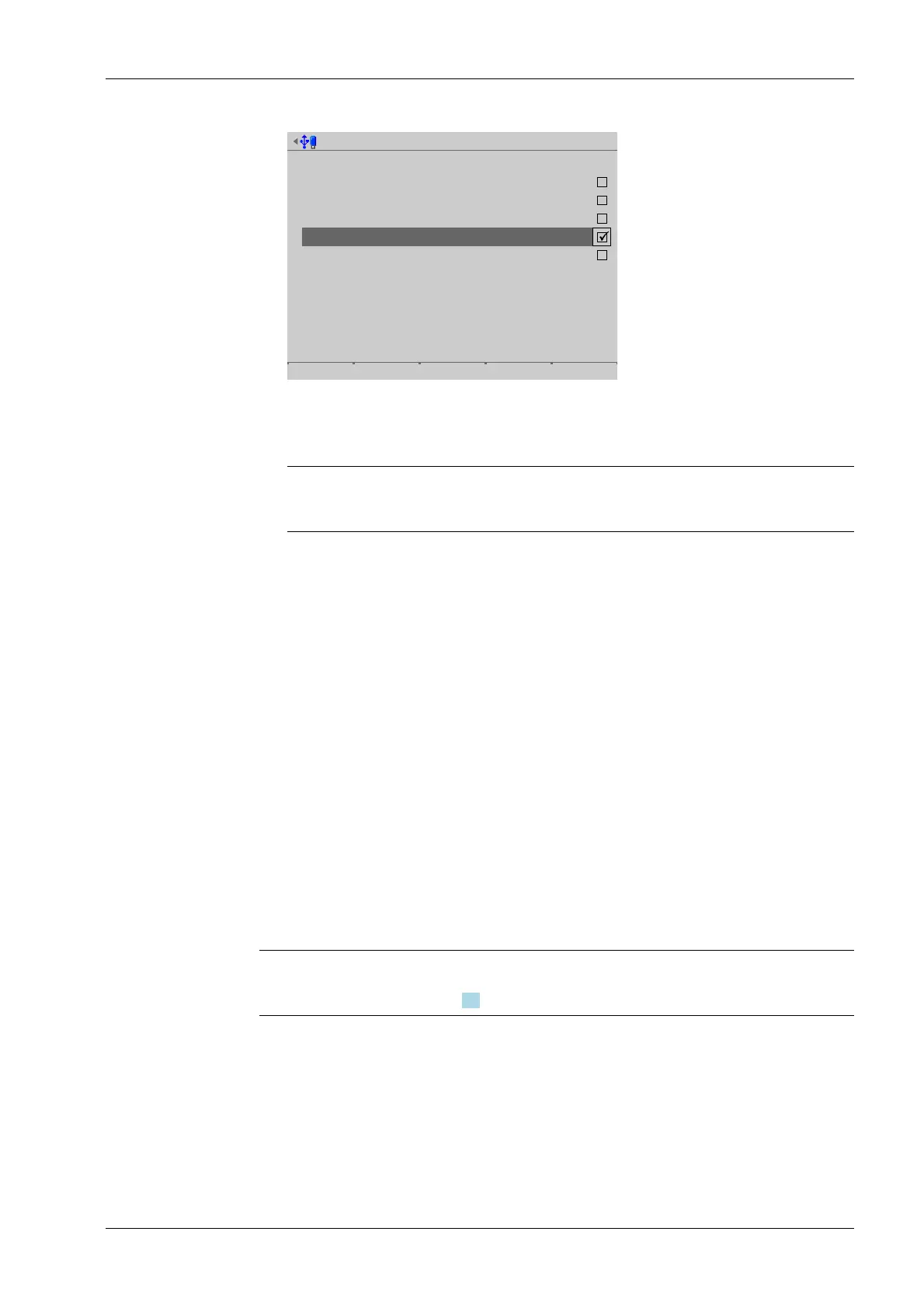
System information @admin
Select backups to remove.
flashcopy
20120907091556
20120907091519
20120907091035
20120817134751
Remove All None
Press the [None] soft key to deselect all selected items.
Note:
The last three backups cannot be deleted.
6.7 Create service report
In this menu item (under System maintenance), a service report le with the following
data is generated:
- All system setup data
- All user management data
- All I/O card data
- Statistics on database and Alibi memory usage
- Error logs
- Logs (audit trails)
- Log les
This le can be sent to customer service for analysis in the event of technical queries.
Note:
For contact info, see Chapter 1.6
Accessible via MENU - [Operating] - [System maintenance]- [Create service report] .
2. Check the appropriate box ☑ or press the [All] soft key to select all possible items.
3. Press the [Remove] soft key to delete the selection.
4. Press the EXIT key to return to the [System maintenance] menu.
6 System maintenance Process Controller Maxxis 5 PR 5900
EN-311 Minebea Intec



 To Next Page