2.9.3 Searching the device in the network with "IndicatorBrowser"
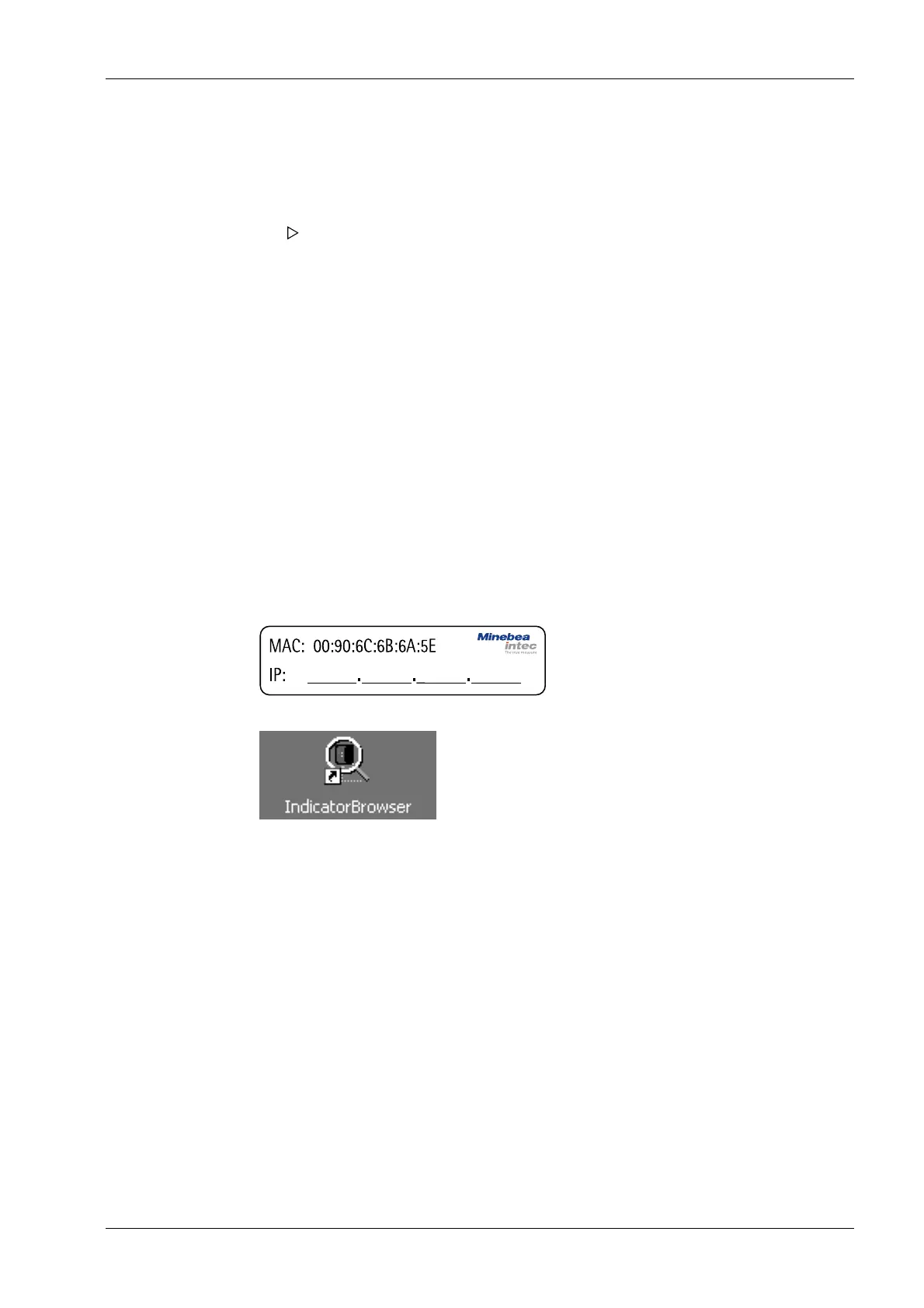
The IP address can be found out using the "IndicatorBrowser" application (supplied on
CD-ROM) and via the "host name" of the device.
The "host name" is composed of the device name and the last 3 bytes of the MAC ID. A
label with the complete MAC ID is located on the outside of the device.
Host name: PR5900-6B6A5E
For this, the program must be installed and started on a notebook/PC.
1. On the notebook/PC, set the LAN local and Internet Protocol properties to "Obtain an
IP address automatically" depending on the operating system.
2. On the device, under MENU - [Default conguration] - [Network parameters] activate
the "Use DHCP" parameter (factory/default settings).
Example:
If the search time is exceeded (because there is "no server found"), the PR 5900 is
assigned to an IP address automatically (e.g. 169.254.0.123). The same applies to
the notebook or PC (e.g. 169.254.0.54).
These IP addresses are dierent on both sides:
- equal regarding the rst 2 octets of the IP address (e.g. network ID 169.254.)
- dierent in the last 2 octets of the IP address (e.g. host ID 0.123.)
The DHCP devices nd each other because they fall into an "auto-IP address" in
the range 169.254.0.1169.254.255.254 with the associated auto-subnet mask
255.255.0.0 after a cyclical automatic DHCP server search run due to time
overow (23 minutes).
2 Commissioning Process Controller Maxxis 5 PR 5900
EN-27 Minebea Intec



 To Next Page