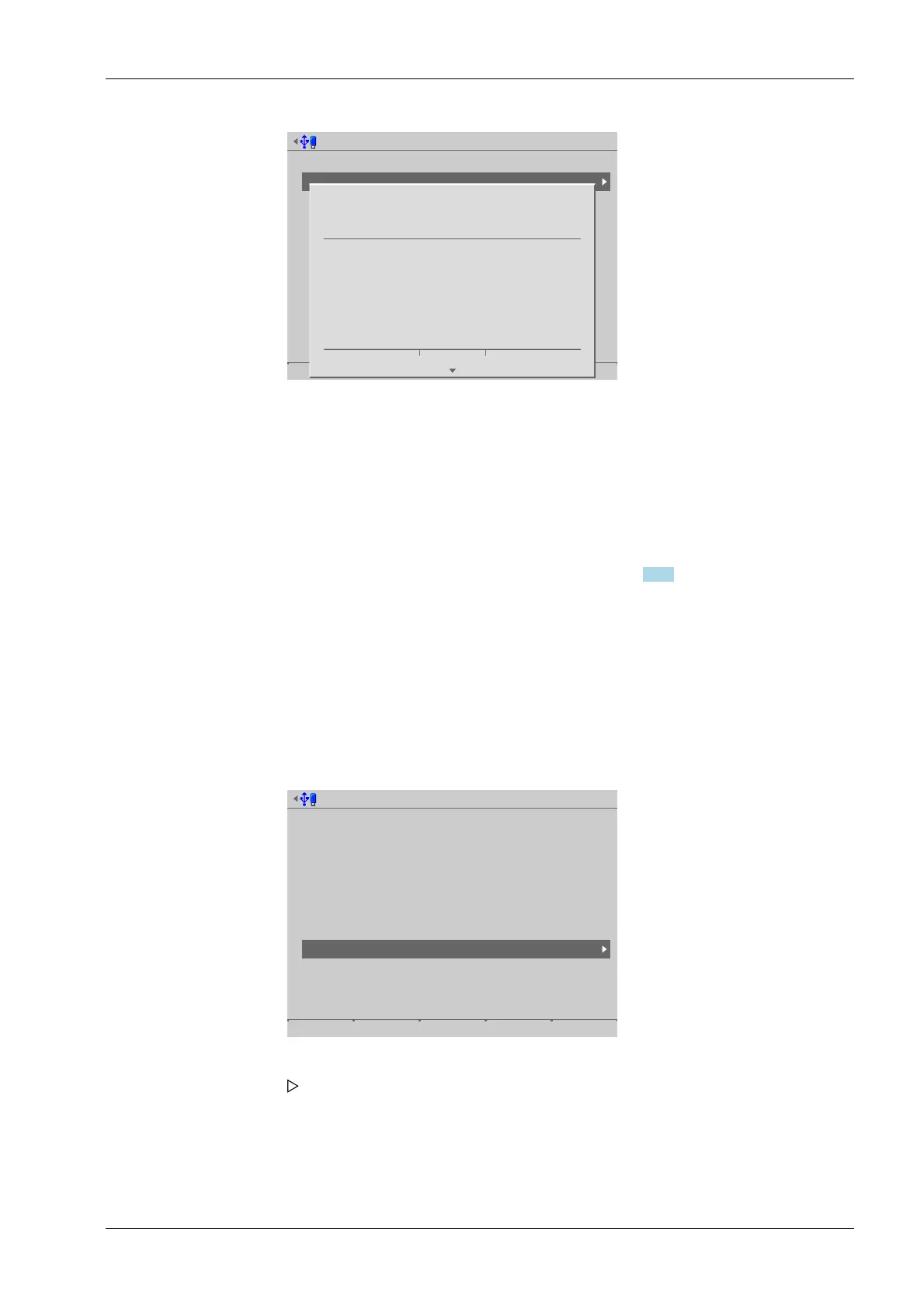
Create service report on USB stick @admin
Attached storage devices
USB stick
Network share connections
Backups
Exports
Reports
i
Service report completed.
Ok
6.8 Shutdown & power o
In this menu item (under [System maintenance]), the device is prepared for shutdown,
e.g. for option card installation.
- Shutdown & Power o (without SD card), see Chapter 6.8.1.
Before switching o, all data is stored on the SD card and automatically restored again
after switching on.
- The application will be closed.
- The database and all settings will be saved.
- The device will be shut down.
- The device prompts the user to switch it o.
Accessible via MENU - [Operating] - [System maintenance] - [Shutdown & Power o] .
System maintenance @admin
Backup
Restore
Export
Import
Alibi memory maintenance
SD card maintenance
Create service report
Shutdown & Power off
Update software
Factory reset
Test hardware
3. Press the [OK] soft key to return to the [System maintenance] menu.
4. Remove the USB stick from the device and insert in a PC to send the le to customer
service via e-mail.
1. Select and conrm [Shutdown & Power o].
A prompt window appears.
6 System maintenance Process Controller Maxxis 5 PR 5900
EN-313 Minebea Intec



 To Next Page