3.9.12 Backup and restore setup data
In this web menu item,
- [Backup] can be used to save the setup, user, calibration and application data as a
backup on the PC, see Chapter 3.9.12.1.
- [Restore] can be used to restore the setup, user, calibration and application data on
the device, see Chapter 3.9.12.2.
Note:
This function cannot be used to back up the database on the PC and restore it on
the device. This is only possible in the menu [Operating]- [System maintenance] .
Accessible via the web menu - [Backup and restore setup data].
3.9.12.1 Backup
In this web menu item, a backup with the setup, user, calibration and application data is
created on the PC.
Accessible via the web menu – [Backup and restore setup data] - [Backup].
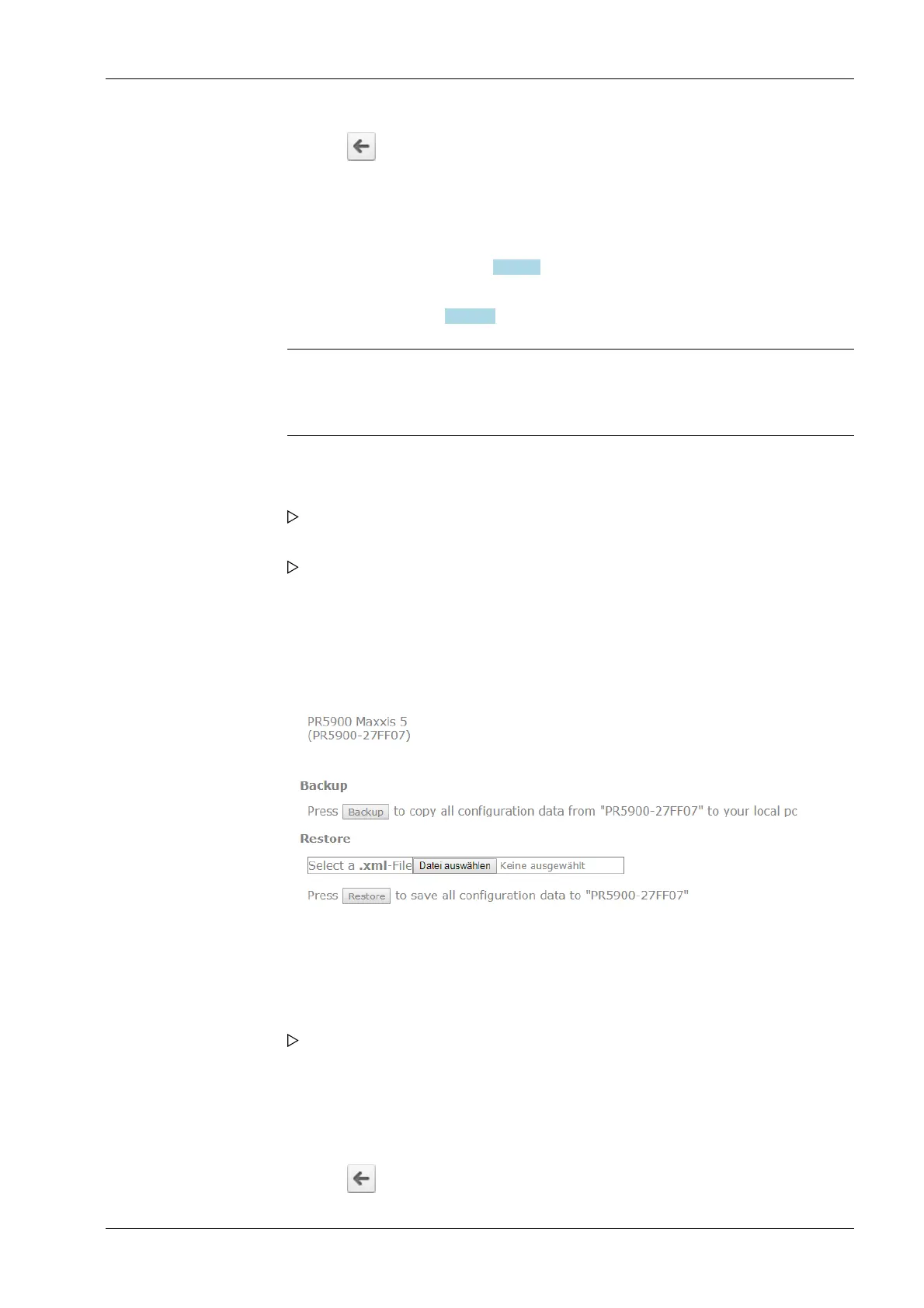
Backup and restore menu.
Example: "InternetExplorer"
The backup has been saved in the selected directory.
6. Click the symbol to return to the web menu.
1. Click [Backup and restore setup data] in the web menu.
If applicable, an input window appears.
2. If applicable, enter user name and password and conrm.
The backup and restore menu appears.
1. Click [Backup] to create a backup.
The le download window of the Internet browser appears.
2. Click [Save].
3. Select a directory in which to save the XML le.
4. Click [Save].
5. Click the symbol to return to the web menu.
3 Operation and control Process Controller Maxxis 5 PR 5900
EN-45 Minebea Intec



 To Next Page