3 Operation and control
3.1 User login/logout
If user management is activated, the user must log in to operate and congure the device:
- User login, see Chapter 3.1.1.
- User logout, see Chapter 3.1.2.
3.1.1 User login
An authorized user must log in to start the application or enter parameters.
WP-A
Max 3000g d= 0.1g
00
+
g
0g 3000g
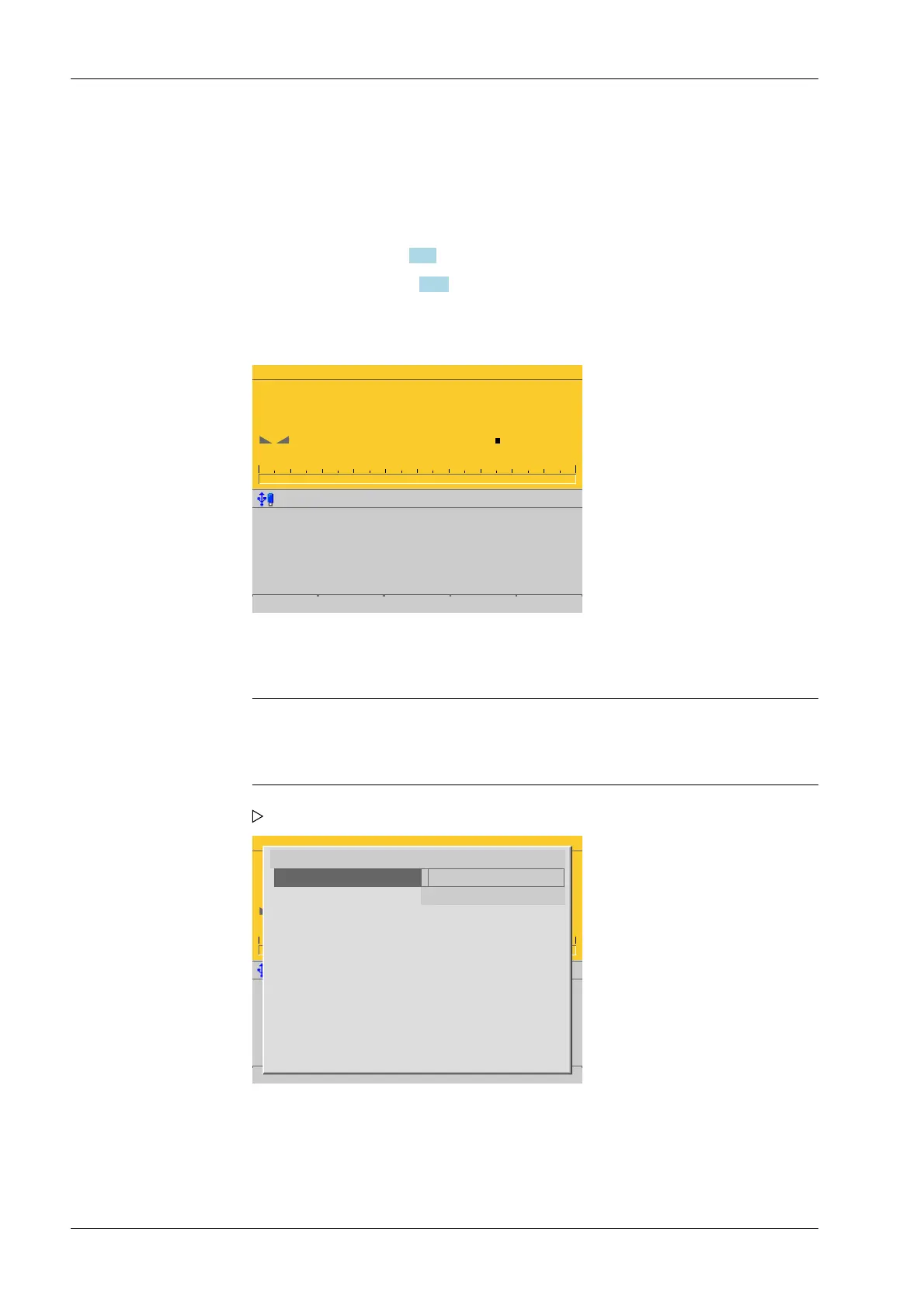
This window only appears if no user is logged in.
Note:
If the "default" user is active, a password does not need to be entered. The empty
entry window only needs to be conrmed to log in.
WP-A
Max 3000g d= 0.1g
00
+
g
0g 3000g
Enter user name and password
User name
Password ********
1. Press the [Login] soft key to log in as a specic user.
A login window appears.
2. Enter and conrm the user name.
3. Enter and conrm the password (access code).
Process Controller Maxxis 5 PR 5900 3 Operation and control
Minebea Intec EN-32



 To Next Page