4.7.5.5.3 Device information
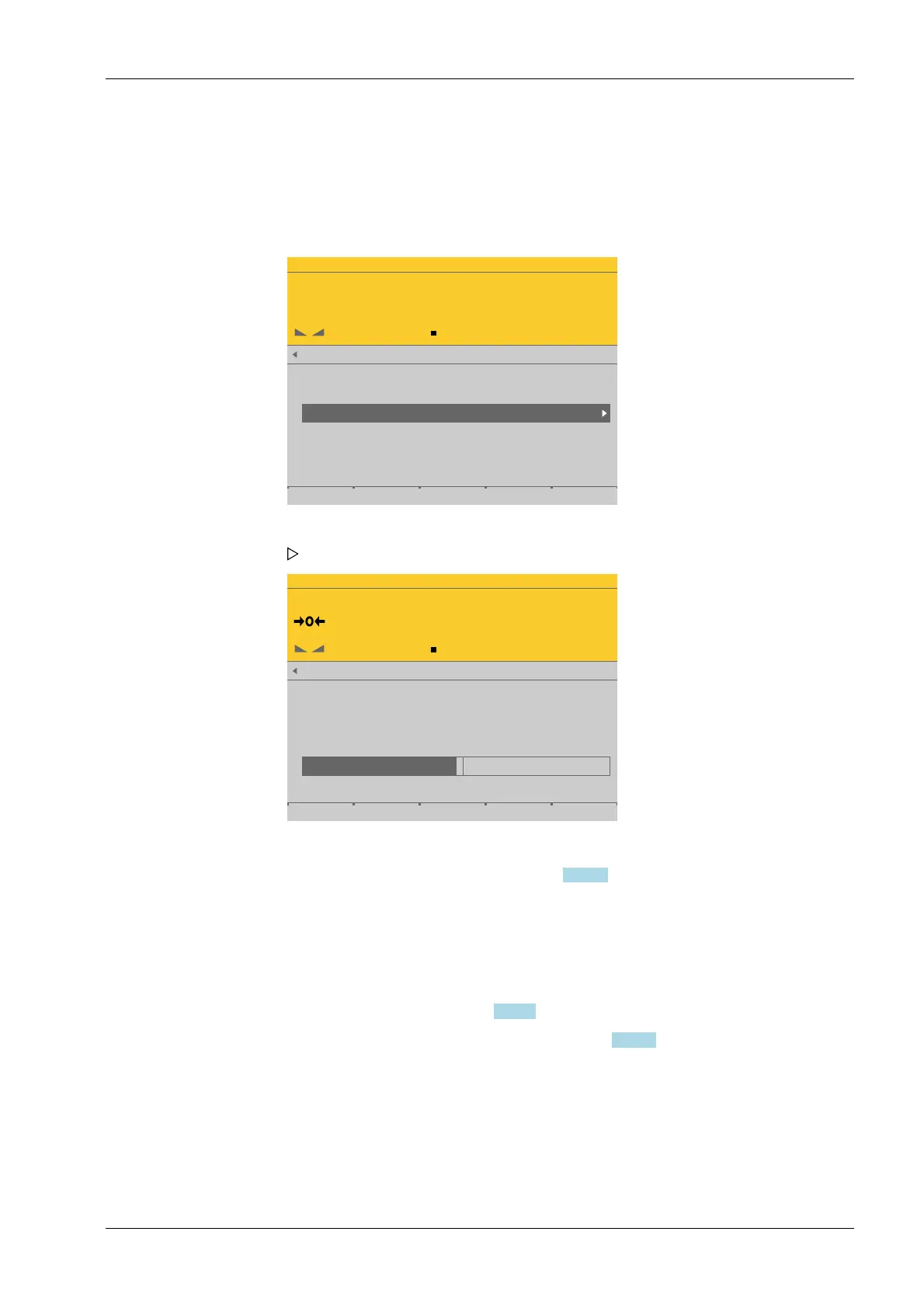
In this menu item (under Setup), the device information parameters of the xBPI scale
weighing electronics are congured.
Accessible via MENU - [Operating] - [System setup] - [Weighing points] - [Weighing
point x] - [xBPI scale] - [Setup] - [Device information] .
WP-C
R1 Max 29.9kg d= 0.0005kg
00000
+
kg
xBPI scale setup @admin
Configuration
Select group of specifications
Device information
WP-C
R1 Max 29.9kg d= 0.0005kg
00000
kg
Manufacturer ID
Model name
Version
WP serial number
User ID
SBN
SARTORIUS
IS34EDE -POCE
00-20-13
11707786
Operator 1
0
Save
Inactive parameters are grayed out.
4.7.6 SBI scale
In this menu item (under Weighing points), the SBI scale weighing electronics are
assigned to a logical weighing point and congured.
- [Interface] (serial), see Chapter 4.7.6.1.
- [Parameters] (weighing electronics), see Chapter 4.7.6.2.
PR 5900 can communicate with scales (e.g. Combics1) or weighing modules via the SBI
protocol. The devices can be connected via serial interfaces (internal or PR 5900/04) (see
the PR 5900 installation manual under [Device installation] - [Hardware construction] -
[RS-485 interface (internal)] and under [Device installation] - [Accessories] - [PR 5900/04
2x RS‐485 interface]). Communication is serial.
1. Select and conrm [Device information].
The Device information window opens.
2. Change the user ID and SBN (see Chapter 4.7.5.2) if necessary.
3. Press the [Save] soft key to save the settings.
4 System setup Process Controller Maxxis 5 PR 5900
EN-157 Minebea Intec



 To Next Page