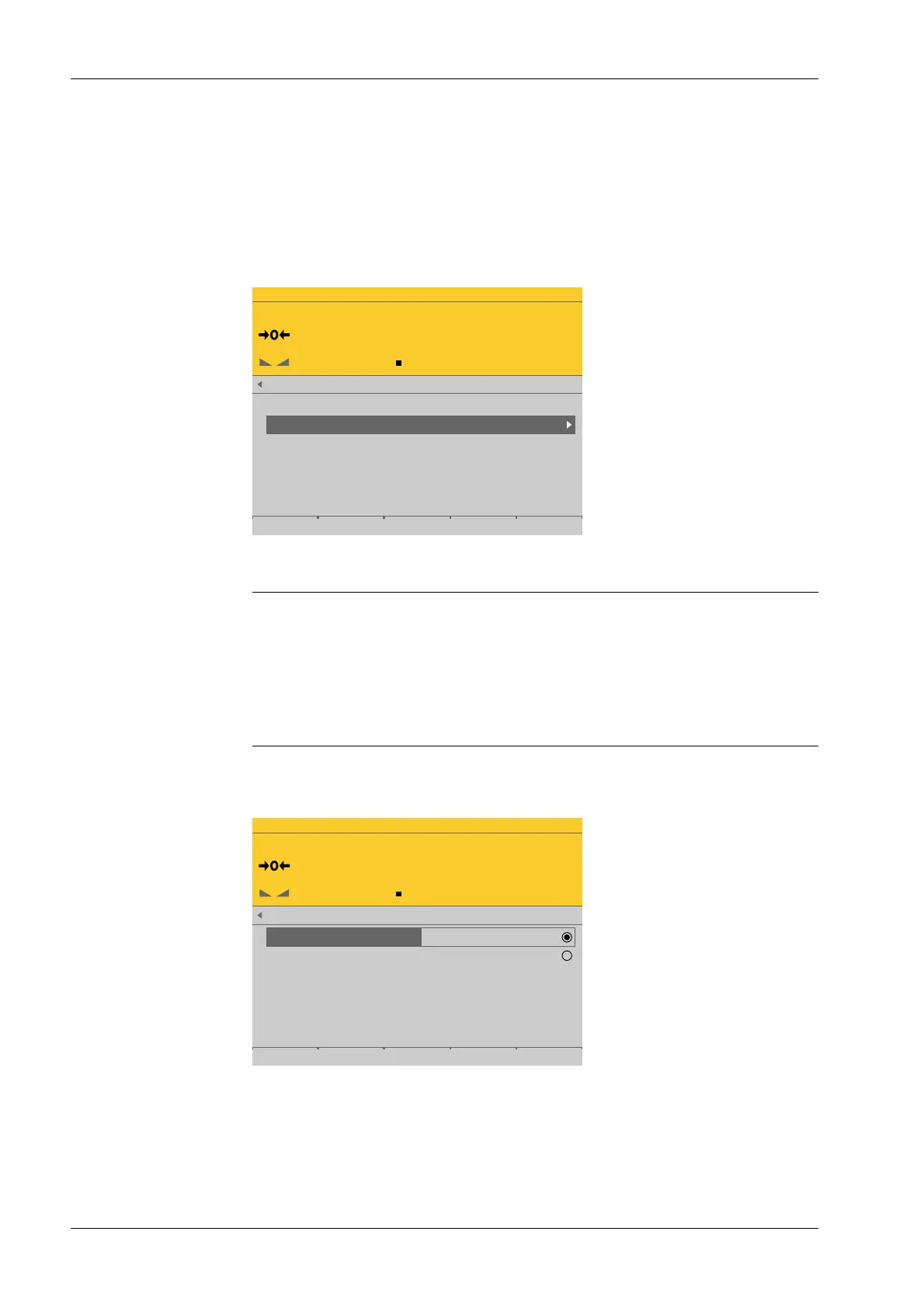
4.7.5.5.2 Select group of specications
In this menu item (under Setup), the specication groups of the xBPI scale weighing
electronics are congured.
Accessible via MENU - [Operating] - [System setup] - [Weighing points] - [Weighing
point x] - [xBPI scale] - [Setup] - [Select group of specications] .
WP-C
R1 Max 29.9kg d= 0.0005kg
00000
kg
xBPI scale setup @admin
Configuration
Select group of specifications
Device information
Note:
The following is required for setting up the specication group:
- The model name of the scale
- The number of the corresponding specication block (see scale operating
instructions).
Some xBPI scales have what are known as "specication blocks" for selecting various
modes of operation (single range, multiple range, etc.).
WP-C
R1 Max 29.9kg d= 0.0005kg
00000
kg
xBPI scale setup @admin
Specification group
Specification group
1
2
Save
5. Press the [Save] soft key to save the settings.
1. Select and conrm [Select group of specications].
2. Select and conrm the desired group of specications.
3. Press the [Save] soft key to save the settings.
Process Controller Maxxis 5 PR 5900 4 System setup
Minebea Intec EN-156



 To Next Page