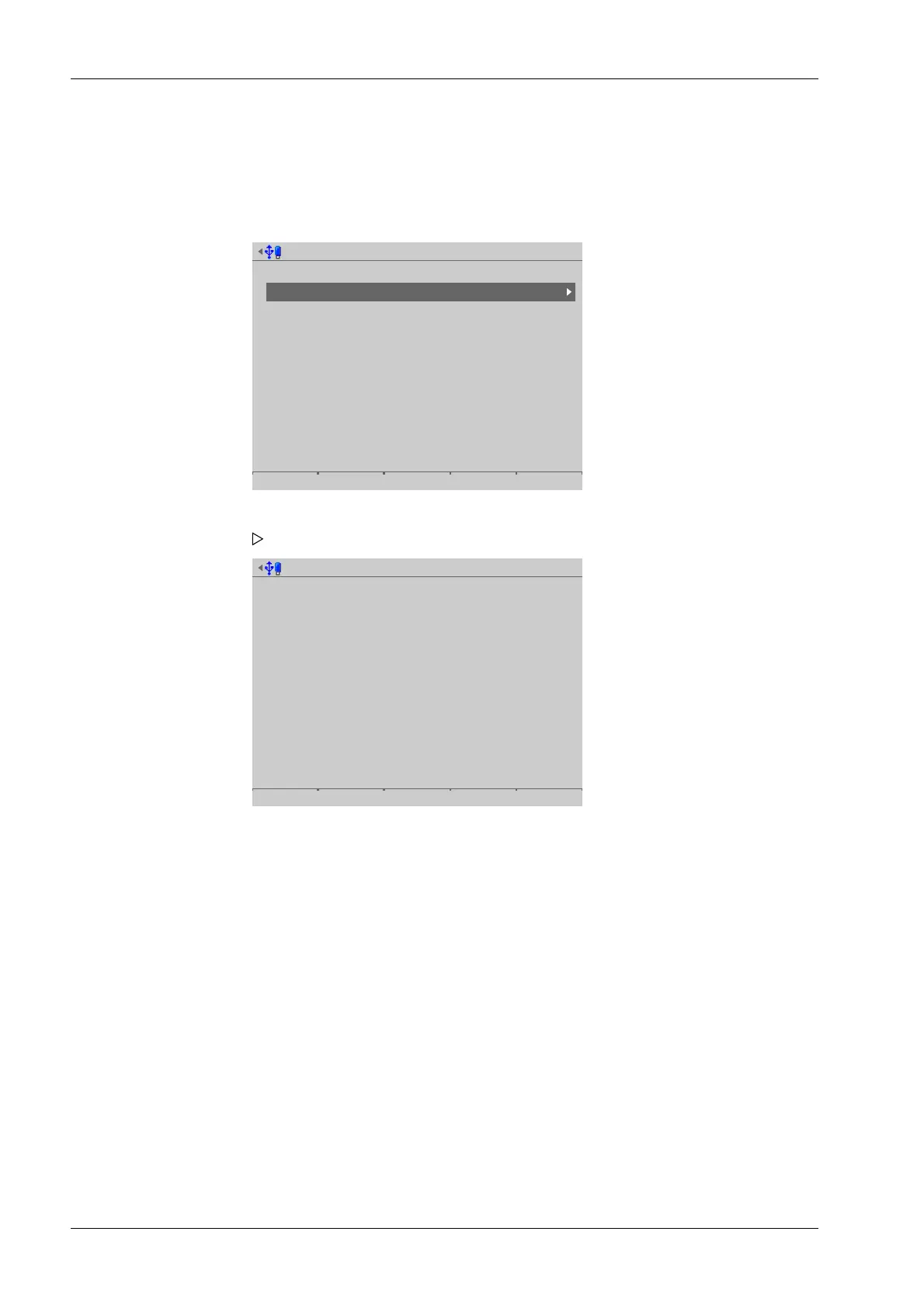
5.2 Show status
In this menu item (under System information), information on the device statuses is
displayed.
Accessible via MENU – [Operating] - [System information] - [Show status].
System information @admin
Show version
Show status
Show alarm information
Show HW options
Show ModBus-TCP IO module
Browse alibi memory
Show calibration check numbers
Show Pendeo data
Show event log
Print configuration settings
Version @admin
Available system RAM
Available backup memory
Available settings memory
Available database memory
Clock battery status
Board temperature
Accu status
Accu charge
CAL switch A/B
CAL switch 1/2
11728/27188 kB
3759/3775 MB
1484/2048 kB
1791/1792 kB
battery is ok
39.00 °C
ok
inactive
Open / open
Open / open
[Available system RAM]
Free working system memory space
[Available backup memory]
Free memory for backups
[Available settings memory]
Free memory for settings
[Available database memory]
Free database memory
[Clock battery status]
Battery status
[Board temperature]
Main board temperature
1. Select and conrm [Show status].
The following device statuses are displayed.
Process Controller Maxxis 5 PR 5900 5 System information
Minebea Intec EN-246



 To Next Page