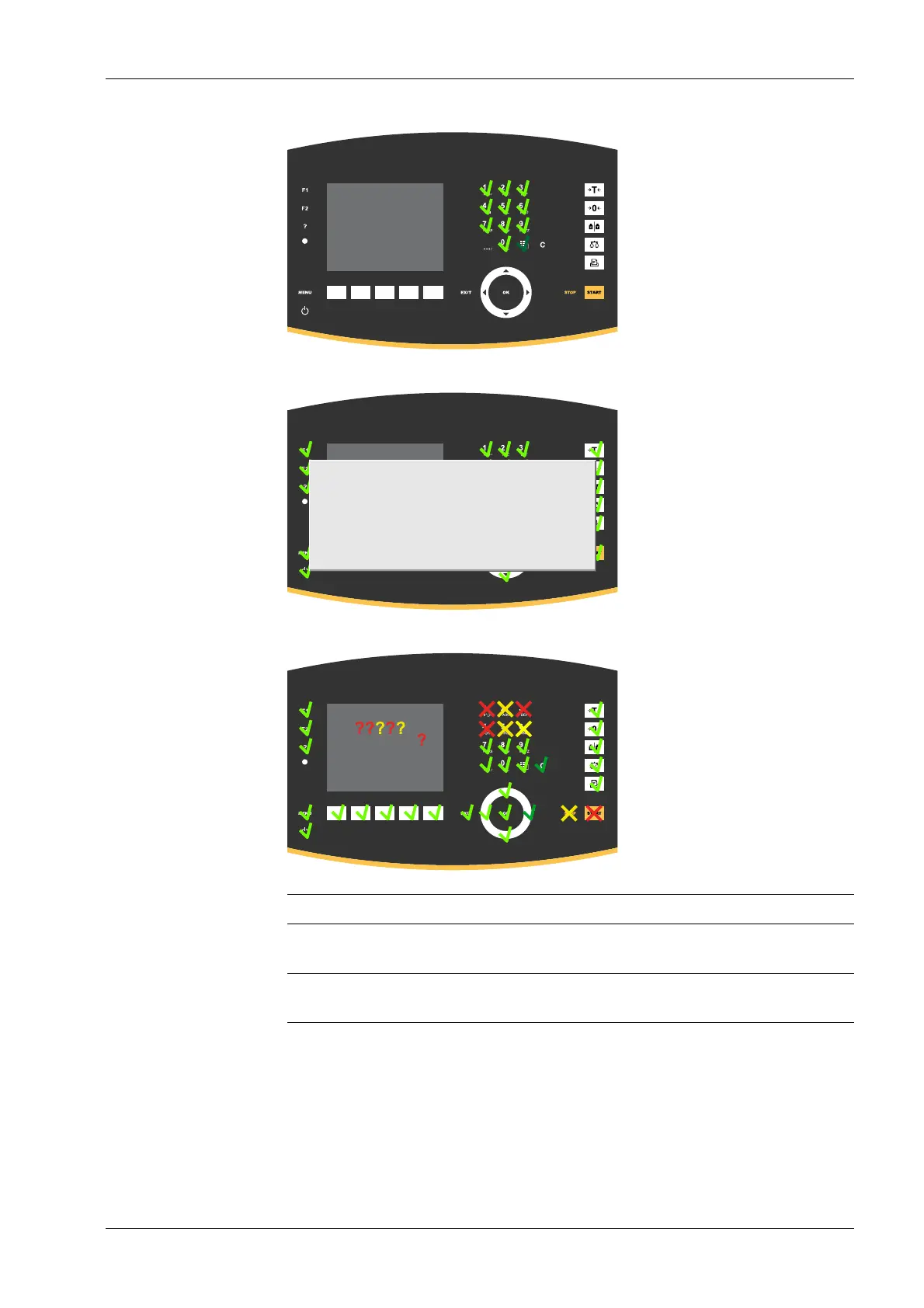
When all keys have been checked o, an info window appears
Errors are shown in red/yellow crosses and question marks.
Display Cause
red/yellow cross Keys are bypassed (e.g. short circuit in the foil-covered key-
board)
red/yellow
question mark
Question mark for unknown key position (e.g. keyboard
connected incorrectly)
6.11.3 I/O cards test
In this menu item (under Test hardware), the input/output cards are tested.
Accessible via MENU - [Operating] - [System maintenance]- [Test hardware] .
3. Press the EXIT key three times to return to the test menu.
6 System maintenance Process Controller Maxxis 5 PR 5900
EN-335 Minebea Intec



 To Next Page