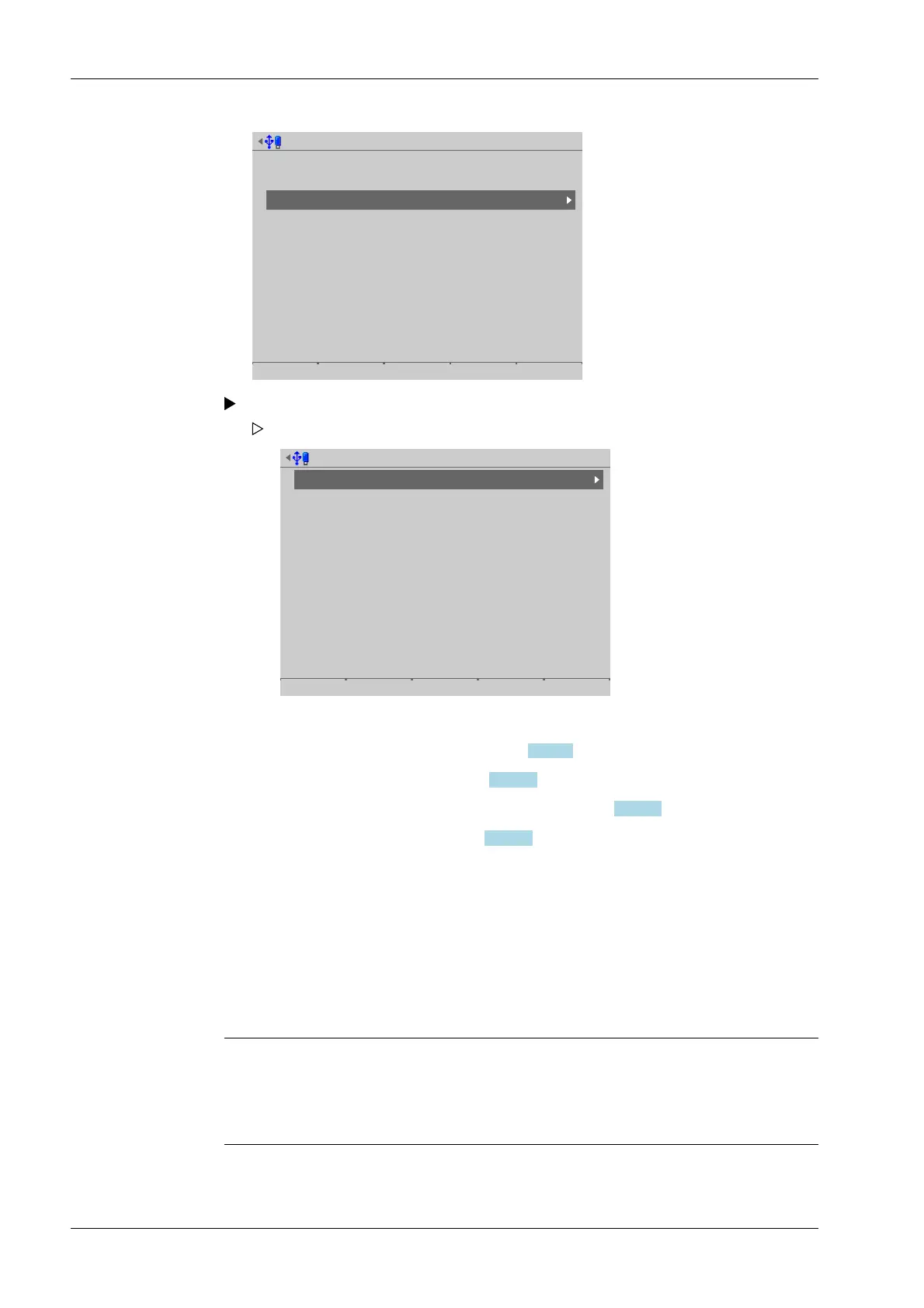
Test hardware @admin
Display test
Keyboard test
I/O cards test
The test process diers depending on the function of the card
- For the various [test modes], see Chapter 6.11.3.1.
- Example: PR 5900/W1, see Chapter 6.11.3.2.
- Adapting the analog output: PR 5900/07, see Chapter 6.11.3.3.
- Example: PR 5900/12, see Chapter 6.11.3.4.
6.11.3.1 Test modes
There are dierent test modes for the I/O cards test of the analog and digital inputs and
outputs:
- Test mode 1 [Monitoring]
- Test mode 2 [Internal test]
- Test mode 3 [External test]
Note:
If a card is not used by the application currently loaded, test mode 3 [External test] is
selected automatically. The [Monitoring] and [Internal test] test modes are not available
in this case.
Select and conrm [I/O cards test].
Test I/O-Cards @admin
Built-in RS-232/RS-485
Option-1
Option-2
Built-in Digital I/O
Option-FB
WP A
WP B
C1/CX1
PR5900/04 RS-485/RS-485
PR5900/W1 weighing electronics
PR5900/W1 weighing electronics
Remote terminal Digital I/O
-empty-
-Empty-
A selection window opens.
Process Controller Maxxis 5 PR 5900 6 System maintenance
Minebea Intec EN-336



 To Next Page