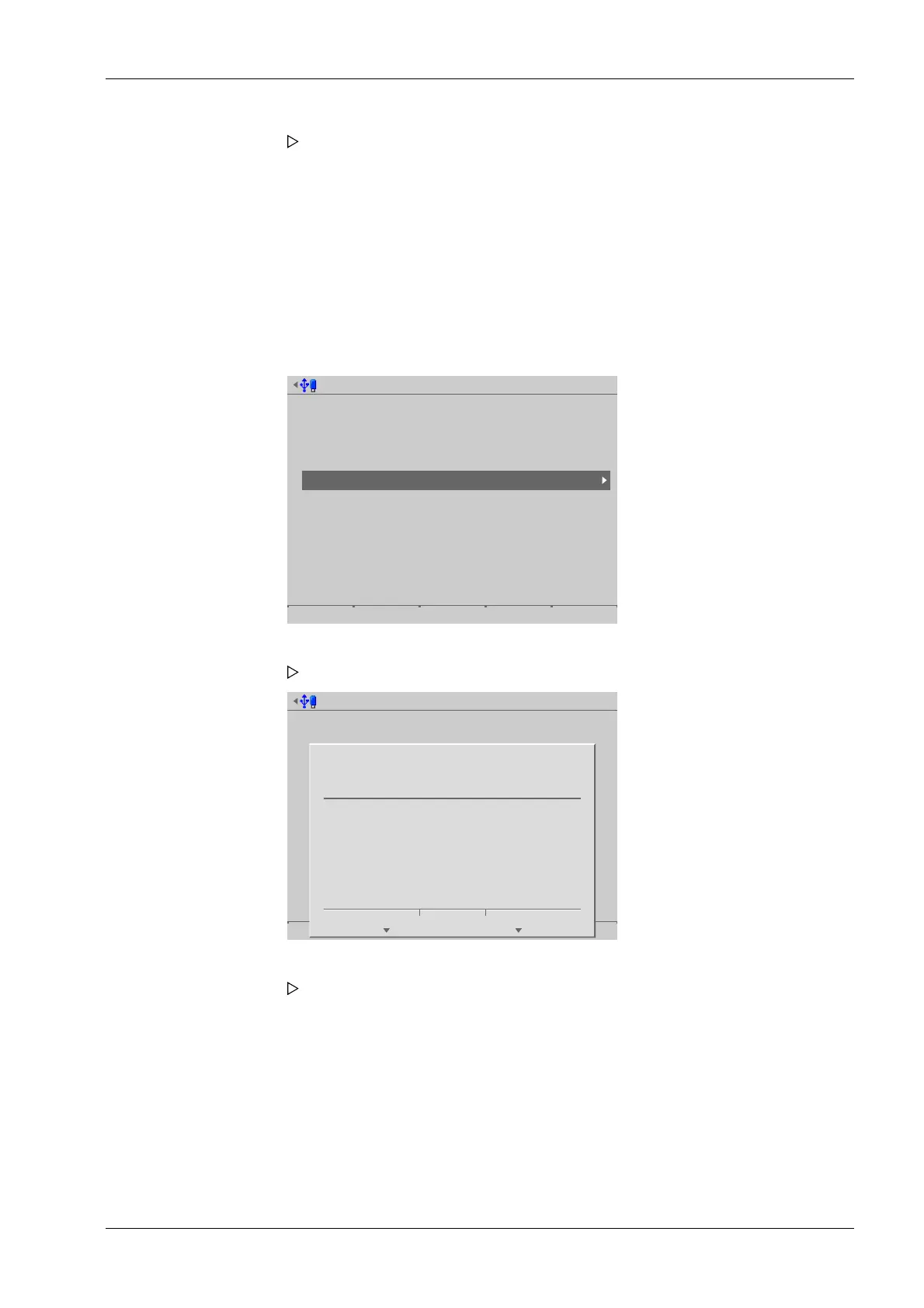
6.9.6 Restore software from SD card
In this menu item (under Update software), the software is restored from the SD card if it
is used in a replacement device.
The application software and the associated settings and database tables are loaded onto
the device without a prompt, see the PR 5900 installation manual under [Repair and
maintenance]- [Repair]- [Replace device] .
Accessible via MENU - [Operating] - [System maintenance]- [Update software]- [Restore
software from SD card] .
Update software
Update software
Update via FlashIt!
Update software for remote terminal
Remove application
Restore software from SD card
Restore software from SD card @admin
?
Press 'Next' to update the software
from the SD card.
Cancel Continue
6.10 Factory reset
In this menu item (under System maintenance), the following data is reset to factory
settings:
- All calibration data
- All system settings (including licenses and user management)
The application, settings and database tables are removed. The device runs a
cold start.
1. Select and conrm [Restore software from SD card].
A prompt window appears.
2. Press the [Continue] soft key.
The application software with the associated settings and database tables is
loaded onto the device. The device runs a cold start.
6 System maintenance Process Controller Maxxis 5 PR 5900
EN-331 Minebea Intec



 To Next Page