Error display Possible cause
Set dead load failed.
> phys. Max.
This message is displayed when the dead load ente-
red in mV/V plus scale interval in mV/V is higher
than 3 mV/V (= 36 mV).
Set dead load failed.
No standstill
This message appears if the scale
is not stable.
Remedy:
- Check the mechanical function of the scale.
- Adapt the lter setting; reduce the resolution.
- Adapt the standstill conditions.
Set dead load failed.
Dead load <-0.1 mV/V
This message appears if the measurement signal is
negative when determining the dead load with [by
load].
Cause: Load cells connected with the wrong polarity
or faulty.
Set dead load failed.
Arithmetic error
This message appears if the dead load entered in
mV/V is higher than 5 mV/V.
9.7.4 Calibrating with weight
WP-A
Max 3000g d= 0.1g
56152
+
g
Max
Scale interval
Dead load at
Max at
calibrated at
Sensitivity
3000.0 g
0.1 g
mV/V
mV/V
mV/V
µV/d
0.040750
1.177246
0.987513
0.470898
30000 d
1 d
102.832 g
3000.000 g
2516.5 g
98.10 cnt/d
by load by mV/V by data Linear. Save
STOP
Set SPAN failed.
no standstill
Ok
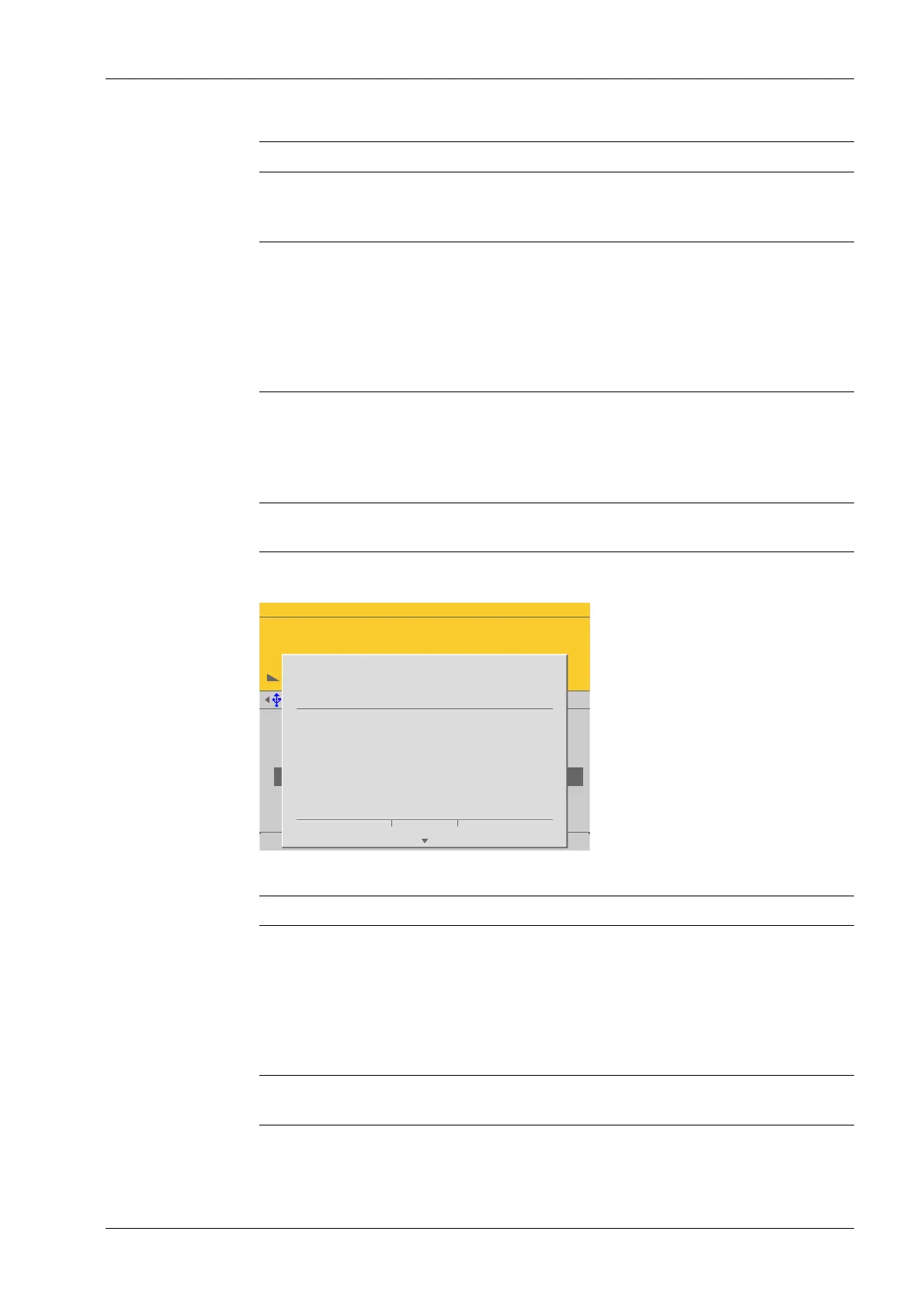
Example display for the following error messages.
Error display Possible cause
Set SPAN failed.
No standstill
This message appears if the scale
is not stable.
Remedy:
- Check the mechanical function of the scale.
- Adapt the lter setting; reduce the resolution.
- Adapt the standstill conditions.
Set SPAN failed.
Current load is below dead load.
This message appears if the load has been removed
from the scale rather than added.
9 Error messages Process Controller Maxxis 5 PR 5900
EN-369 Minebea Intec



 To Next Page