Display Error and possible cause Remote dis-
play
Wrong serial number
Only appears when CAL
switch is closed.
- Weighing electronics board has been changed after calibrati-
on.
- Device is not calibrated.
Error ?
Read cong failed The saved conguration and calibration data cannot be read.
- Restore the data saved in a backup (in menu [Operating] -
[System maintenance] - [Restore] - [SD card] ) to the device
(see Chapter 6.2.1).
- First set the weighing electronics (e.g. [internal weighing
point]) to [not assigned], save, and then reassign.
Error A
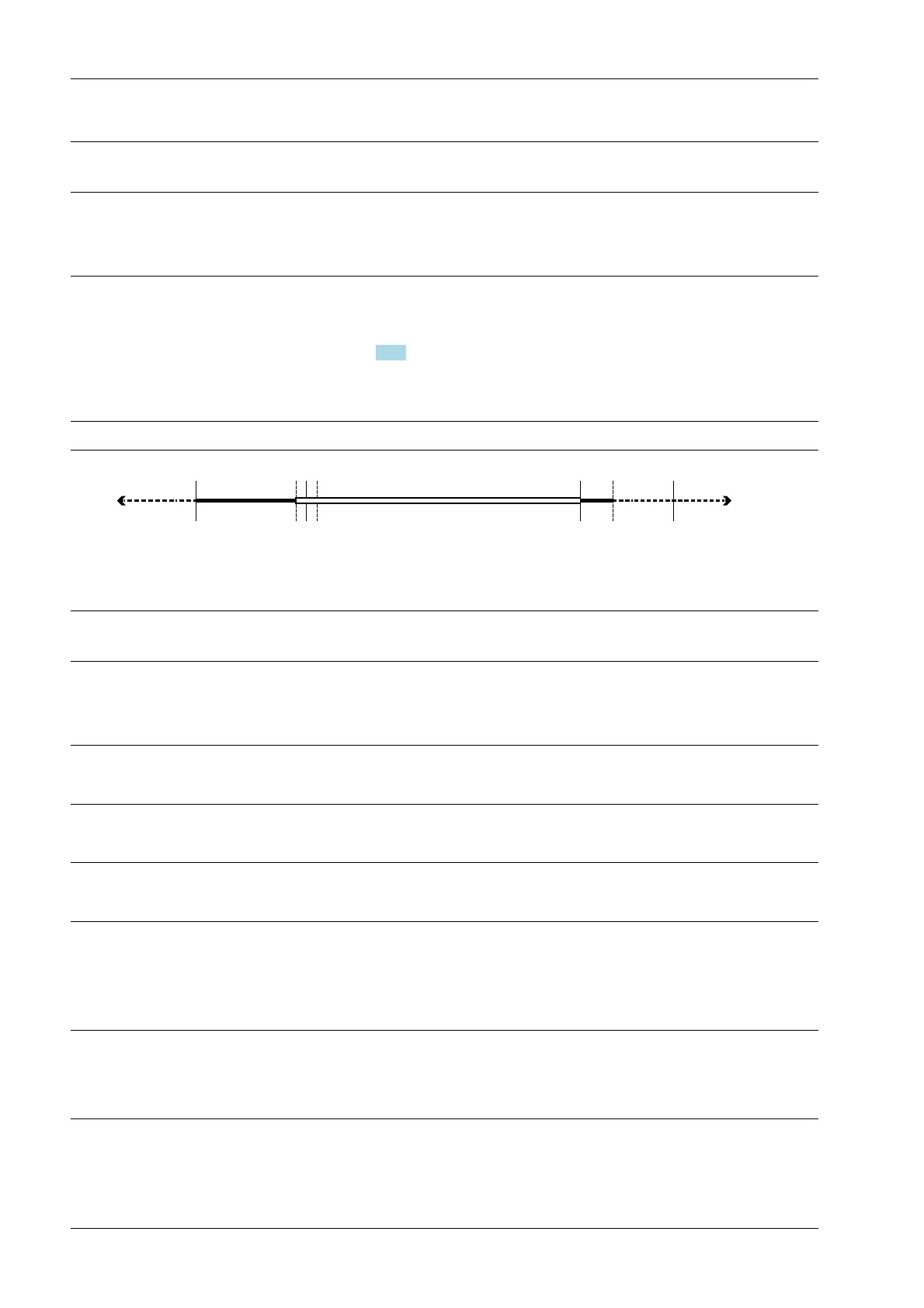
Warmup 123 The device is in the warmup phase, duration approx. 30 s 123
Negative signal Negative weight Display area
Max-¼ d +¼ d0
Overload none EOC
9.2 Error messages for xBPI scales
Display Error and possible cause Remote dis-
play
Overload The measuring signal is higher than Max + (x d):
- Wrong setting.
- Too much weight on the scale.
Error 2
Value exceeds display No display of weight values:
- Too many digits have been set.
Error 4
No weight value The xBPI scale is not providing any usable weights.
- Taring process cannot be completed.
Error 5
Incompatible units Incompatible weight units:
- Incorrect calibration values e.g. due to incorrect calibration.
Error 8
No values from scale No communication with xBPI scale:
- Cable break.
- Internal scale error.
- Scale not connected to power.
Error 9
Wrong conguration - Tare disabled.
- Tare 2 not permitted.
- Application tare too large.
Error 13
Process Controller Maxxis 5 PR 5900 9 Error messages
Minebea Intec EN-364



 To Next Page