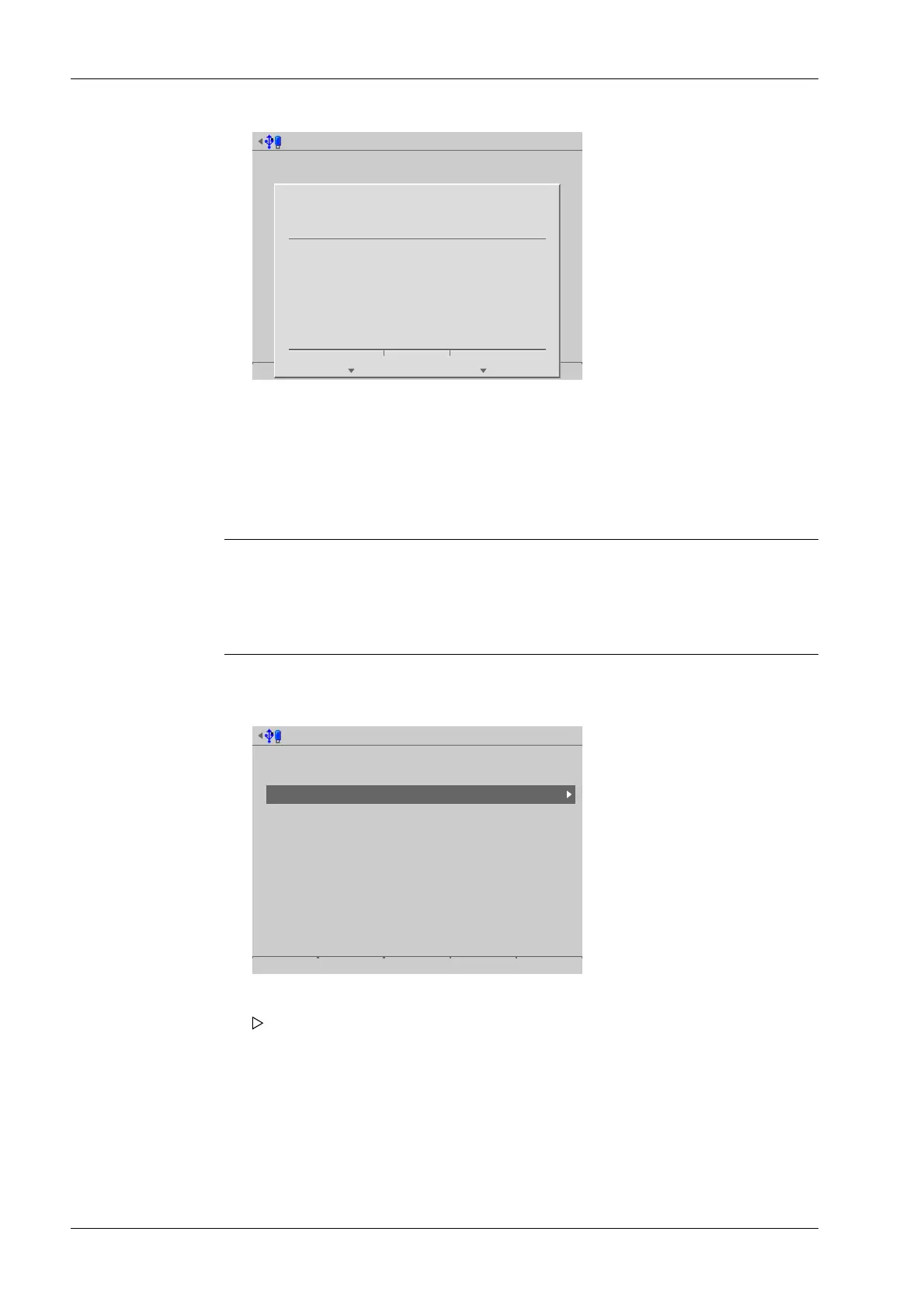
Format SD card @admin
?
Do you want to create a new backup?
Yes No
6.6.2 Cleanup backups
In this menu item (under SD card maintenance), the backups on the SD card can be
viewed and deleted.
Note:
Access to the SD card slows down considerably if too many backups are saved to the
card.
If more than 100 backups are saved to the card, not all backups will be accessible.
Accessible via MENU - [Operating] - [System maintenance]- [SD card maintenance]-
[Cleanup backups] .
SD card maintenance @admin
Maintenance level for the SD card
Format SD card
Cleanup backups
4. Press the [Yes] soft key to create a new backup and return to the [SD card
maintenance] menu.
1. Select and conrm [Cleanup backups].
A selection window opens.
Process Controller Maxxis 5 PR 5900 6 System maintenance
Minebea Intec EN-310



 To Next Page