[by ID] soft key.
Display the item number of the load cells.
5.9 Show event log
In this menu item (under System information), the event logs for the following areas are
displayed:
- [System setup] (e.g.: user login and logout, calibration, etc.)
- [Device] (e.g.: search for Pendeo load cells)
- [Switch on/o] (e.g.: switch device on/o)
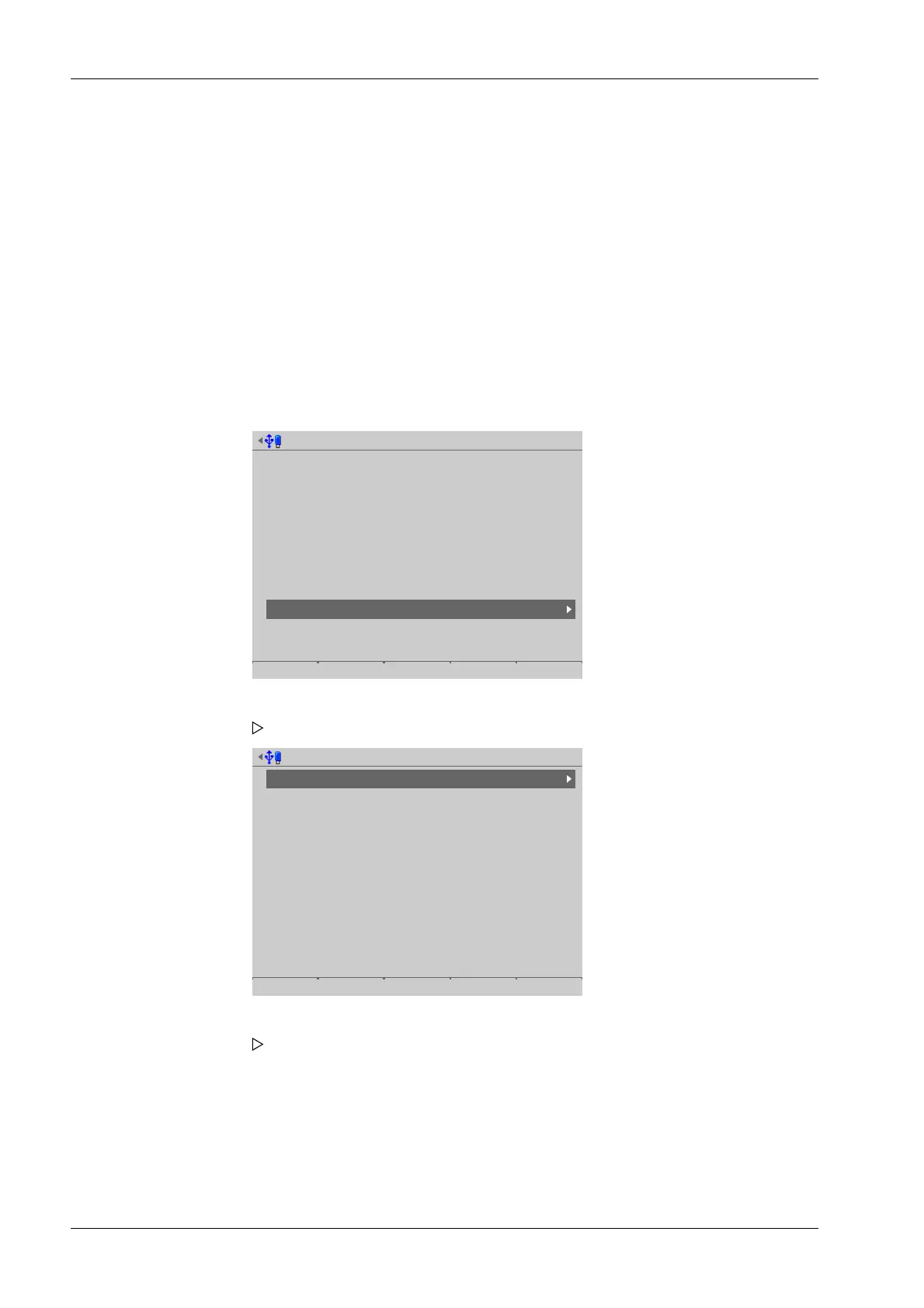
Accessible via MENU - [Operating] - [System information]- [Show event log] .
System information @admin
Show version
Show status
Show alarm information
Show HW options
Show ModBus-TCP IO module
Browse alibi memory
Show calibration check numbers
Show Pendeo data
Show event log
Print configuration settings
Event log for @admin
System setup
Device
Switch on/off
Error
751
109
218
0
4. Press EXIT to return to the previous window.
1. Select and conrm [Show event log]
A selection window opens.
2. Select and conrm the desired menu item, e.g. System setup.
The log is displayed.
Process Controller Maxxis 5 PR 5900 5 System information
Minebea Intec EN-260



 To Next Page